10 Best Image to 3D Model AI Tools Reviewed
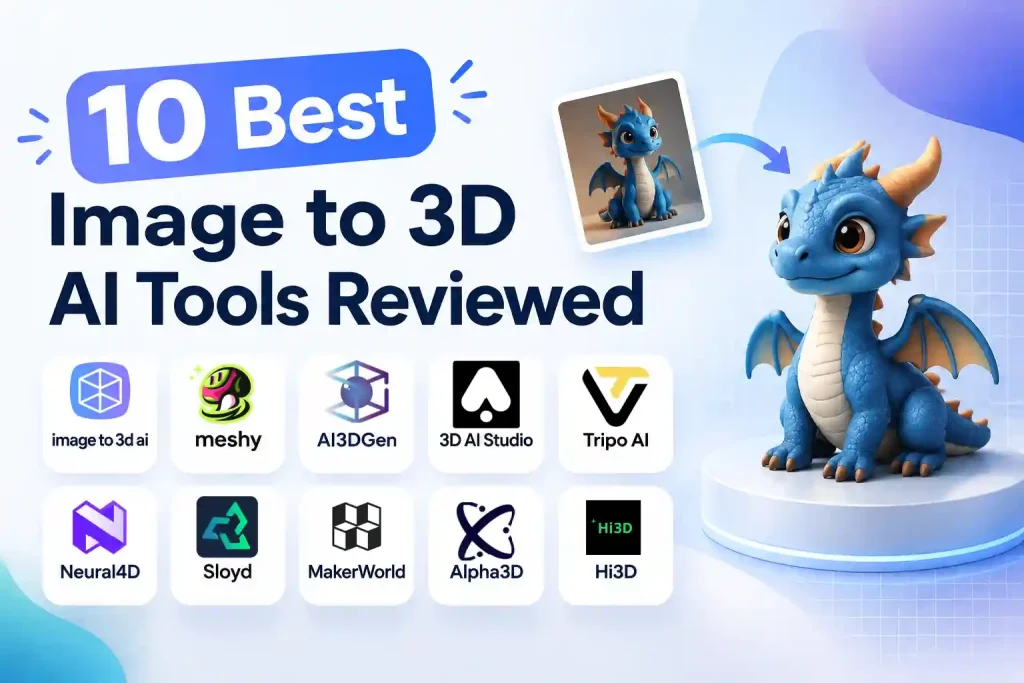
Turning a single picture into a usable 3D model used to mean hours of manual retopology. Now, an image to 3D model AI tool can do most of the heavy lifting in minutes — which is great news for game developers, product designers, 3D printing hobbyists, and anyone who needs assets without a modeling background.
The problem is that “great” varies wildly from tool to tool. Some produce clean, accurate meshes; others give you a lumpy approximation of your reference. Some let you download unlimited free models; others lock exports behind credit systems after a couple of tries.
So we tested ten popular image to 3D model AI tools — using free plans and free credits wherever possible — and compared model accuracy, texture quality, free allowances, and pricing. Here’s what we found.
10 Image to 3D Model AI Tools Compared at a Glance
Note: Free credits and pricing below were verified as of September 11, 2026, and may change at any time — always check each tool’s official page for the latest details.
| Tool | Rating | Best For | Advantages | Drawbacks | Free / Pricing |
|---|---|---|---|---|---|
| Image to 3D AI |
|
Free, high-accuracy models |
|
|
Free |
| Meshy |
|
DCC & 3D printing workflows |
|
|
30 credits / gen |
| AI3DGen |
|
Fast, adjustable mesh density |
|
|
Free + paid plans |
| 3D AI Studio |
|
Model & style variety |
|
|
40 credits / gen |
| Tripo AI |
|
All-in-one 3D toolkit |
|
|
55 credits / gen |
| Neural4D |
|
Simple, print-ready output |
|
|
20 credits / textured |
| Sloyd |
|
Quick stylized assets |
|
|
1 free / day |
| MakerWorld |
|
Batch generation |
|
|
2 free generations |
| Alpha3D |
|
Consolidated 3D studio |
|
|
24 / 42 credits |
| Hi3D |
|
High-detail, print-ready |
|
|
65 credits / textured |
← Swipe horizontally to see more columns →
How We Tested These Image to 3D Model AI Tools
Testing Criteria
A good image to 3D model AI tool needs to get the fundamentals right:
- Model accuracy. Does the generated model actually look like the reference image? For us, this came before anything else — an inaccurate model is useless no matter how polished the pipeline is.
- Texture quality. Are colors and surface detail baked in cleanly, or does the result look like a blurry wrap?
- Generation speed. Nobody wants to wait ten minutes for a rough draft.
- Ease of use. How steep is the learning curve? Can a beginner go from upload to download without a tutorial?
- Free allowance and pricing. How many models can you actually get for free, and what does it cost after that
- Licensing. Can you use the models commercially, or are you locked into CC BY 4.0 attribution?
What to Consider When Choosing a Tool
Before picking a tool, ask yourself:
- Do you need commercial rights to the models you generate?
- Do you need textured results, or is a white mesh enough?
- Do you need to export directly into Blender, ZBrush, or another DCC — or send the model straight to a 3D printer
- How many generations do you actually need per month?
- How much time are you willing to spend learning the interface?
Different tools answer these questions very differently, which is exactly why the right choice depends on your workflow rather than on any single “best” label.
10 Best Image to 3D Model AI Tools Reviewed
Each of these tools approaches image to 3D model generation a little differently. We compared features, results, ease of use, and free options side by side, so you can see the differences in accuracy, texturing, speed, and workflow at a glance.
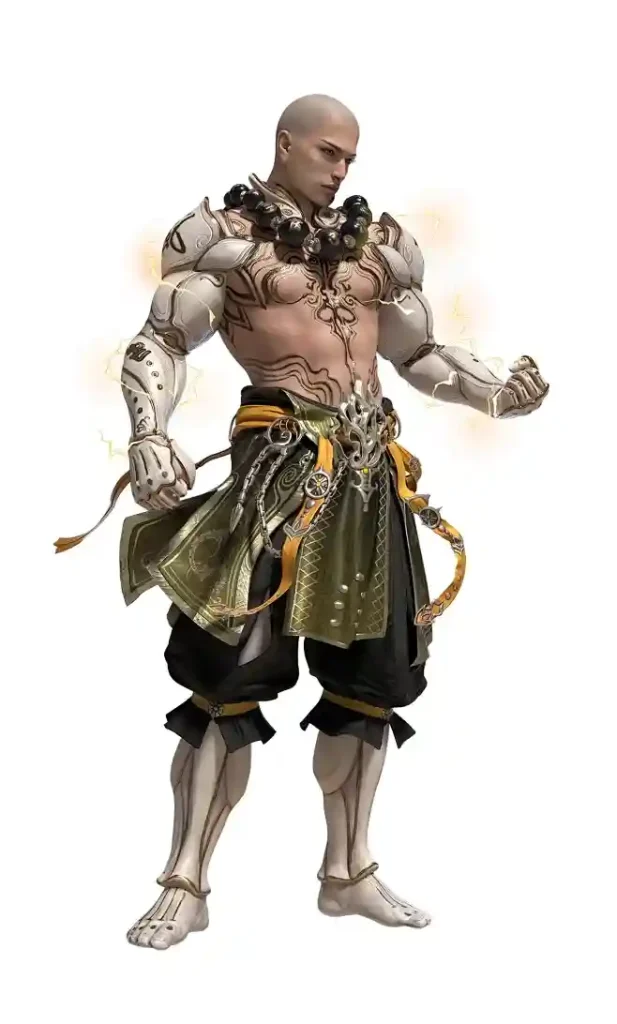
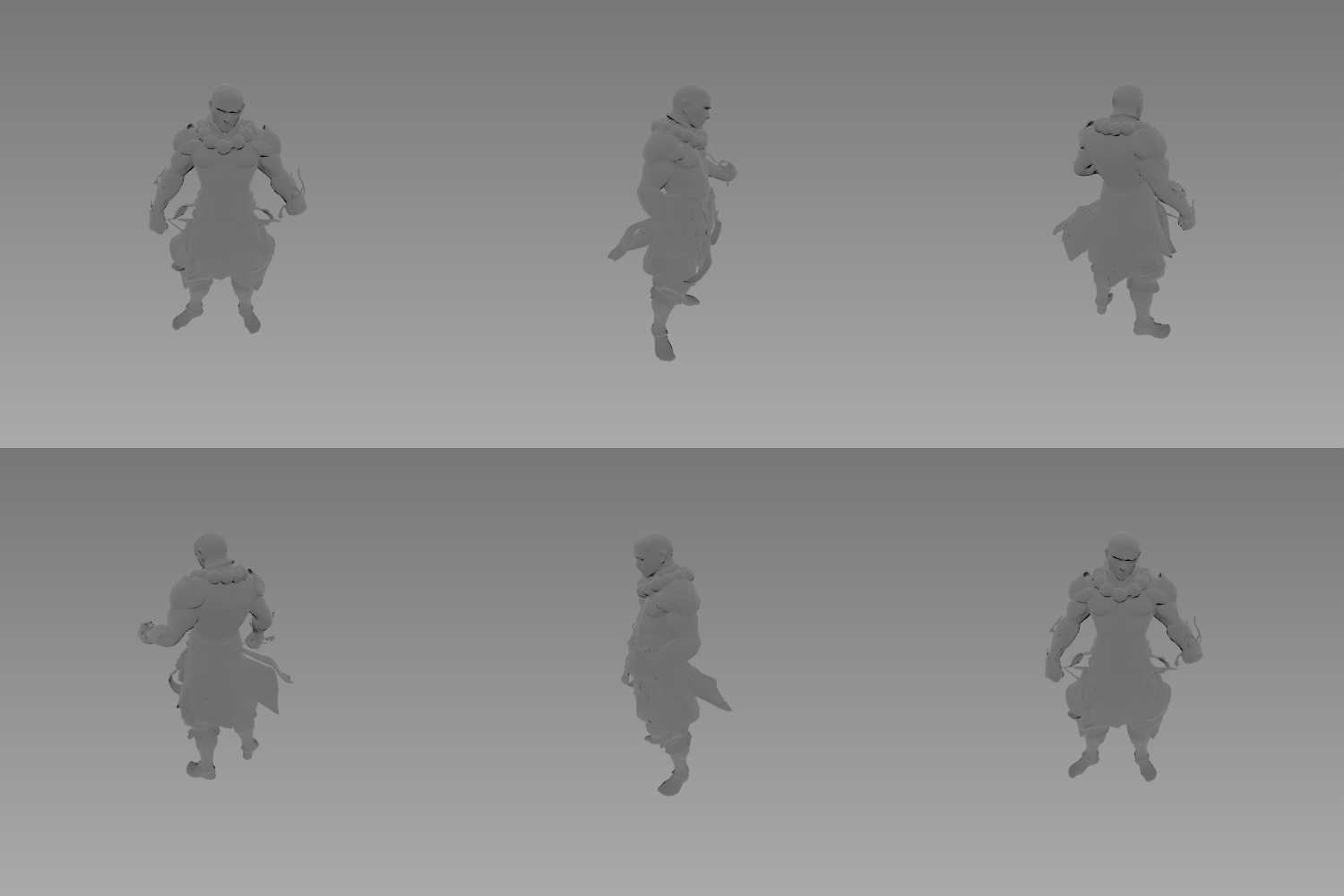
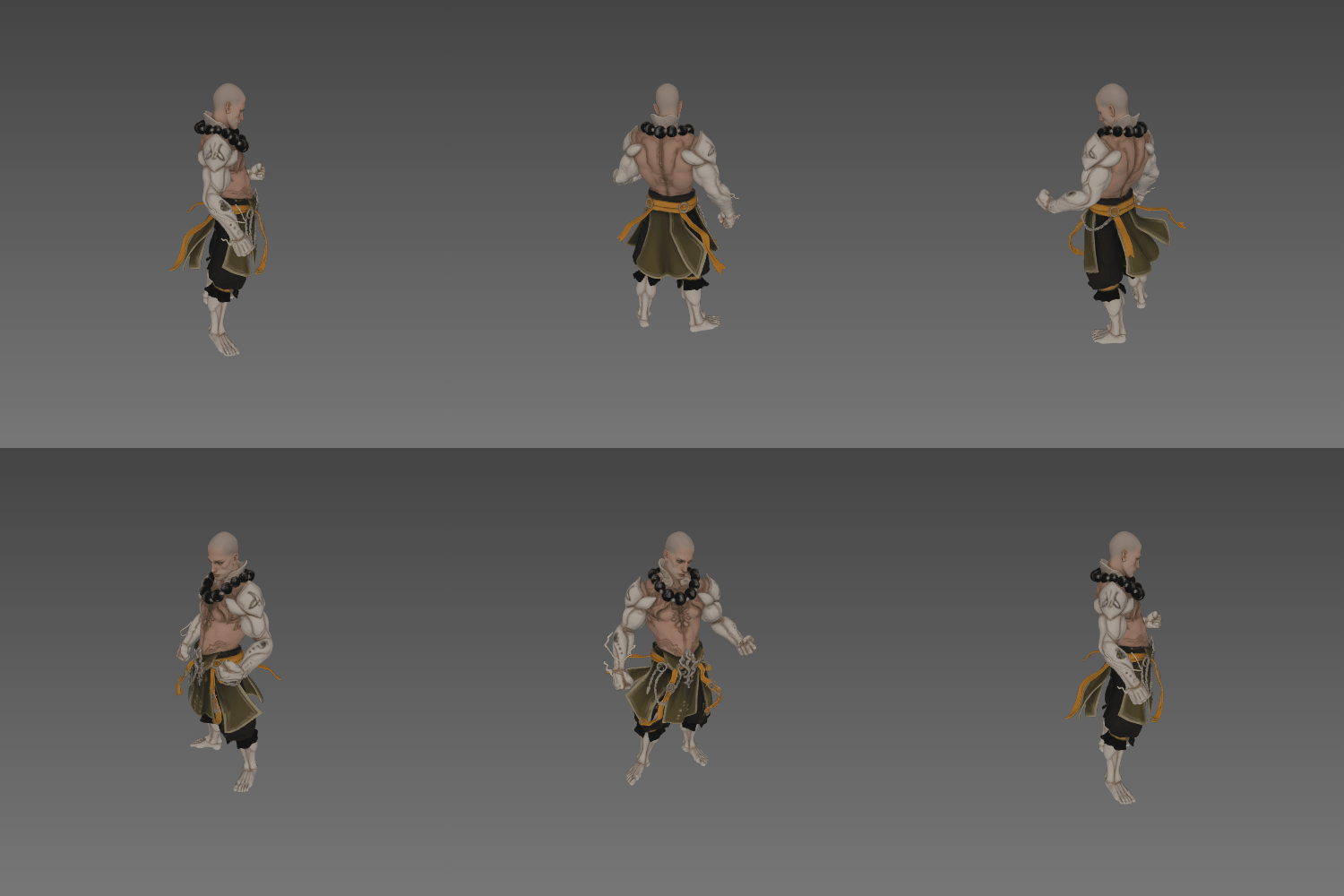
This is the single reference image we uploaded to all 10 tools, so you can judge every result against the same starting point.
1. Image to 3D AI
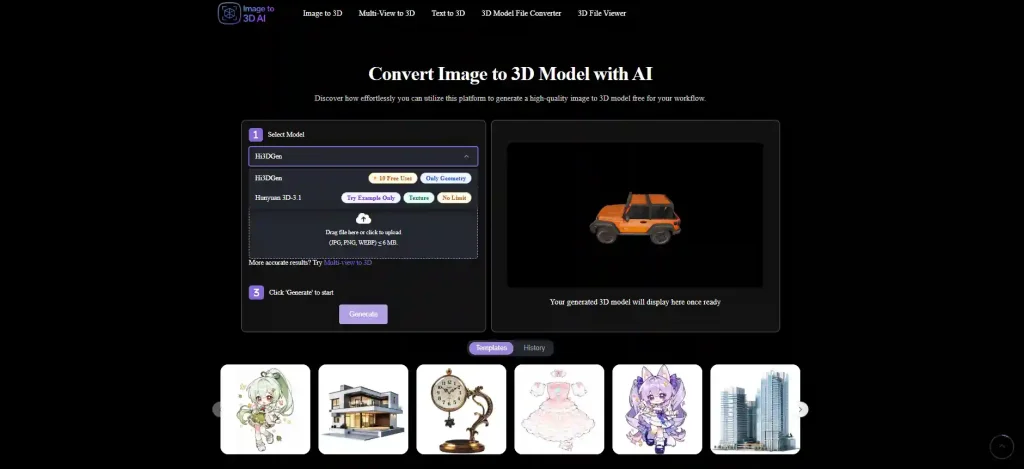
Image to 3D AI is built specifically for image to 3D model generation, and that focus shows. During our tests, it produced some of the most accurate meshes in the lineup — the models stayed recognizably faithful to the reference images, which is exactly what we prioritize.
✅ Pro:
- Completely free to use and download
- 100+ texture templates to choose from
- High model accuracy — results closely match the reference image
- No copyright disputes over generated models
❌ Con:
- When generating with the Hunyuan model, you can’t upload your own images as textures — model generation works from the built-in options only
- The feature set is fairly single-purpose — this is an image to 3D model tool, not a full 3D suite
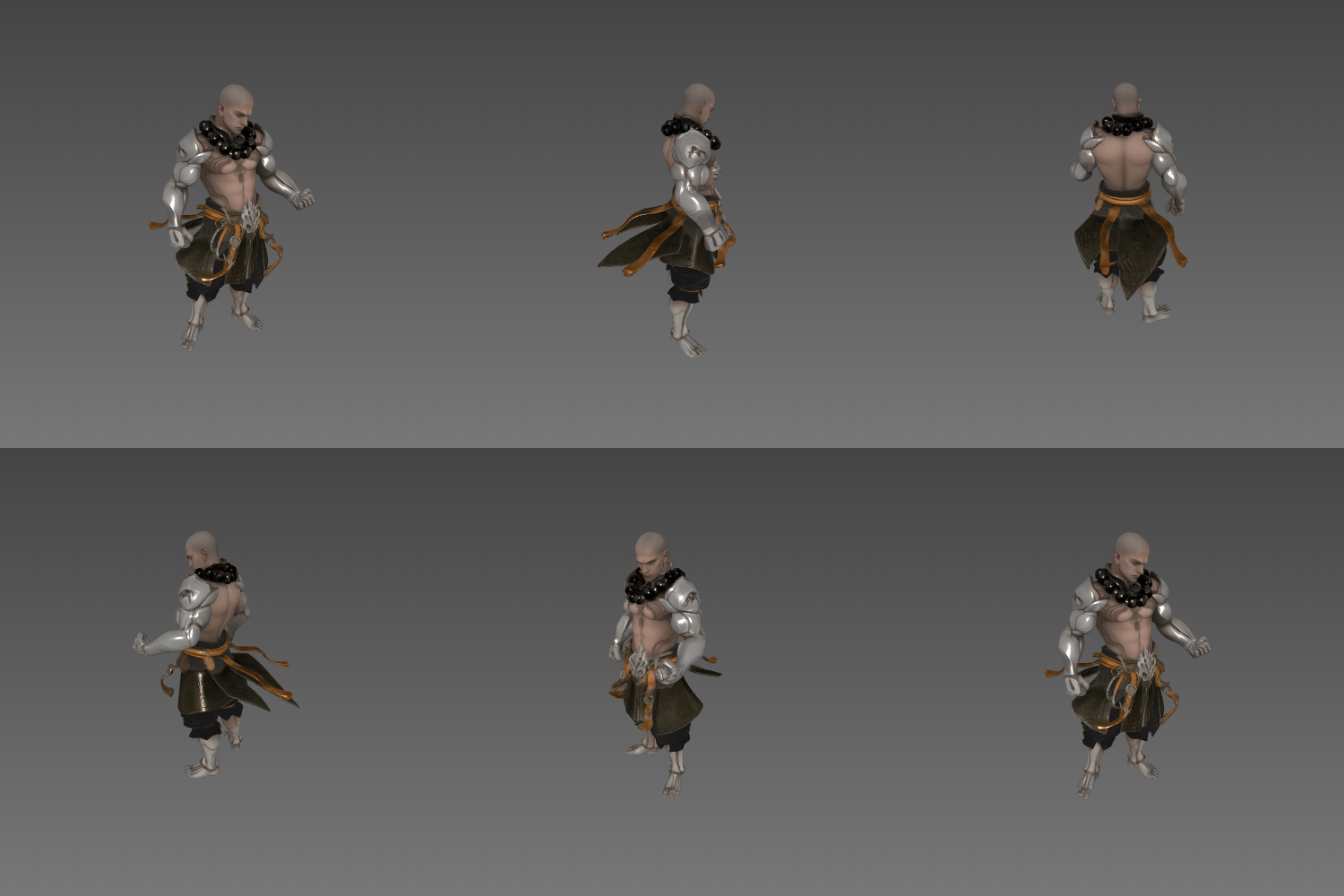
Best for: Anyone who wants to turn an image into a 3D model for free, with high fidelity and unlimited downloads.
Price: Free. White meshes are free, and while the Hunyuan model doesn’t support uploading your own texture images, the 100+ built-in templates cover a lot of ground.
2. Meshy
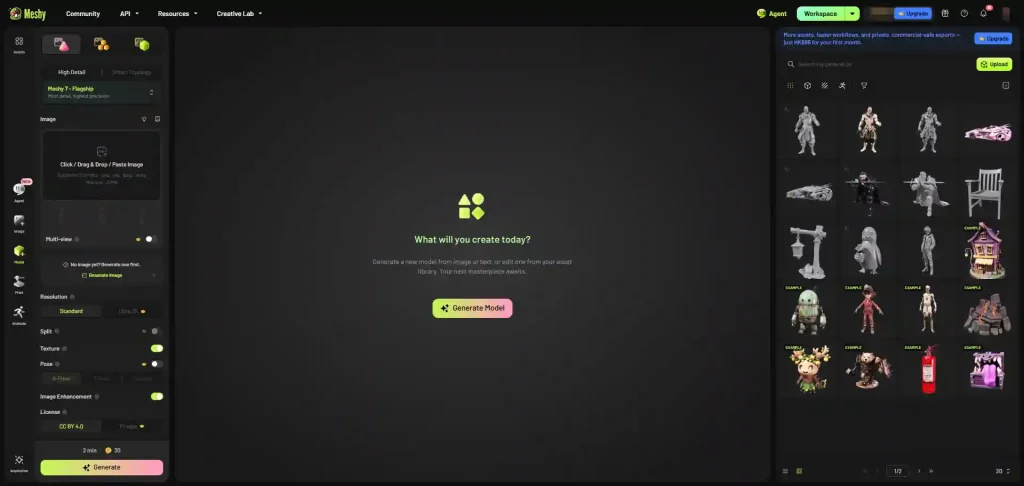
✅ Pro:
- Generates both white mesh and textured formats in a single run
- Direct “send to” options for DCC bridges and 3D printing
❌ Con:
- Free tier allows only about 10 low-level model downloads per month, and those results are noticeably rougher
- Models aren’t 100% faithful to the reference image
- Feature-rich interface means a steeper learning curve
- Licensing only supports CC BY 4.0
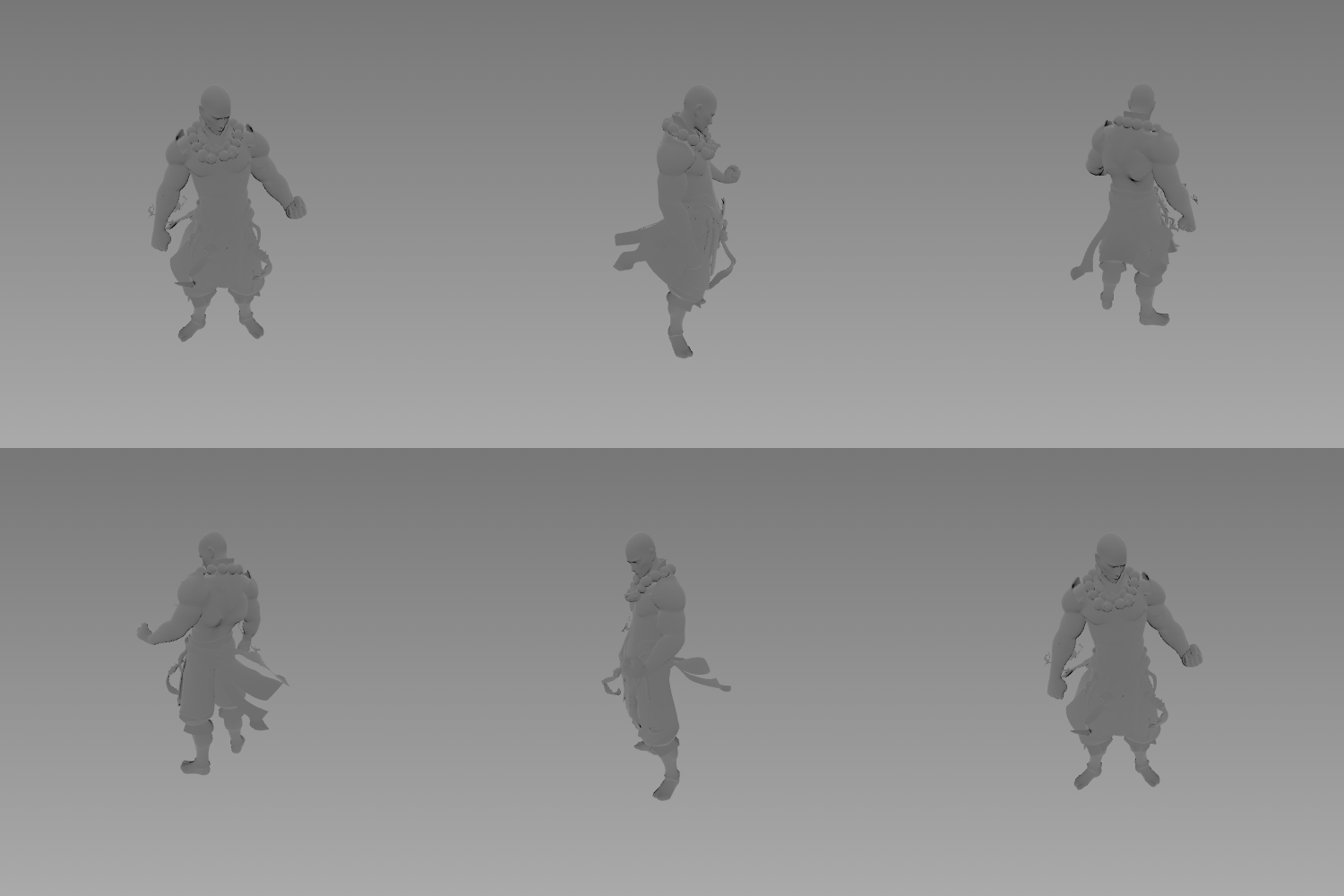
Best for: Users who want tight integration with a DCC or 3D printing pipeline and don’t mind paying for credits.
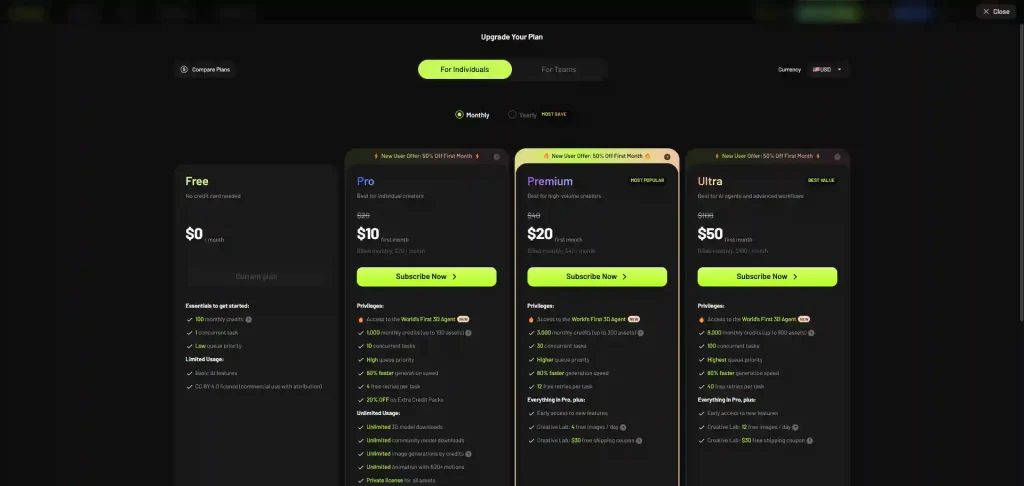
Price: 30 credits per generation, with a 20-credit bonus for daily logins.
3. AI3DGen
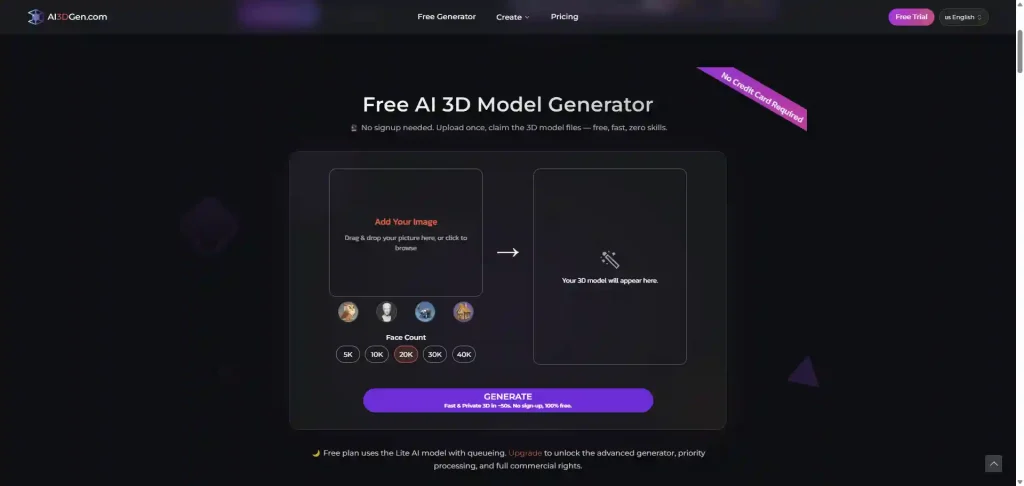
AI3DGen keeps things straightforward, with one standout feature: you can choose the face count of your mesh, which gives you some control over detail versus file size. Generation speed was solid in our tests.
✅ Pro:
- Adjustable face count for generated models
- Fast generation
❌ Con:
- The free tier doesn’t support webp images
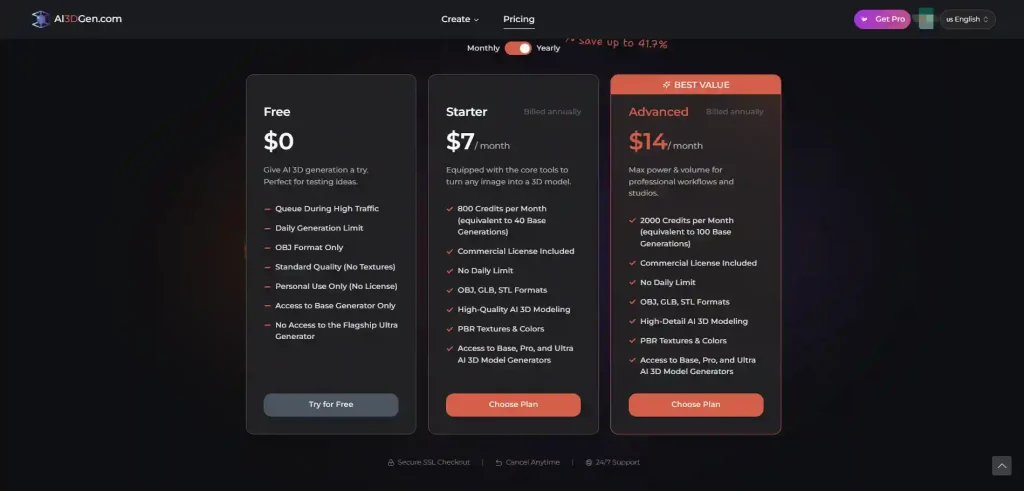
- Free-tier generations are queued and produce lower-level models
- Free tier models can’t be used commercially
Best for: Users who need quick drafts with control over mesh density and aren’t locked into commercial use on the free tier.
Price: A free tier is available, with paid plans for heavier use.
4. 3D AI Studio
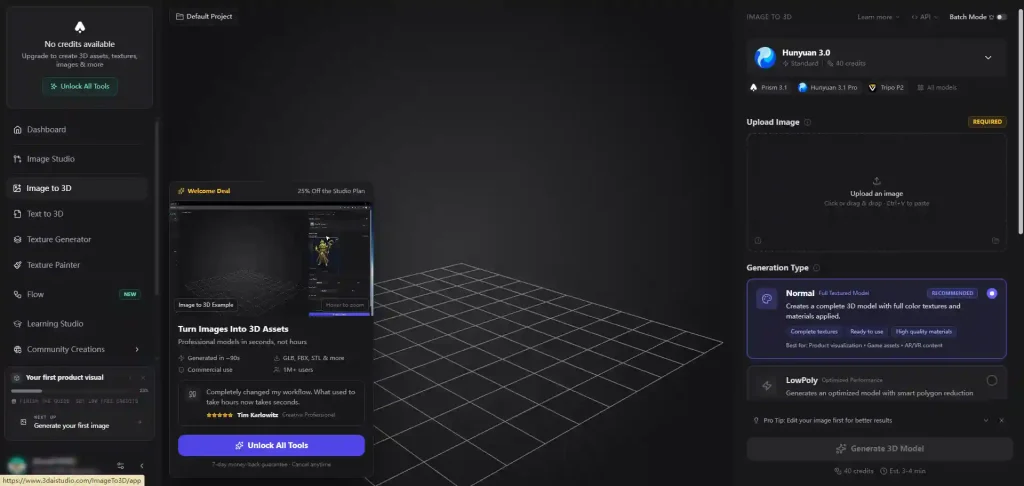
3D AI Studio‘s biggest strength is choice: 18 different AI models power its generation (we tested the default Hunyuan 3.1 Pro), and you can pick generation styles including normal, low-poly, geometry, and sketch.
✅ Pro:
- 18 AI models to choose from
- Multiple generation styles (normal, low-poly, geometry, sketch)
❌ Con:
- No way to test it for free
- Tutorial overlays and upgrade prompts are prominent and can’t be dismissed
Best for: Users willing to pay upfront who want maximum control over generation models and styles.
Price: 40 credits per generation.
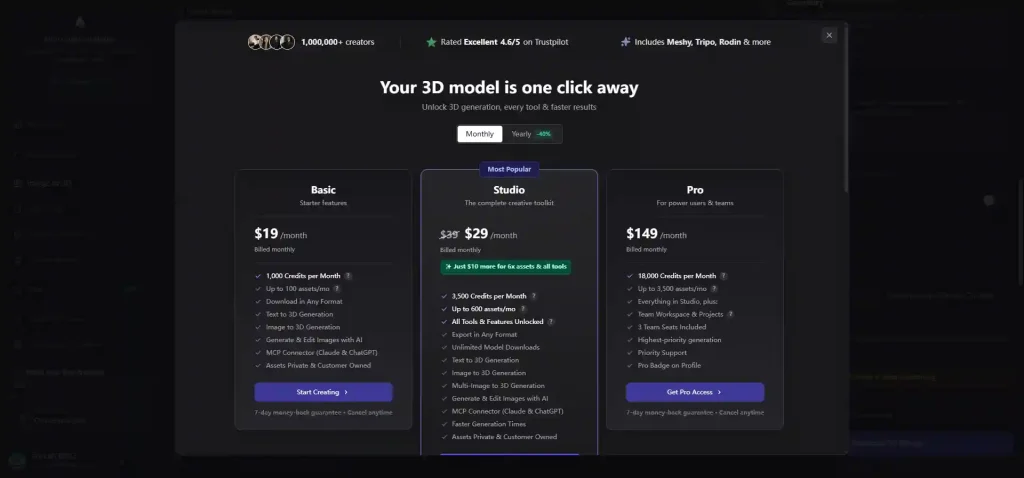
5. Tripo AI
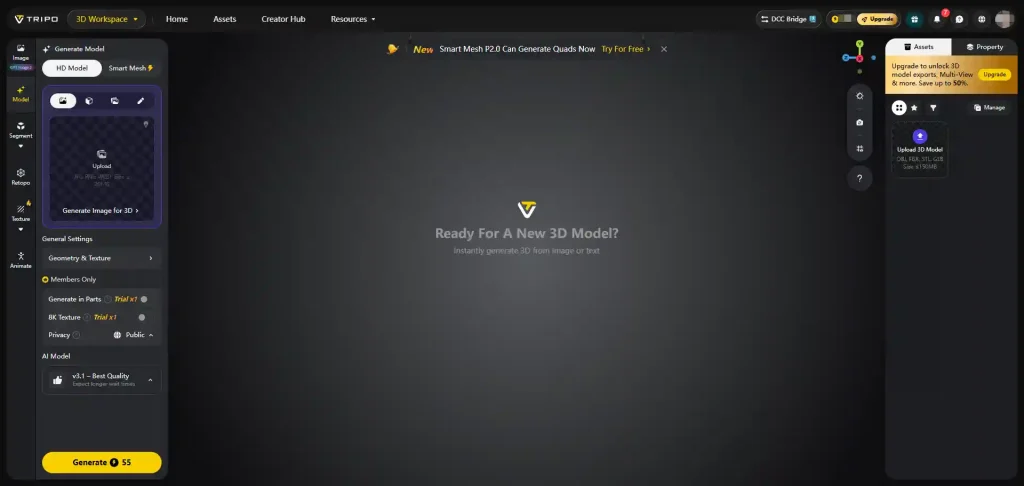
✅ Pro:
- Very full-featured toolkit
- One-time 8K generation trial
- Part-based generation for more control
- Direct send to DCC bridges
❌ Con:
- Higher-tier results can’t be downloaded
- Only 15 downloads per month, limited to v2.5 models
Best for: Creators who want an all-in-one 3D generation environment with strong pipeline integration.
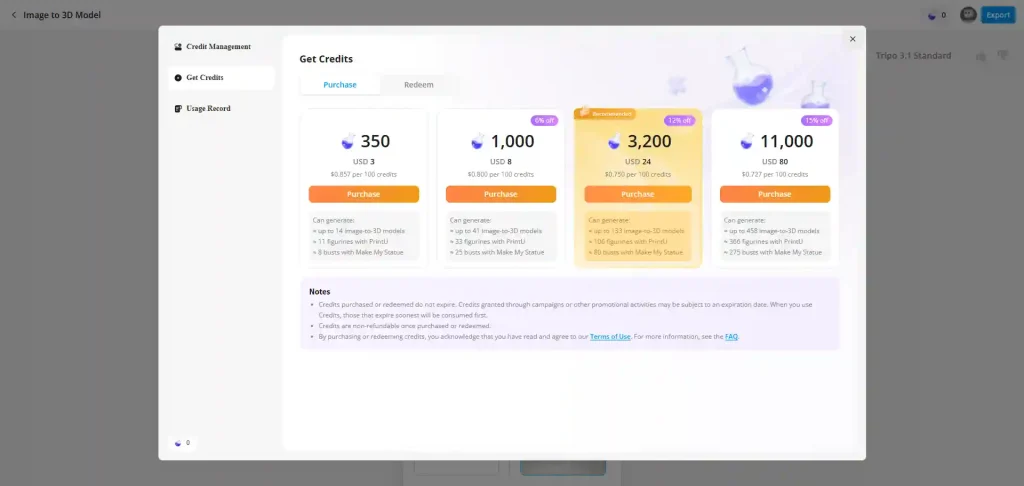
Price: 200 credits on signup; each generation costs 55 credits.
6. Neural4D
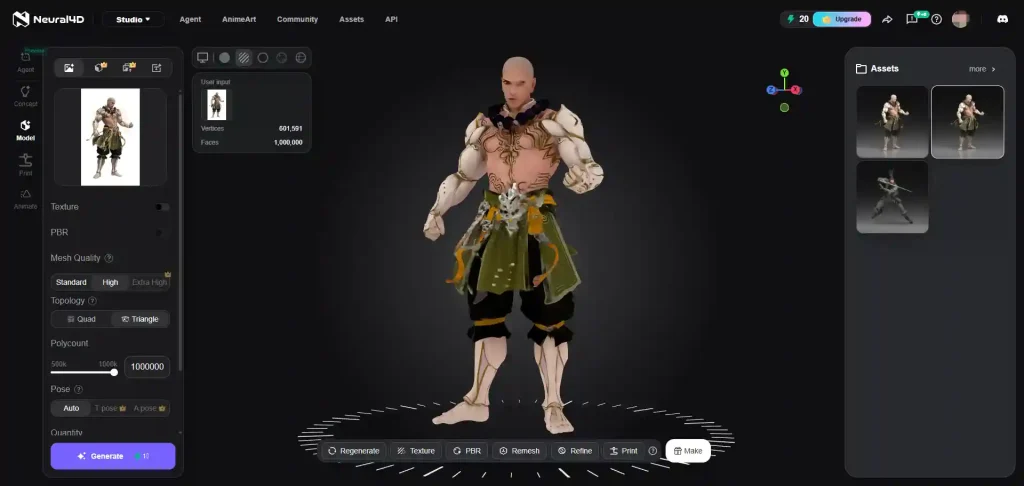
✅ Pro:
- Simple, understandable operation
- Well-designed waiting experience
- Direct-to-printer output
❌ Con:
- The textured template can’t be downloaded
- Back-side geometry generated from a single image is noticeably weaker
Best for: Casual creators who want a simple path from image to printable model.
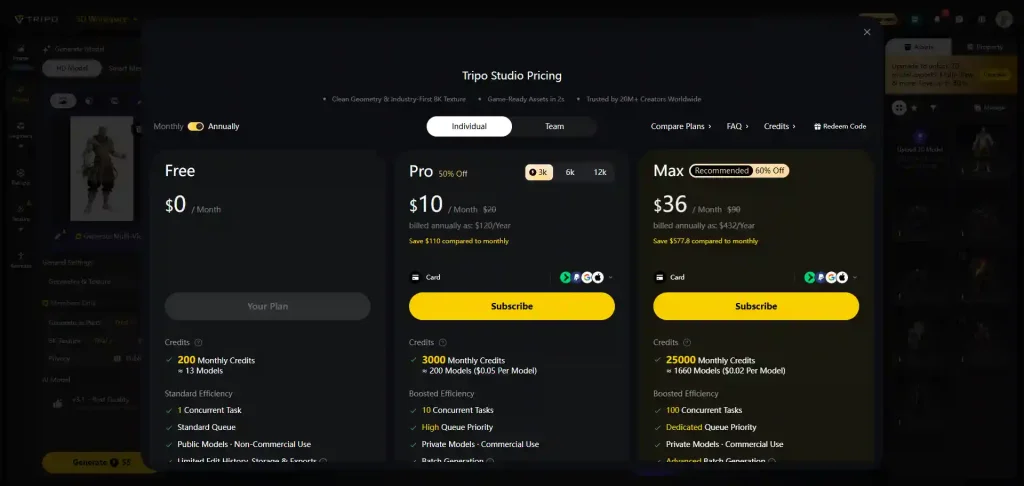
Price: 50 credits per week; a textured generation costs 20 credits.
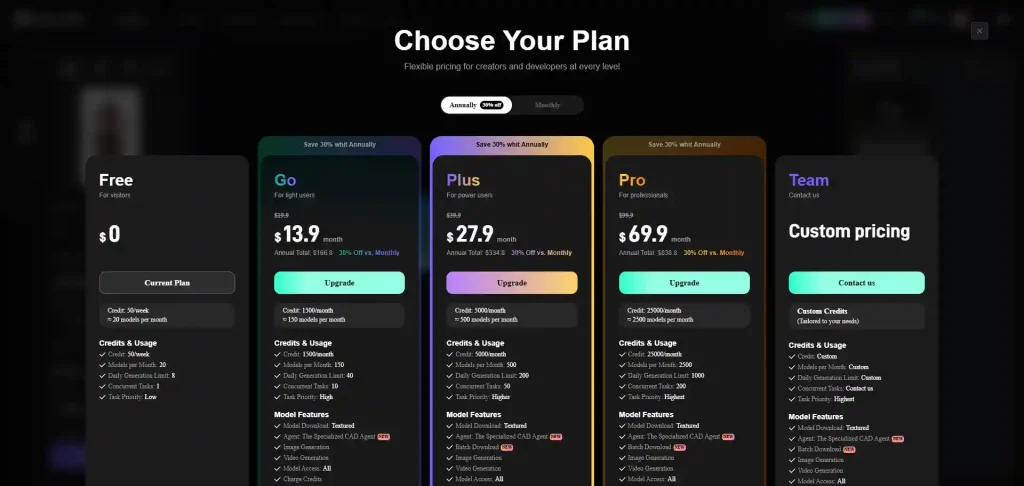
7. Sloyd
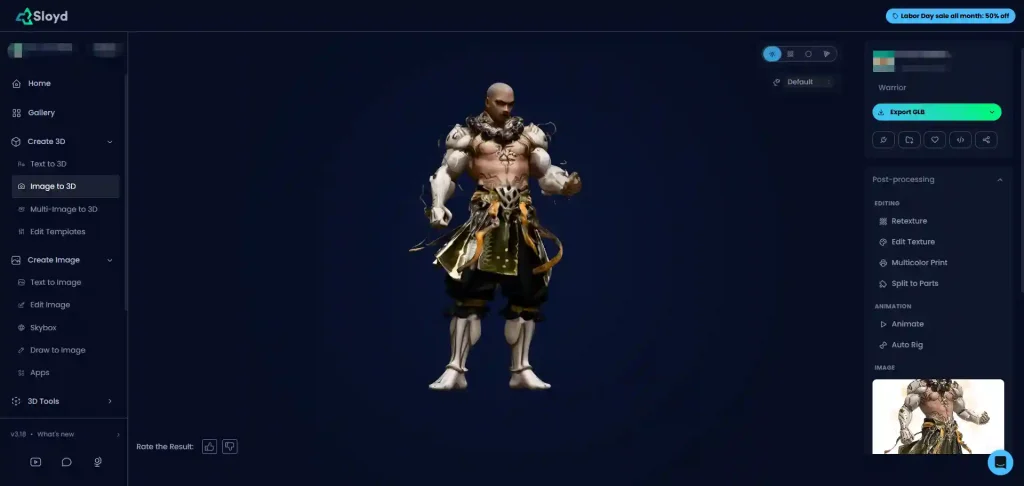
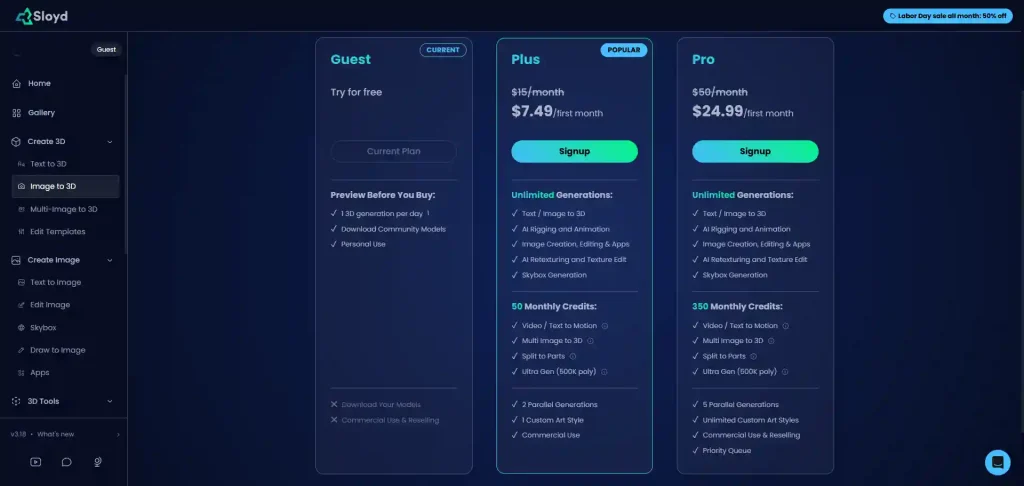
Sloyd offers a clean interface, four output formats to choose from, and a direct link into DCC tools. But accuracy is where it struggles — especially on faces — and the free version doesn’t allow downloads at all, which is hard to look past.
✅ Pro:
- Clean, simple interface
- Four result formats to choose from
- Direct DCC connection
❌ Con:
- Weak fidelity, particularly on faces
- The free version doesn’t let you download models
Best for: Stylized asset generation where perfect accuracy isn’t required.
Price: One free generation per day.
8. MakerWorld
✅ Pro:
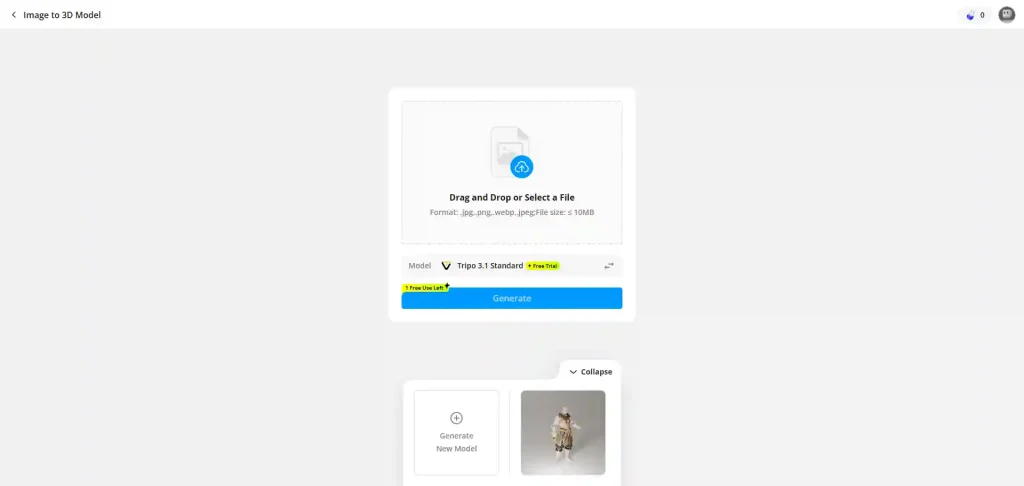
- Rich toolset with 11 AI models to pick from
- Generates five models in a single run
❌ Con:
- Cluttered page layout — the generation entry point is hard to find
- Facial accuracy is noticeably weaker
Best for: Makers who want to generate multiple variations at once and pick the best.
Price: Two free generations.
9. Alpha3D
✅ Pro:
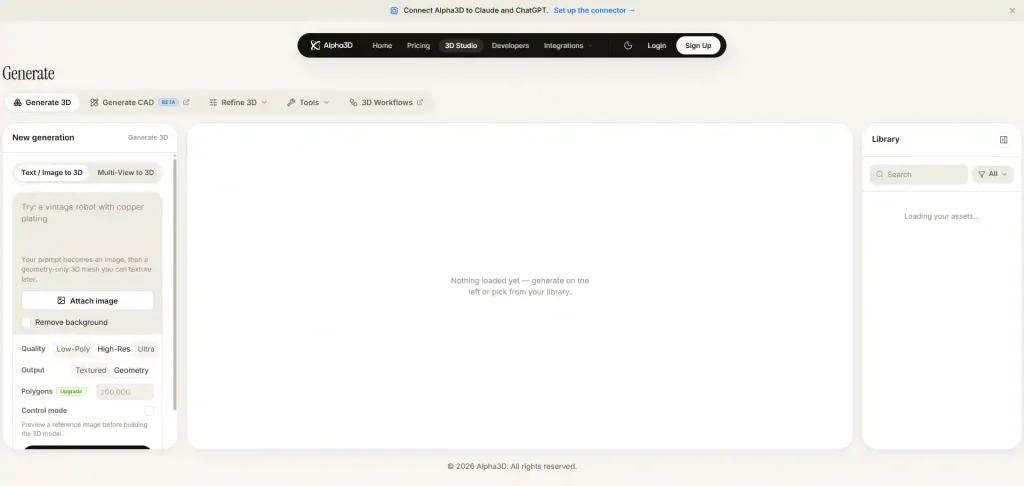
- High degree of tool consolidation — 3D, CAD, and more in one studio
❌ Con:
- No way to test the tool before paying
Best for: Professional users who already know they need a multi-tool 3D environment.
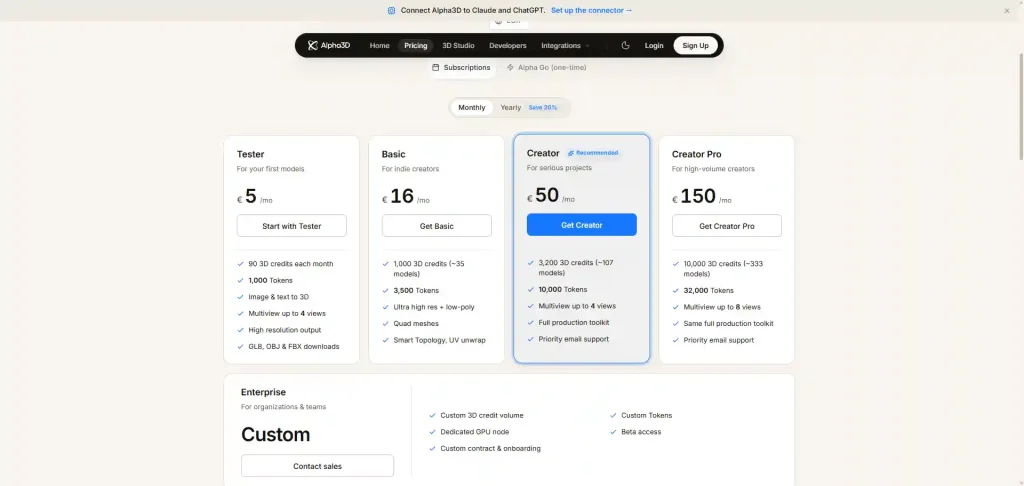
Price: 24 credits per white mesh, 42 per textured model — with only 20 credits at signup, you can’t generate anything without topping up.
10. Hi3D
✅ Pro:
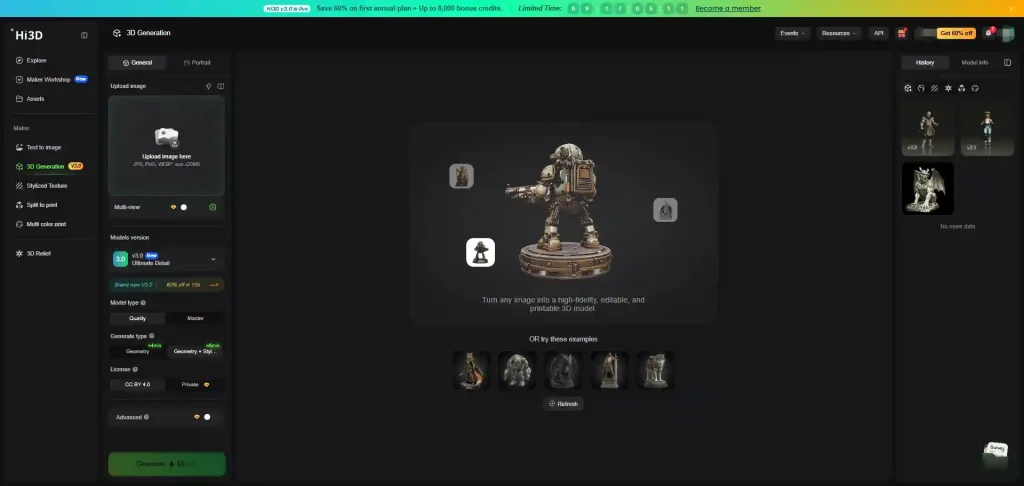
- Excellent UI across homepage and generation interface
- Direct printing, plus split-into-parts printing for larger models
- Very good model quality with clear, sharp detail
❌ Con:
- Licensing is CC BY 4.0
- Generation is on the slow side
- Only three free downloads
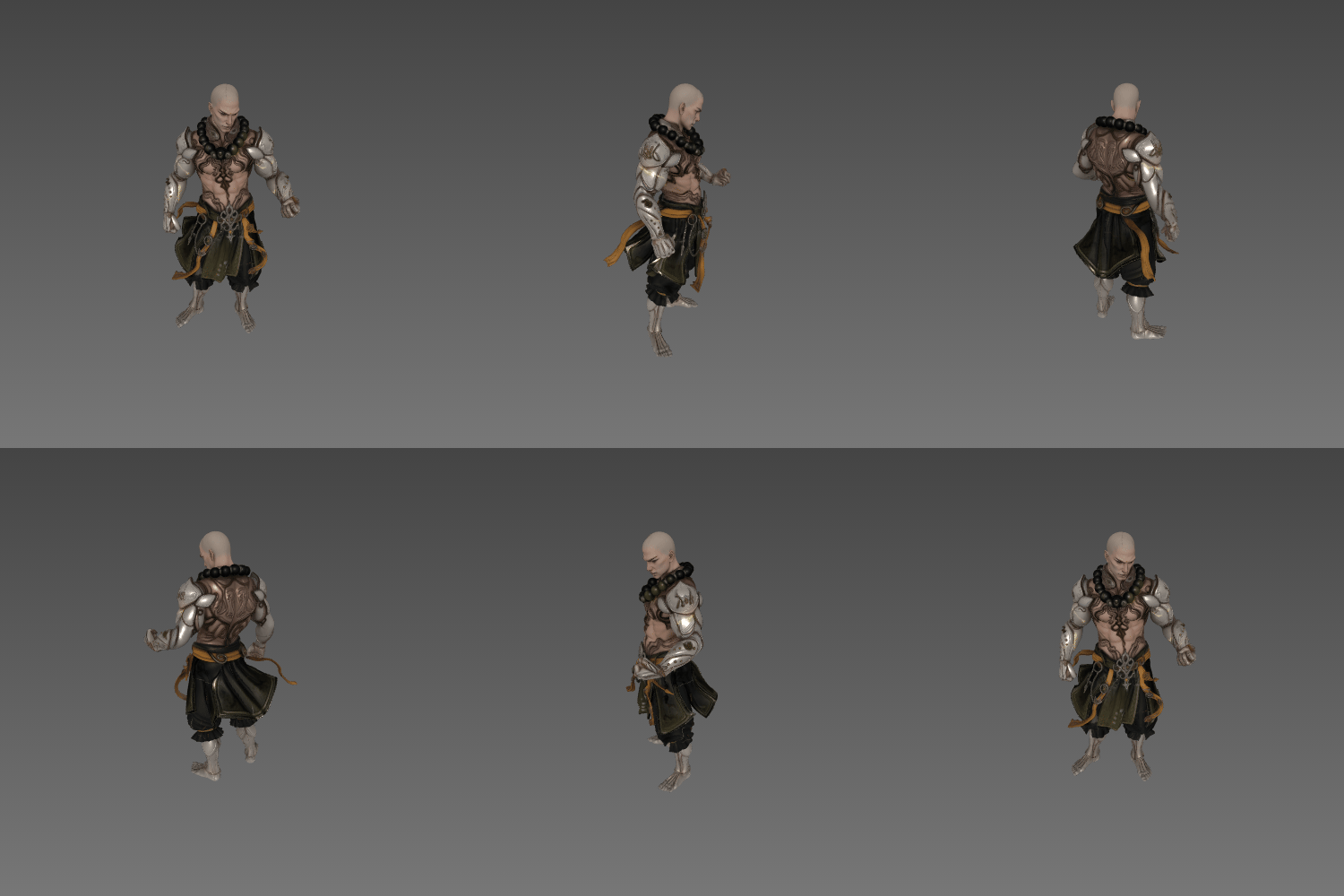
Best for: Users who prioritize surface detail and 3D-print-ready output over speed.
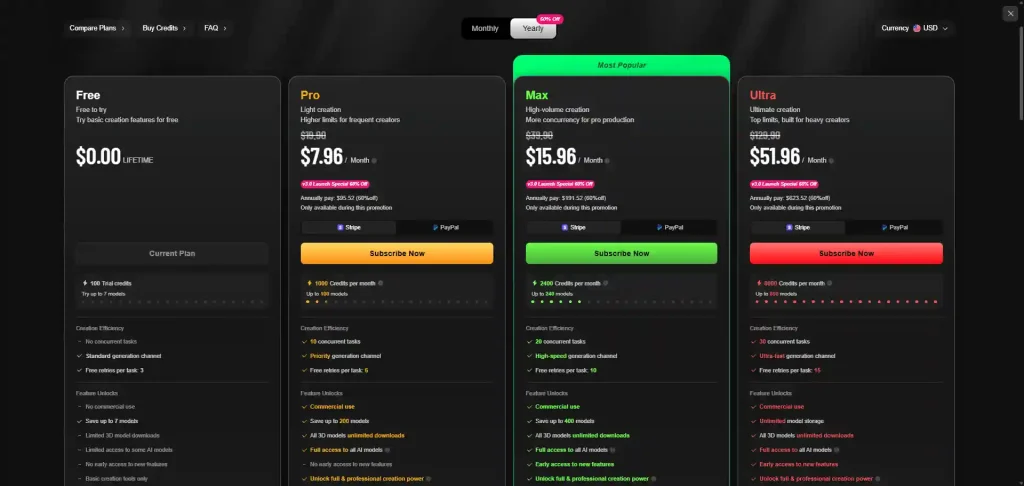
Price: 100 credits on signup plus 10 daily credits; a textured generation costs 65.
Conclusion
The best image to 3D model AI tool depends on what you’re making. If you want free, unlimited, high-accuracy results, Image to 3D AI is the clear starting point — especially now that you can generate and download as many models as you like without paying. If your priority is pipeline integration — sending models straight into Blender or onto a 3D printer — Meshy and Tripo AI offer the strongest workflows. And if you want maximum control over generation styles and models, 3D AI Studio and MakerWorld give you the most options to experiment with.
For straightforward image to 3D model free workflows, a dedicated tool will almost always beat a general-purpose one. But whichever direction you lean, our advice is the same: test it with your own images first. Every tool in this list handles reference images differently, and a five-minute free test will tell you more than any review — including this one.