Generate Stunning 3D Textures for Free
Create realistic 3D model textures with a free AI texture generator from text or images. Generate detailed, seamless materials for characters, objects, games, and more.
DEMO
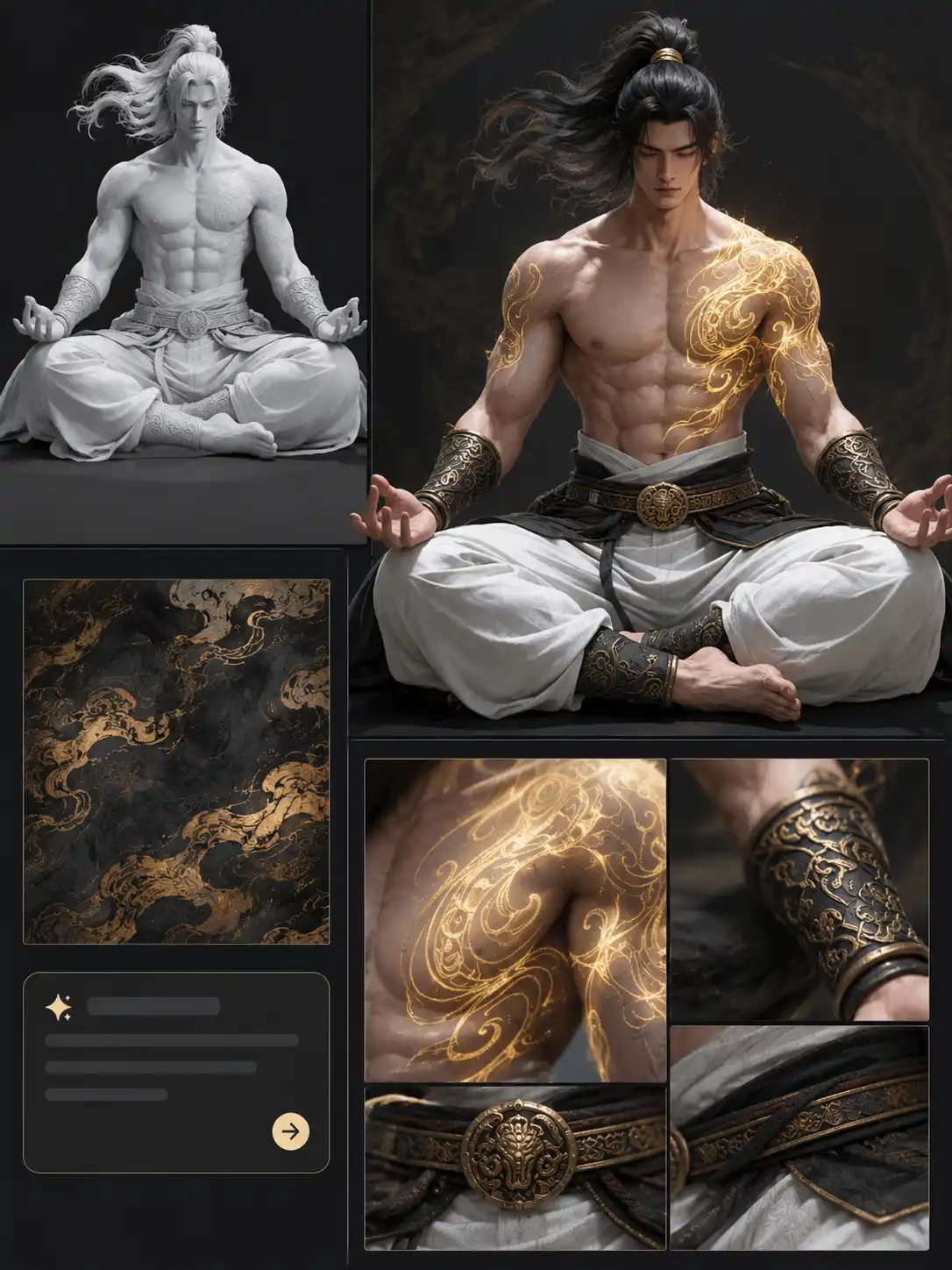
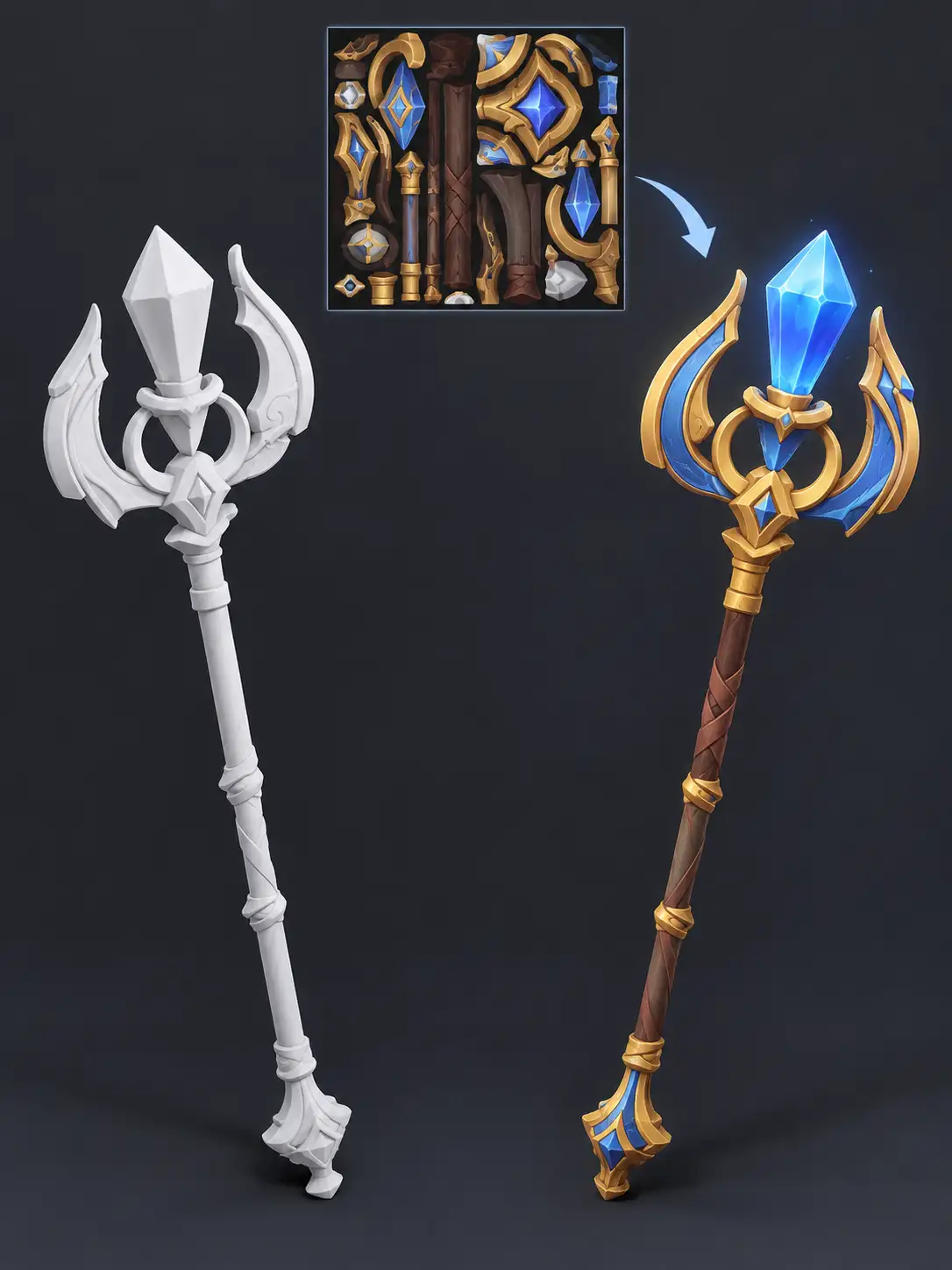
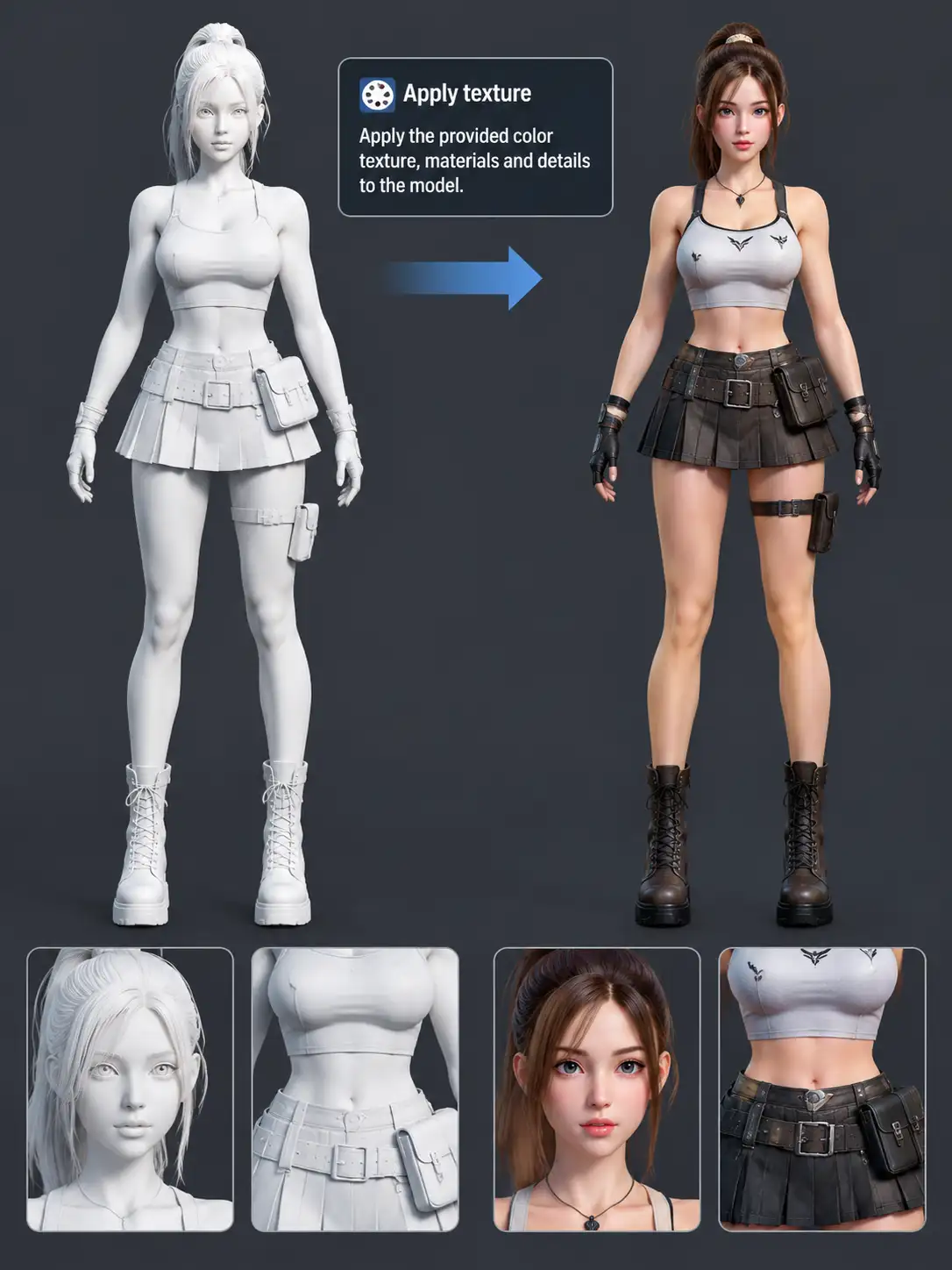
Explore AI Texture Generator Results
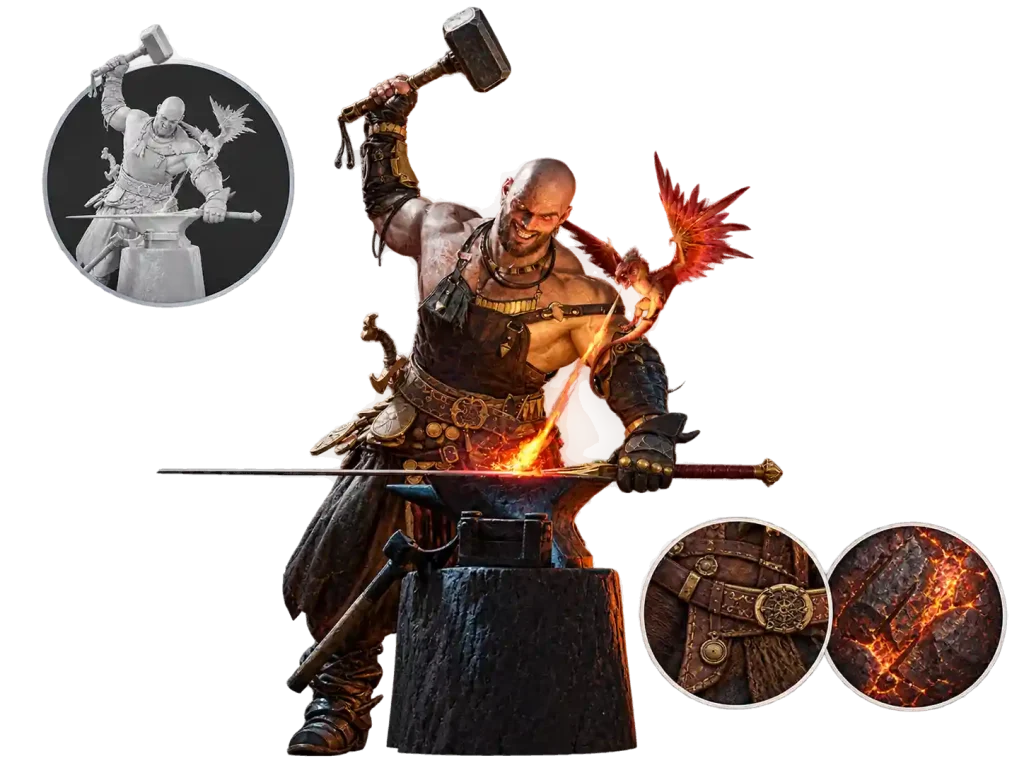
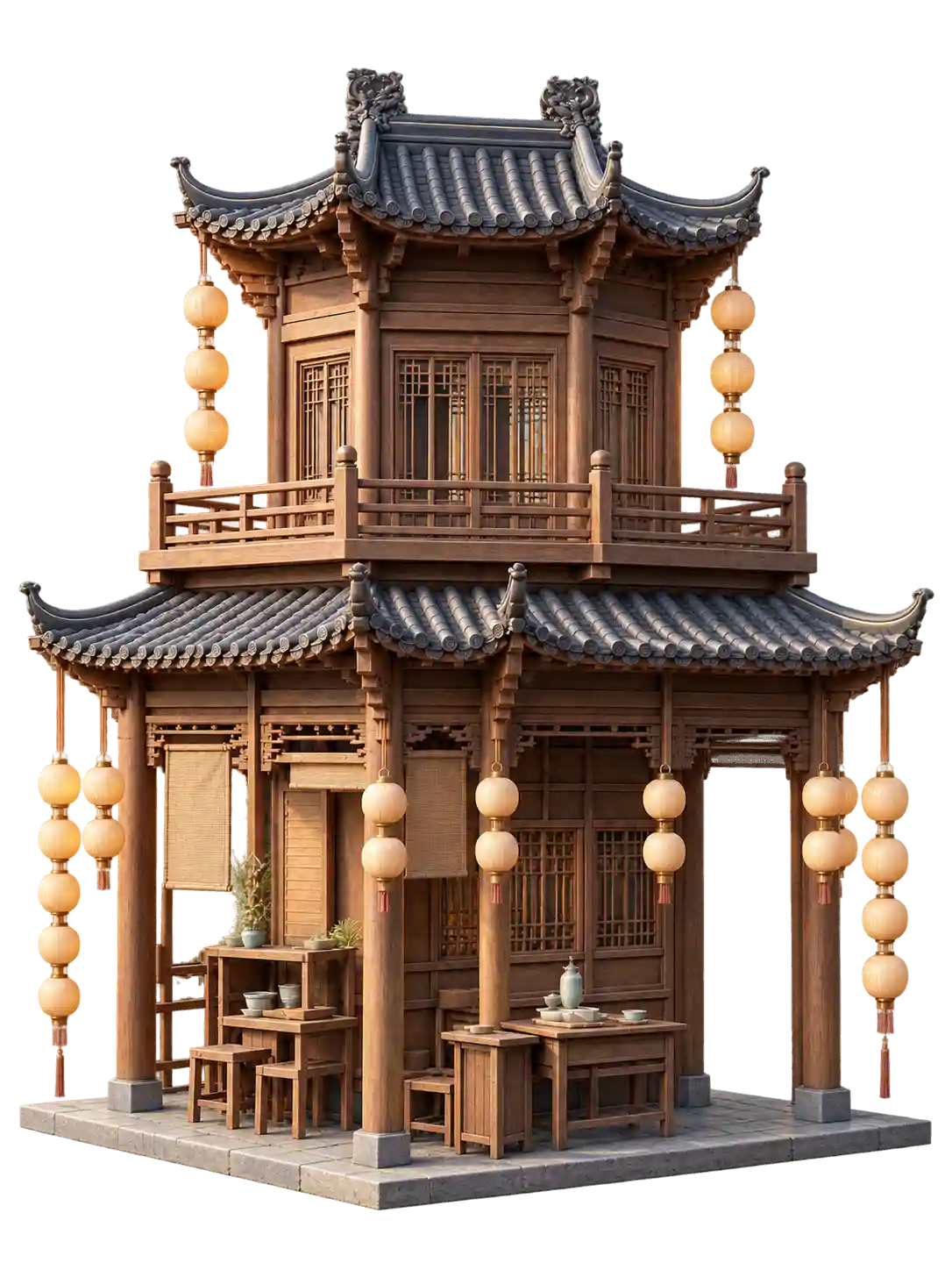
Explore textures created with our 3D AI texture generator and see how AI turns simple ideas into detailed materials for 3D models.
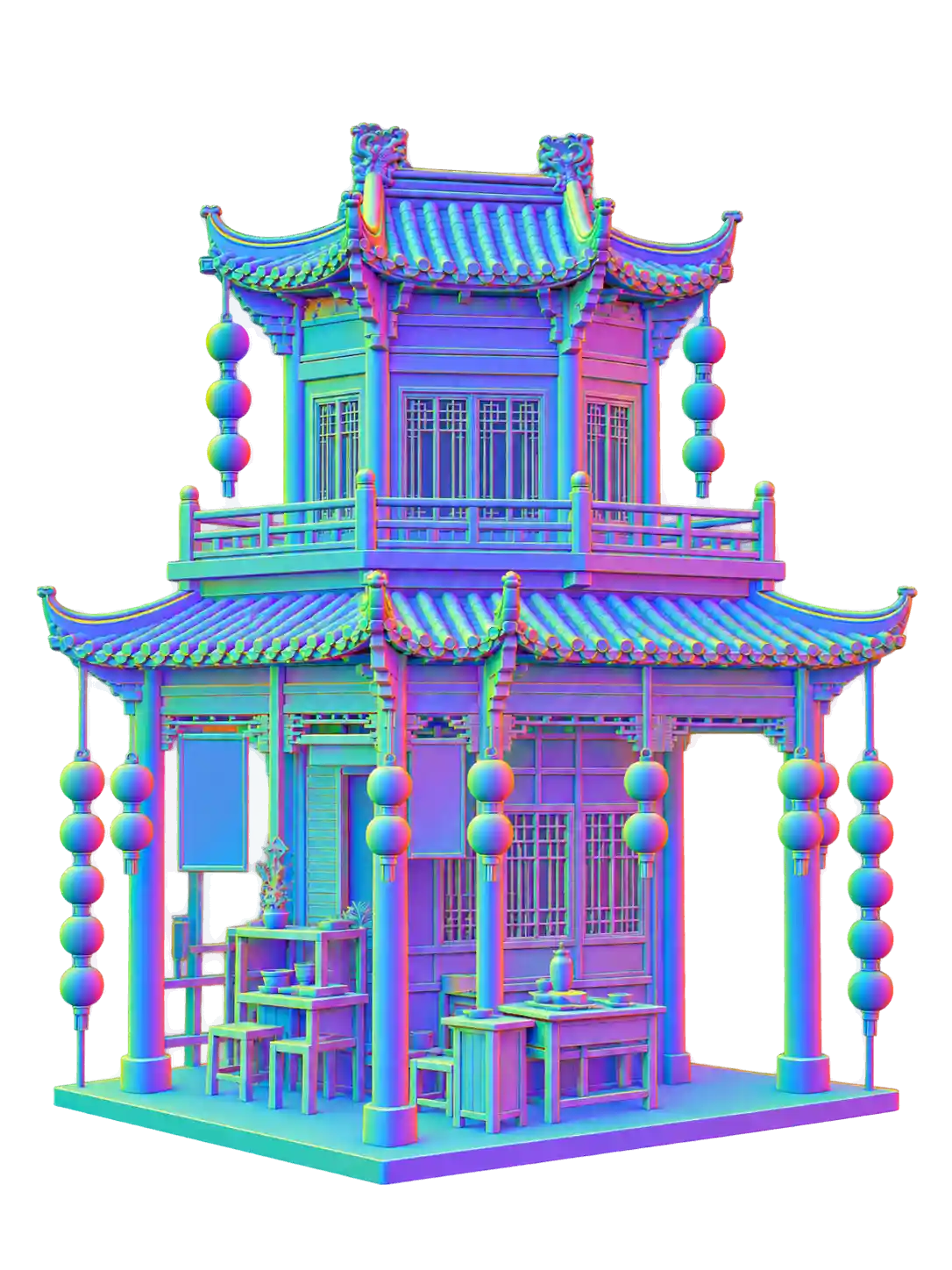
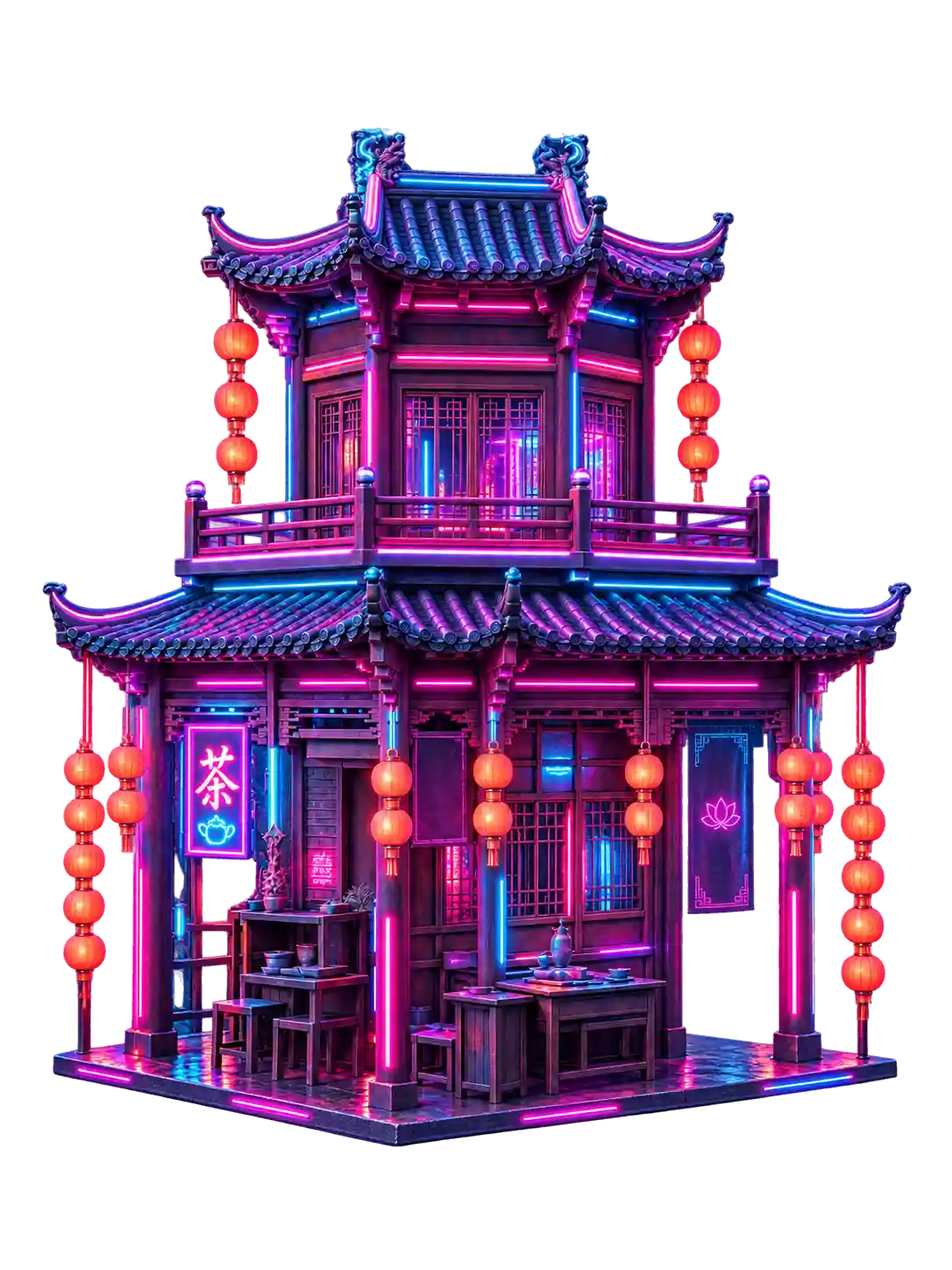
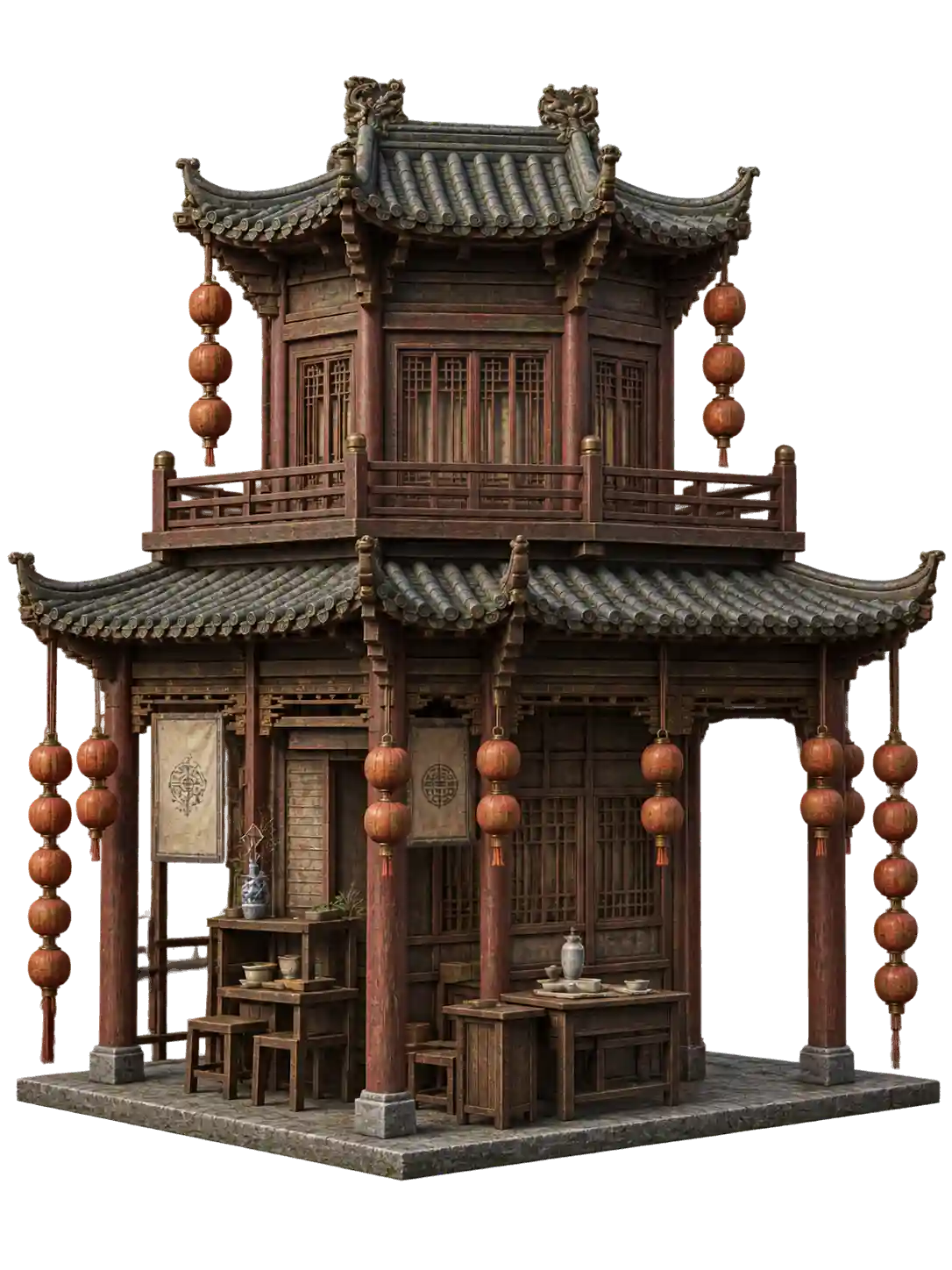
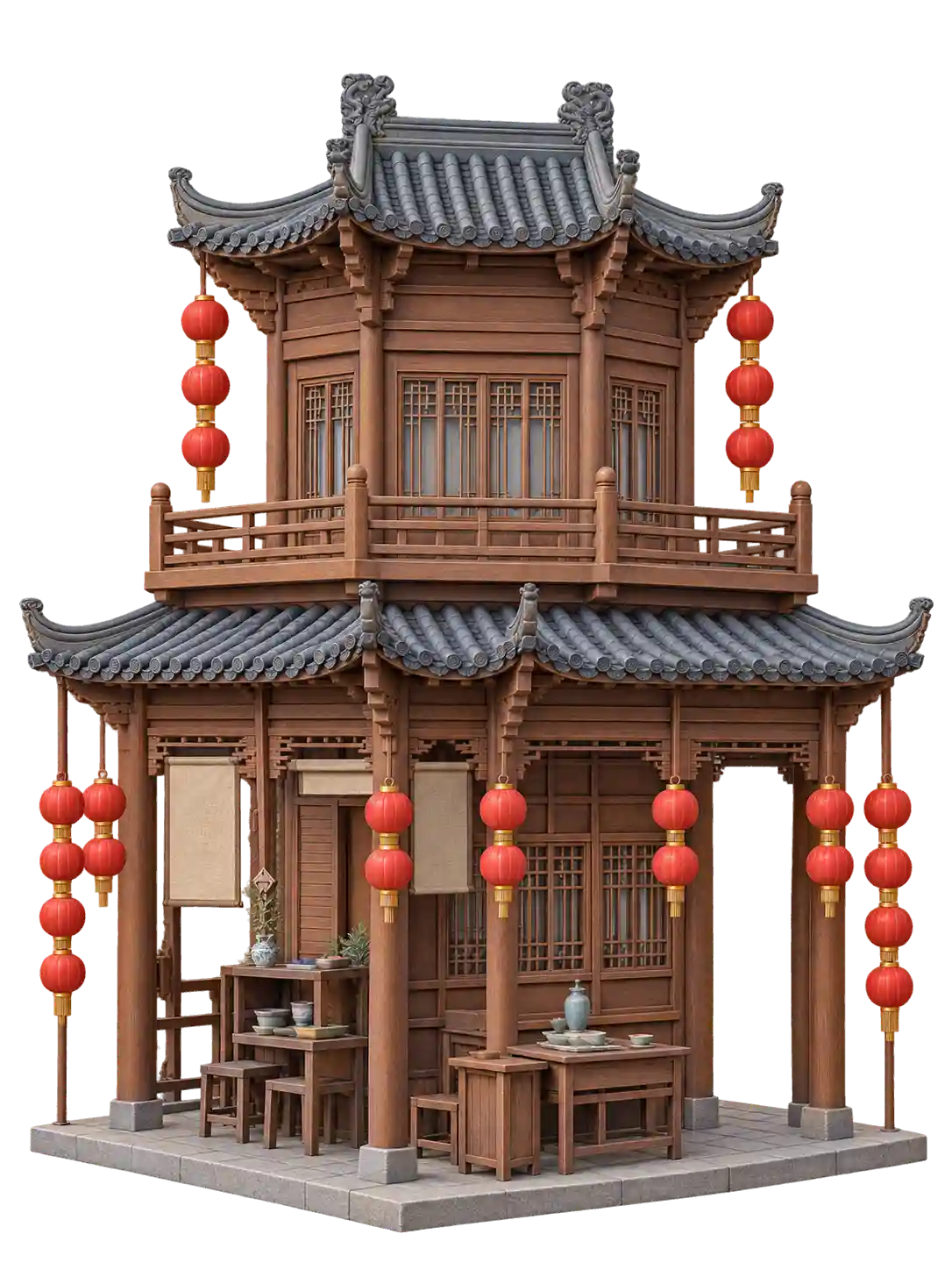
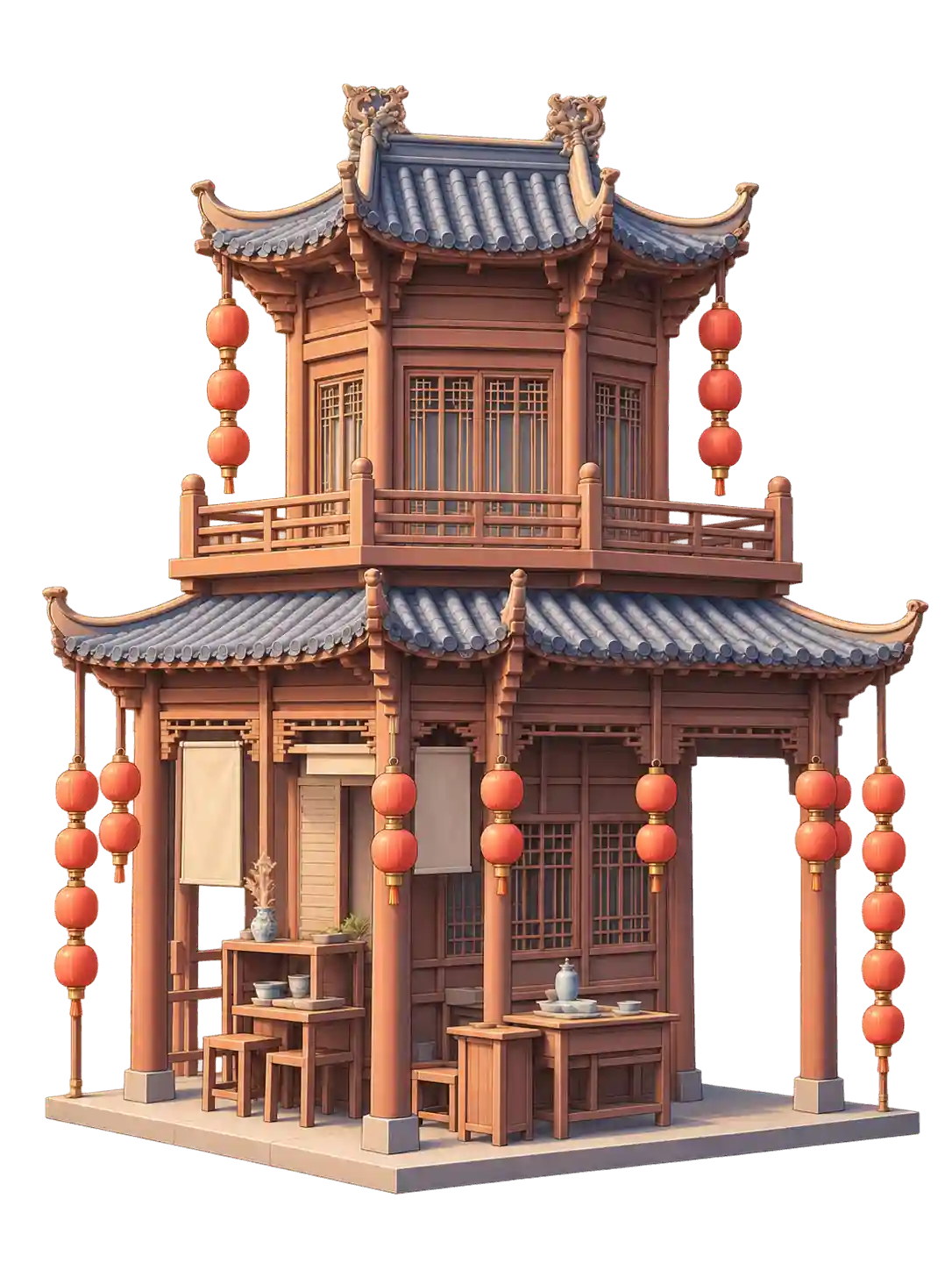
One 3D Model, Endless Texture Styles
Explore how an AI texture generator for 3D models can transform the same model with different materials, colors, and surface styles.
Better Input, Better Textures
Get Better Results with the Right Reference
Use clear 3D models and well-defined reference images to help AI better understand the shape, colors, and material details you want.
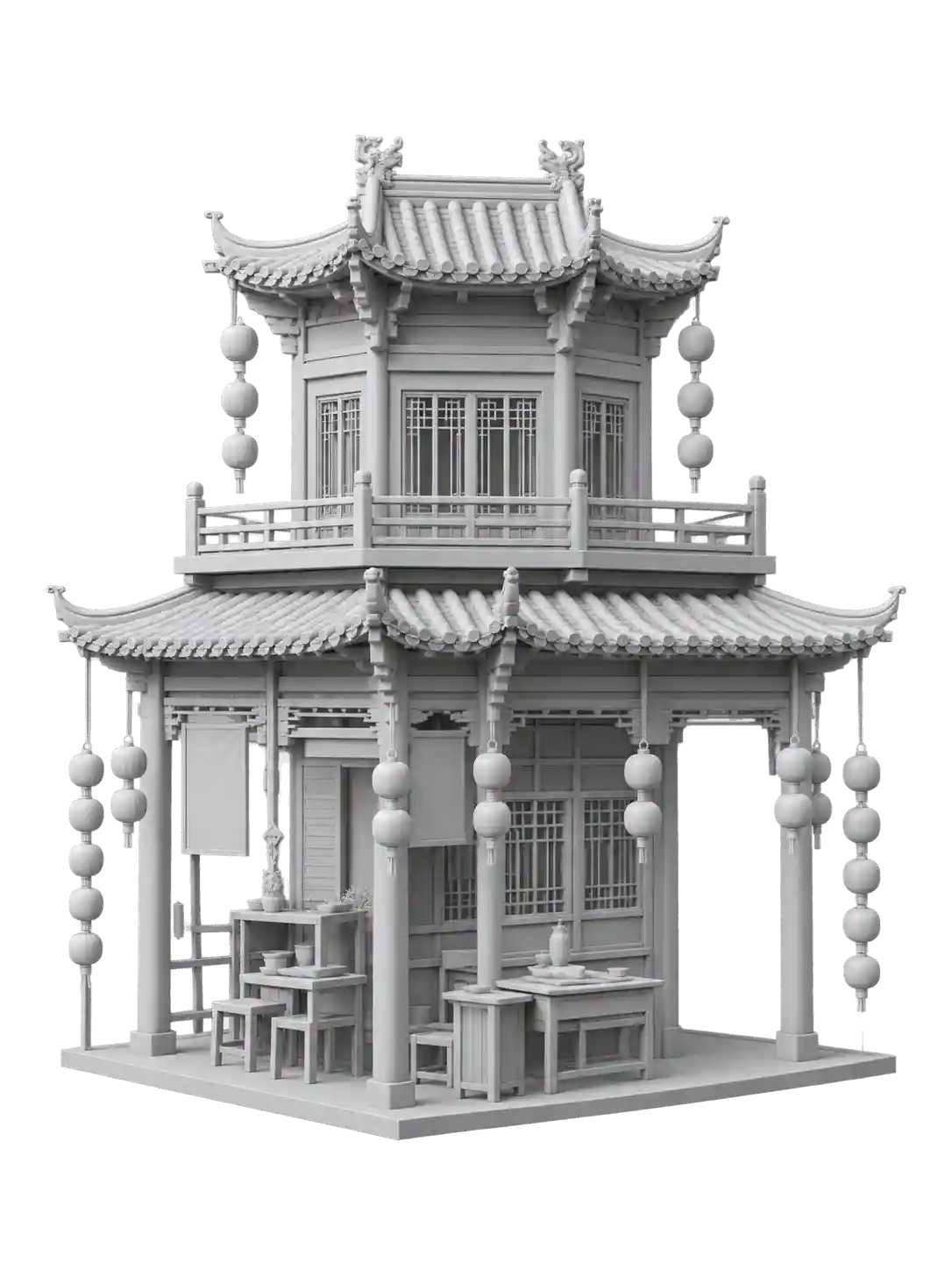
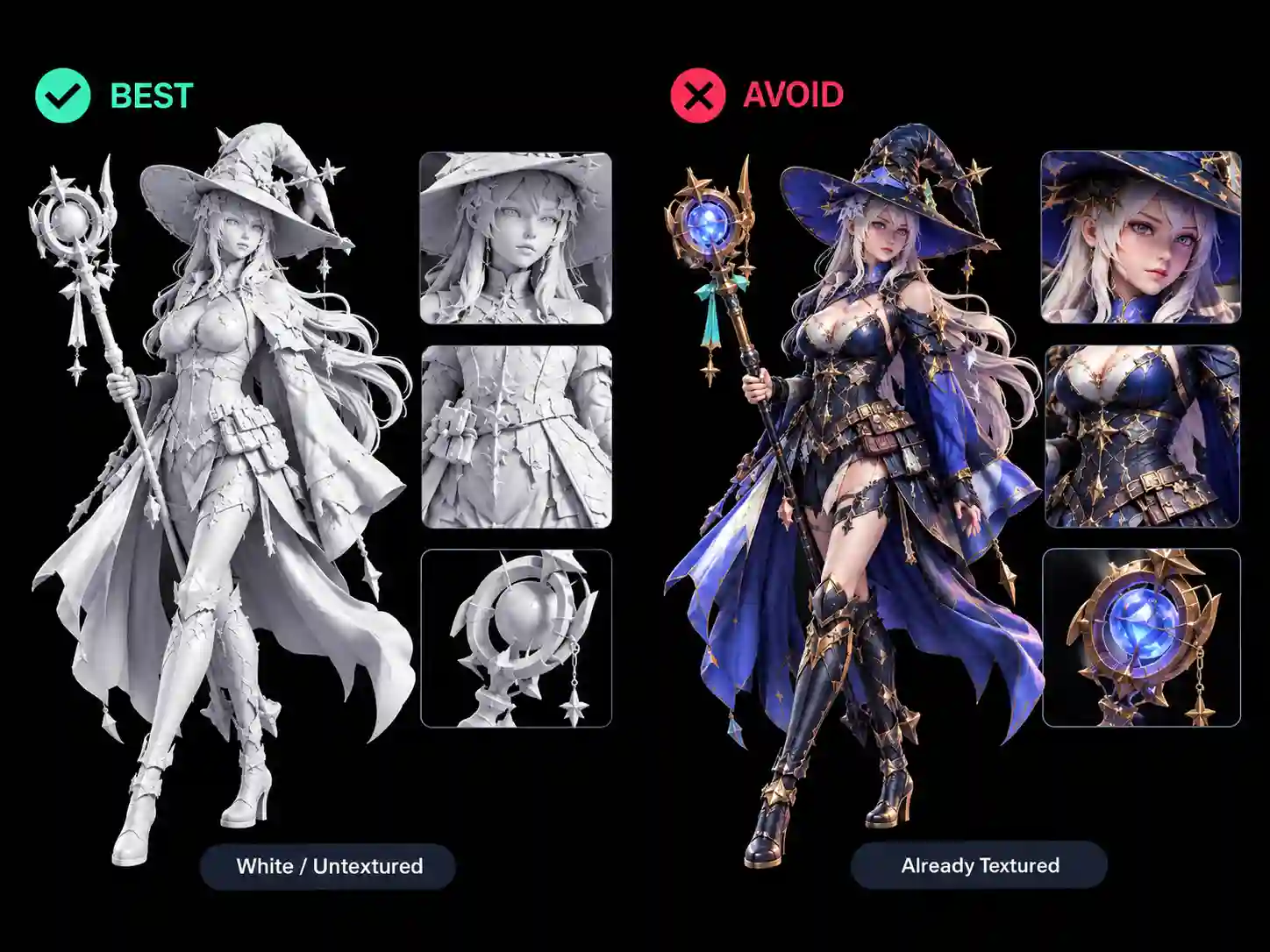
Clean White 3D Model
Start with a clean white or untextured 3D model. A simple model with clear shapes and visible details gives AI a better base for applying your desired texture.
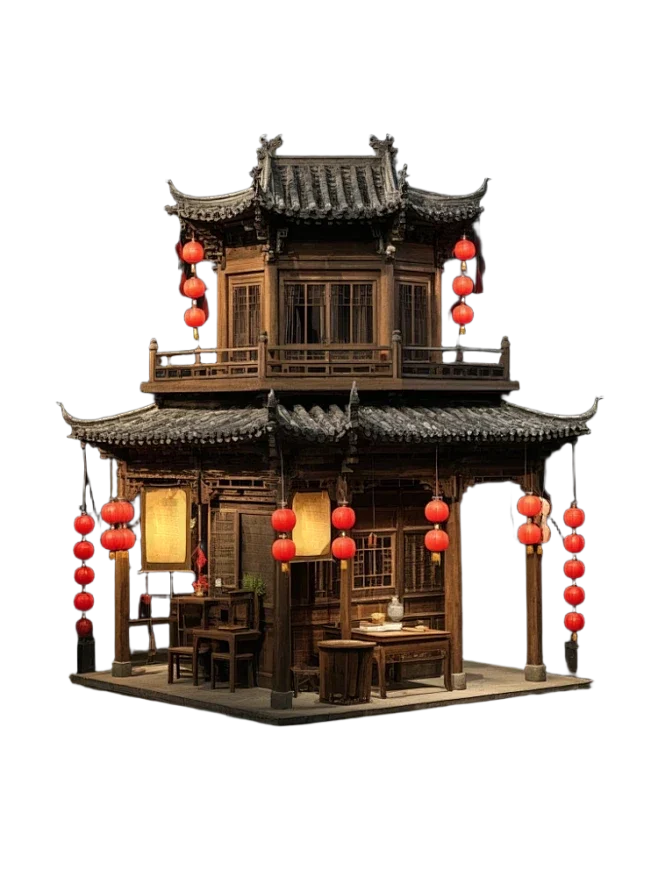
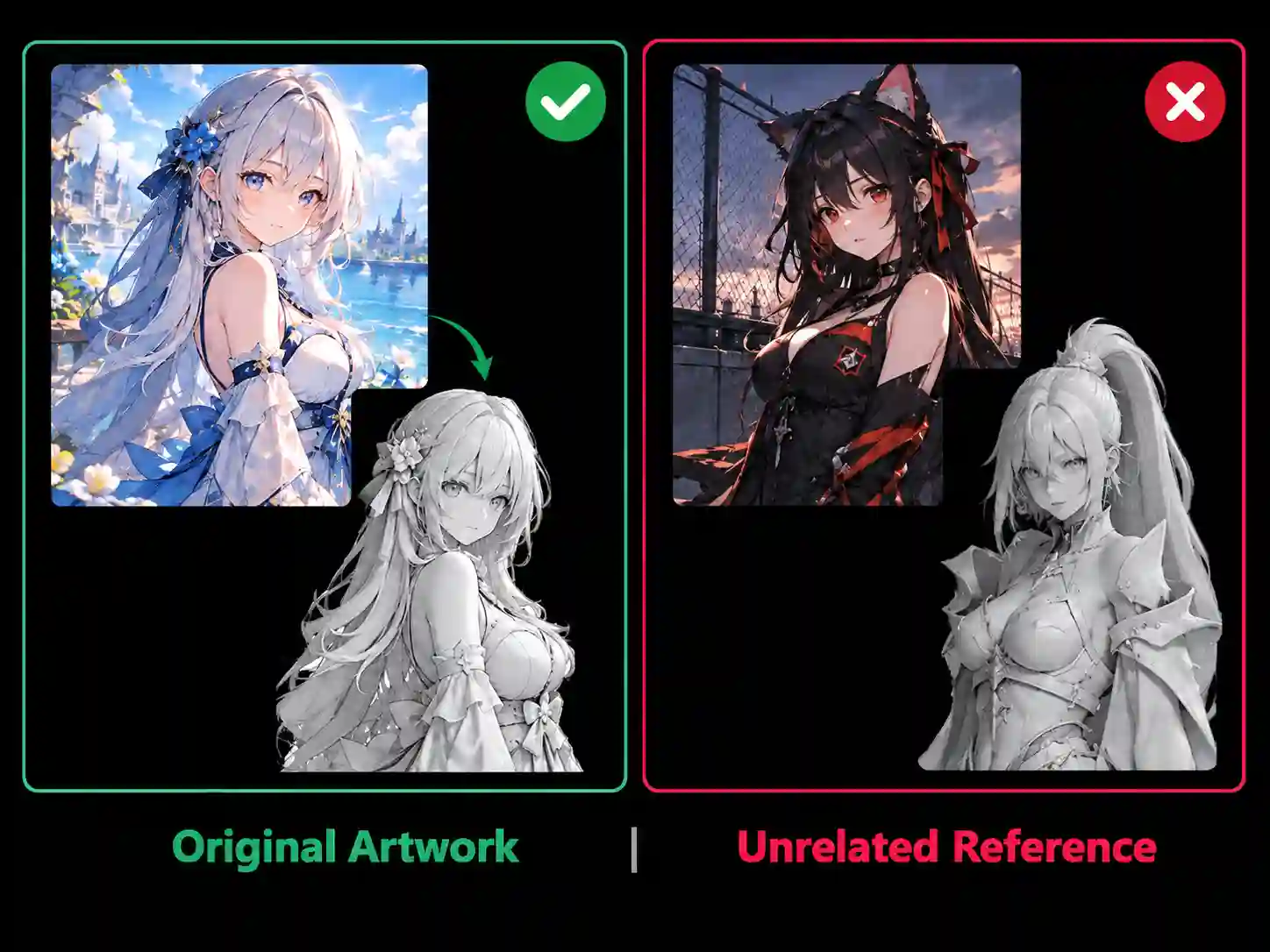
Original Colored Artwork
Upload the original colored artwork you used as a modeling reference. Keeping the artwork consistent with your 3D model helps AI better match its colors, patterns, and overall design.
How to
How to Create 3D Textures from Text or Images
Create detailed textures for your 3D models in simple 3 steps. Use an AI 3D model texture generator to turn your ideas into realistic, stylized, or game-ready textures.
Create Better Textures
Create realistic materials and unique surface styles with a 3D AI texture generator.
Features
Powerful AI Texturing for 3D Models
Create high-quality textures with AI texturing, flexible controls, multiple inputs, and professional-ready output.
Free to Use
Generate and explore textures with our AI 3D model texture generator for free, with no complicated setup or cost.
4K PBR Quality
Create sharp, detailed 4K PBR textures with realistic materials and surface details.
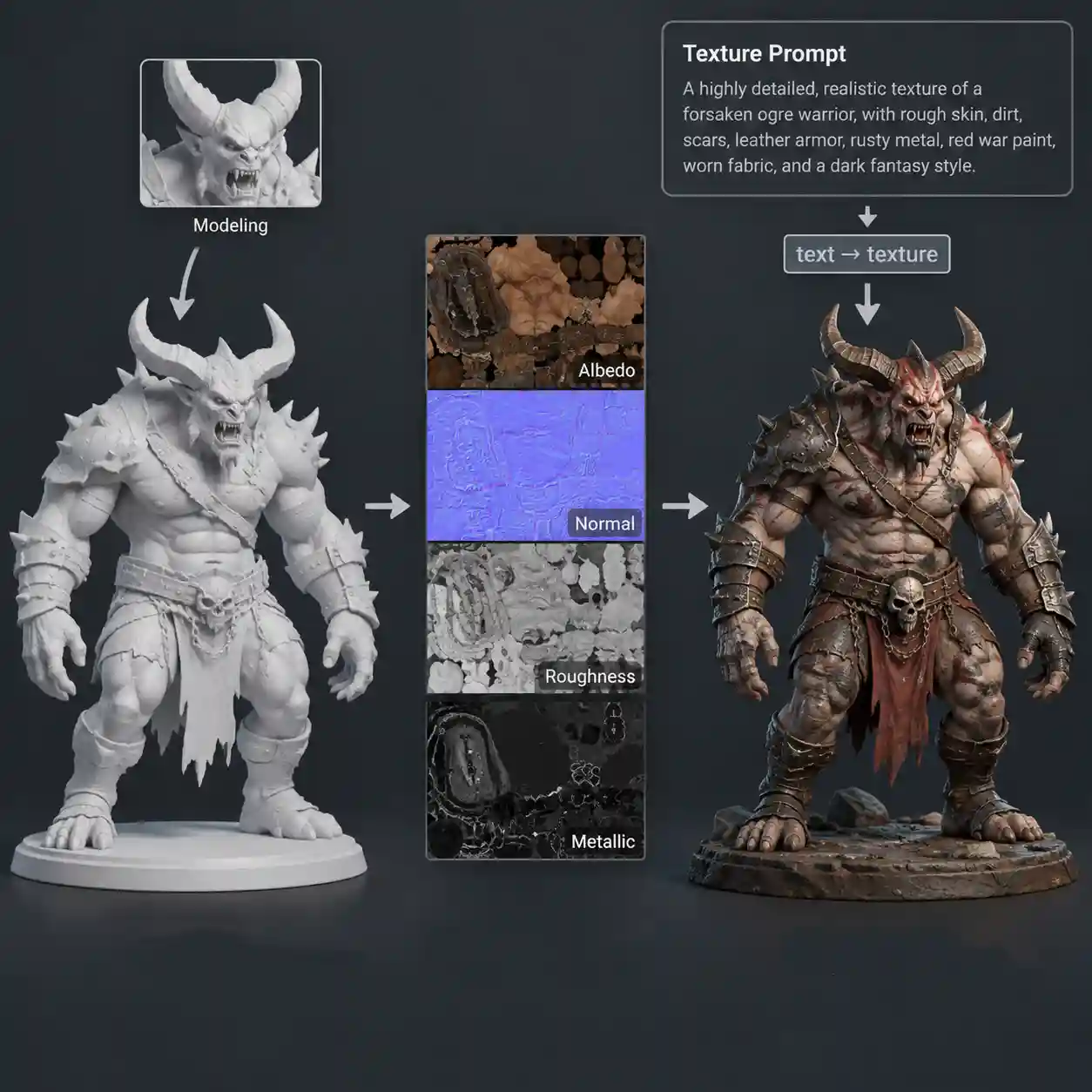
Text & Image Prompts
Describe the texture you want with text or use an image as a visual reference.
Realistic Material Details
Generate detailed textures with natural surface patterns, material depth, and realistic visual details for your 3D models.
Preserve or Rework UVs
Preserve your original look or let AI rewrite the texture for a completely new style.
Try Different Models
Choose from a variety of ready-to-use 3D models and experiment with different textures and styles.
Ready to Transform Your 3D Models?
Create stunning textures with a free AI texture generator and give your 3D models a whole new look.
12,000+ Happy Clients
Loved by Creators, Artists, and Game Developers
See how creators use our AI texture generator to turn simple ideas into detailed textures for characters, props, and 3D models.
Help Center
FAQs about AI 3D Model Texture Generator
Anything you need to know about free AI texture generator.
An AI texture generator is a tool that uses AI to create textures and materials for 3D models. You can describe the look you want with text or provide an image reference, and AI generates detailed textures in styles ranging from realistic and PBR to stylized and fantasy.
It’s free, easy to use, and designed to make 3D texturing simple. Generate detailed textures with text or image prompts, explore different styles, and bring your 3D models to life without a complicated workflow.
Yes. The AI texture generator is free to use, allowing you to create and experiment with 3D textures without requiring a paid subscription.
No. The AI texture generator runs directly in your browser, so there is no software to download or install. You can start creating textures online without a complicated setup.
Yes. You can export your textured 3D models in GLB format. And also, you can export your textured models and use our free 3D model format converter to convert them into almost any popular 3D format. This makes it easy to use your textured models with Blender, Unity, Unreal Engine, and other 3D software.
You can generate a wide range of textures and material styles, including metal, wood, leather, stone, fabric, plastic, fantasy materials, sci-fi surfaces, and stylized textures. You can also describe a custom material or provide an image reference to create a specific look.