AI 3D Model Splitter for 3D Printing

Split 3D models into separate parts with an AI-powered auto splitter. Prepare your models for 3D printing, easier editing, and more flexible workflows.

Use Cases

Explore What You Can Do with a 3D Model Splitter

From printable objects to complex 3D assets, automatically separate models into individual parts for easier printing, editing, and customization.

3D Printing

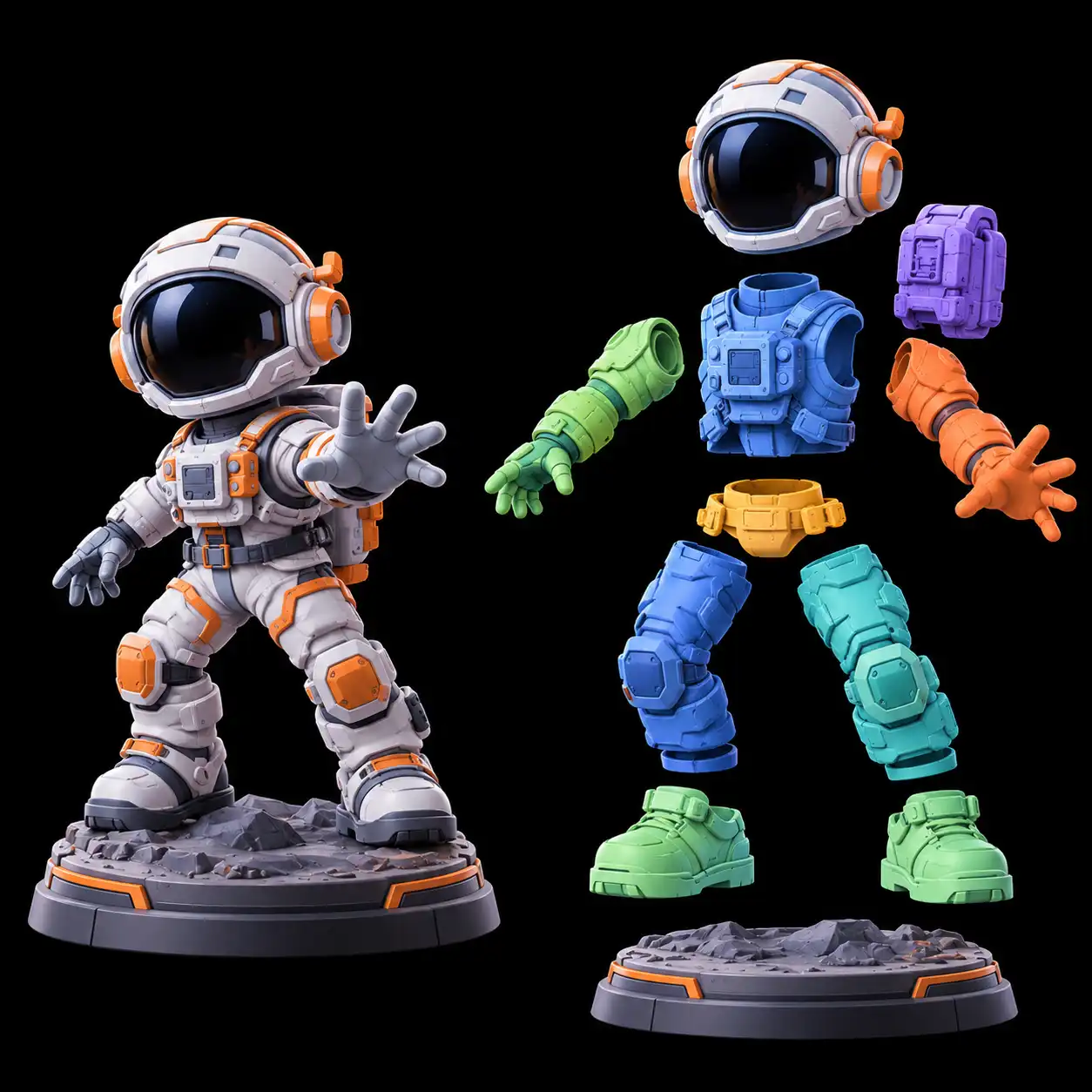
Split oversized 3D models into smaller sections that are easier to print and assemble. Prepare complex designs for your 3D printing workflow without treating the entire model as one piece.

Astronaut Figurine Exploded splitted View

Model Editing

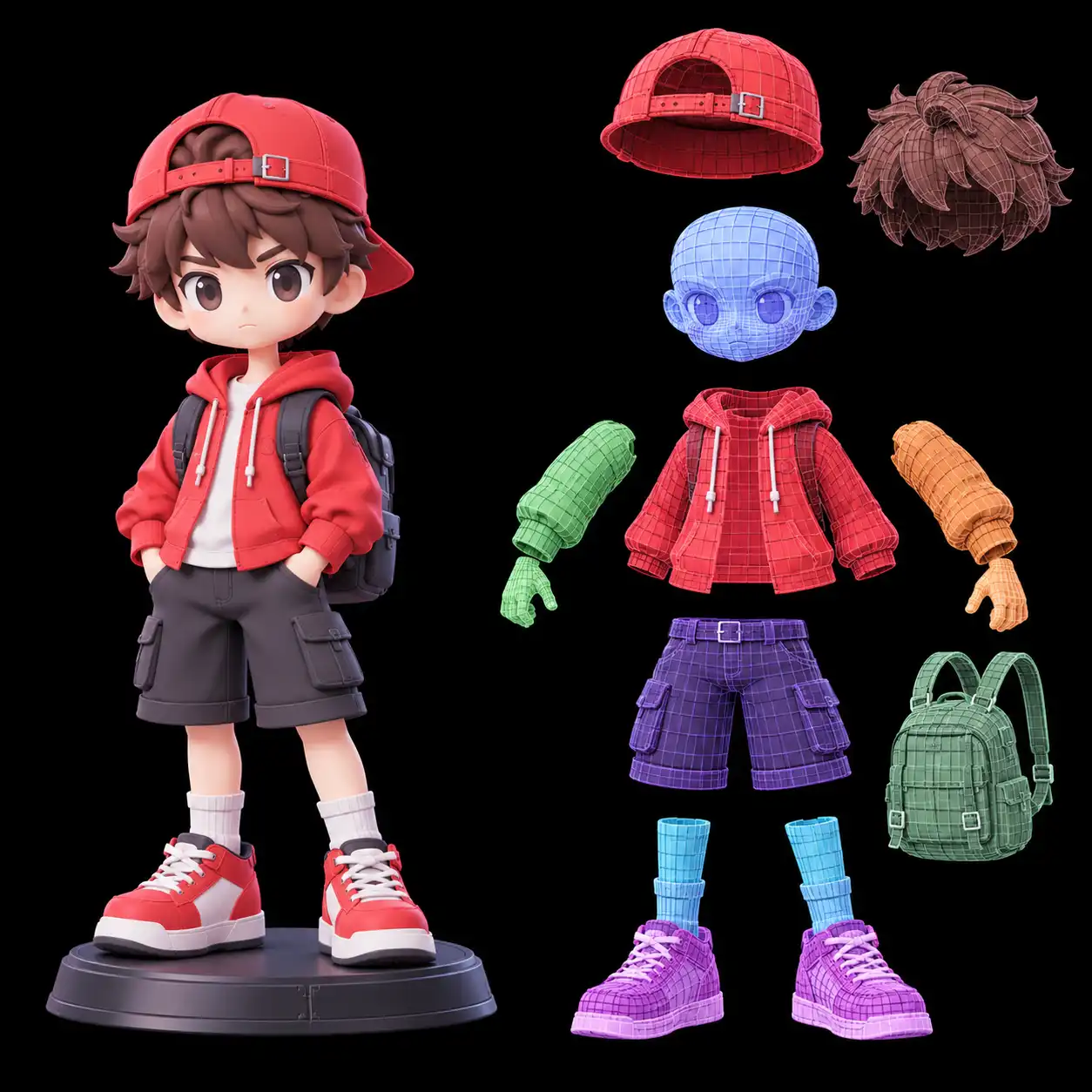
Turn a complete 3D model into individual components. Isolate specific parts to adjust shapes, refine details, or customize your design without working on the entire model.

Stylized Boy splitted Model Breakdown

Product Design

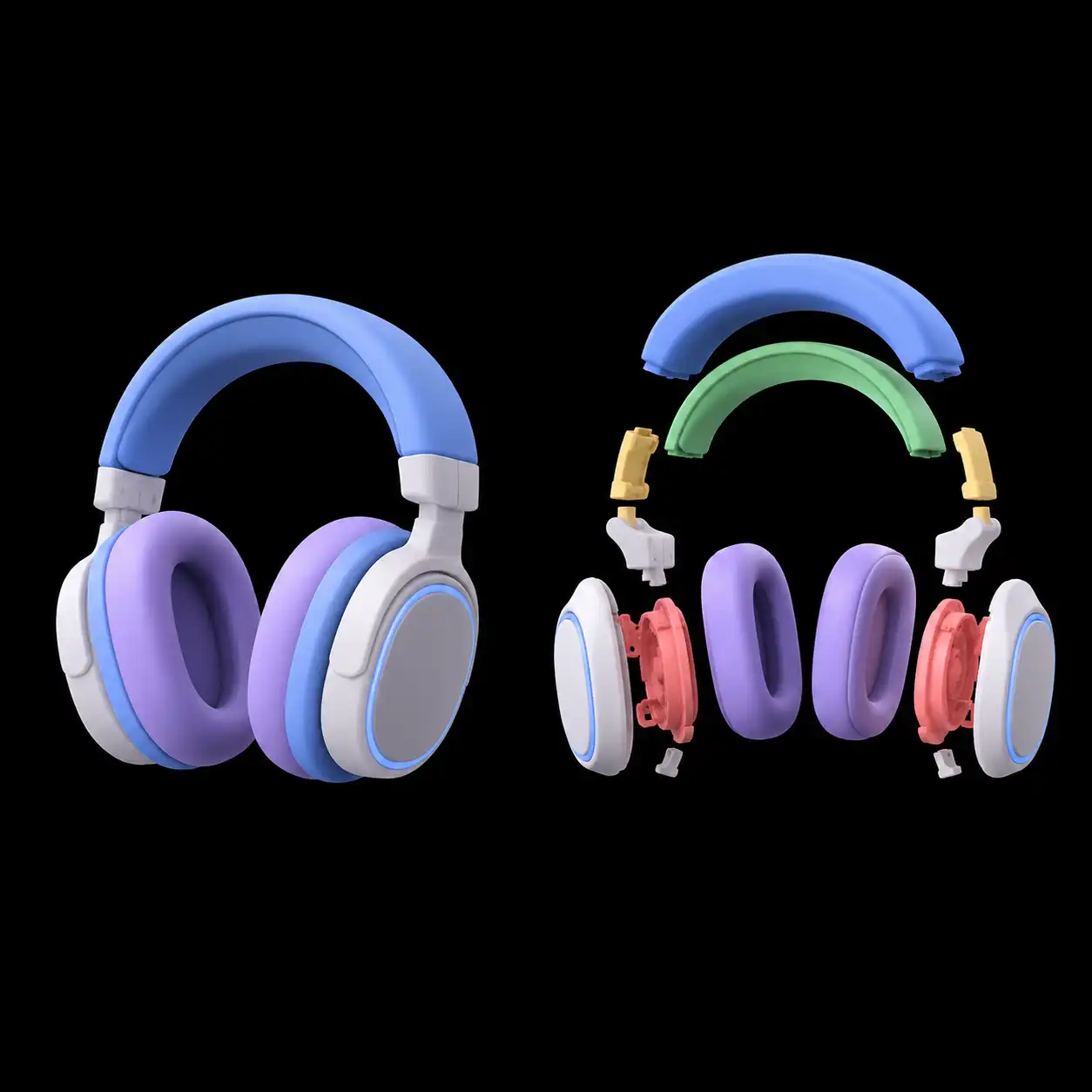
Split product designs and mechanical objects into individual sections. Work on specific components independently and make design adjustments more efficiently.

Headphone Assembly Exploded View
Workflow

How to Split a 3D Model Automatically

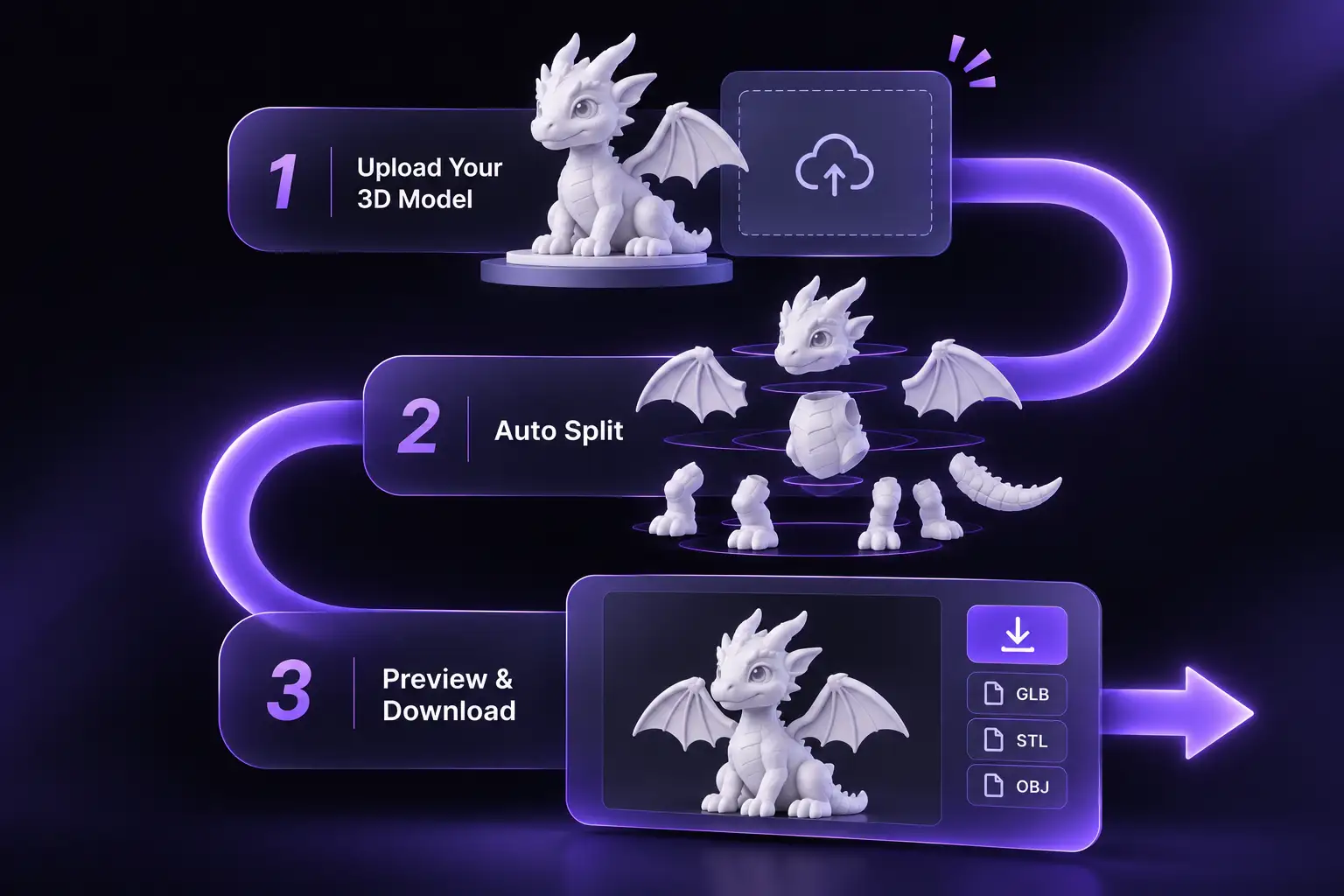
Turn a complete 3D model into separate components with an AI-powered workflow. Upload your model, run automatic splitting, and export the individual parts for your next project.

  • Step 1. Upload Your 3D Model Import a supported 3D file to prepare your model for automatic splitting.
  • Step 2. Auto Split Let AI identify and separate individual components into distinct 3D model parts.
  • Step 3. Preview & Download Review the split results and export individual parts in supported formats such as GLB.
How to Split a 3D Model Automatically
Why Use

Why Choose Our AI 3D Model Splitter?

Make complex 3D models easier to split, manage, and prepare for printing or further editing.

Fit Models to Any Build Volume

Large models don't have to be limited by your printer's build plate. Split oversized designs into smaller sections and print them with ease.

Faster Than Manual Splitting

Skip time-consuming manual cuts and complex mesh editing. Let AI automatically identify and separate model components, reducing repetitive work and simplifying your workflow.

Reduce Multi-Color Printing Waste

Separate color regions into individual components to simplify filament assignment and reduce unnecessary AMS filament purging.

Simplify Printing & Assembly

Handle each separated part independently during printing and post-processing. Organize components for easier fitting and final assembly.

12,000+ Happy Clients

What Users Say About Our 3D Model Splitter

See how 3D printing enthusiasts, artists, and designers use our AI 3D model splitter to simplify model separation and improve their creative workflows.

avatar 3
Emily Chen 3D Printing Enthusiast

"An incredibly useful image splitter for printing oversized models. I can divide large designs into smaller sections that fit my build plate and assemble them afterward."

avatar 1
Daniel Kim 3D Artist

"I love how this auto splitter handles repetitive separation work. It saves me time compared with manually cutting model components, especially when working with complex assets."

avatar 2
Alex Rivera Game Developer

"Separating character and prop components saves me time during asset preparation. It's a straightforward addition to my 3D workflow."

Sophia Park Product Designer

"Being able to isolate different parts of a product model makes design adjustments much easier. A really useful tool for working with complex models."

Help Center

Frequently Asked Questions About AI 3D Model Splitter

Learn how to split large 3D models, automate component separation, prepare files for 3D printing, and manage your exported model parts.

An AI 3D model splitter automatically separates a 3D model into smaller, independent parts. It's especially useful when a model is too large for your printer's build plate. You can split it into printable sections, print each part separately, and assemble the complete model afterward.
Textured 3D models are not currently supported. Please upload an untextured model for automatic splitting. Texture support may be added in future updates.

Yes. Separating multi-color models into individual components allows you to assign different filament colors to separate parts in your slicer. This can reduce filament changes and purge waste, depending on the model structure and printing setup.

You can get started with free credits to try automatic 3D model splitting. For additional credits and continued access, you can upgrade to a paid plan.

Yes. Split models are available under the Creative Commons Attribution 4.0 International (CC BY 4.0) license, which permits commercial use with appropriate attribution. For broader usage rights or higher licensing permissions, please upgrade your account.