3D TERMS LEARNING

3D Glossary

Learn essential 3D terms in plain English, from mesh topology and PBR materials to 3D file formats and printing. Understand the basics of 3D modeling without getting lost in technical jargon.

Last updated: October 14, 2026

START HERE

New to 3D? Read these five first.

What a model is made of, how it is optimized, how it looks, and how you export it.

#

3d rendering

Rendering

3D rendering

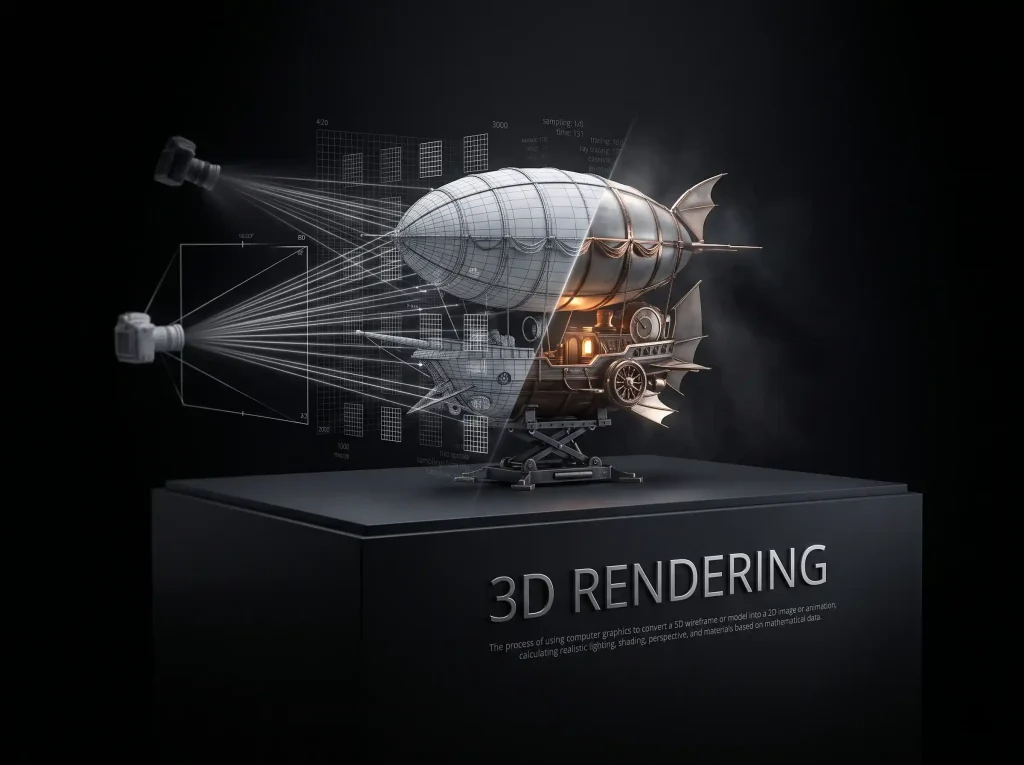
3D rendering is the process of turning a 3D scene into a 2D image by computing how light, materials, and the camera interact.

💡Try: Image to 3D
3MF File

Formats

3MF File

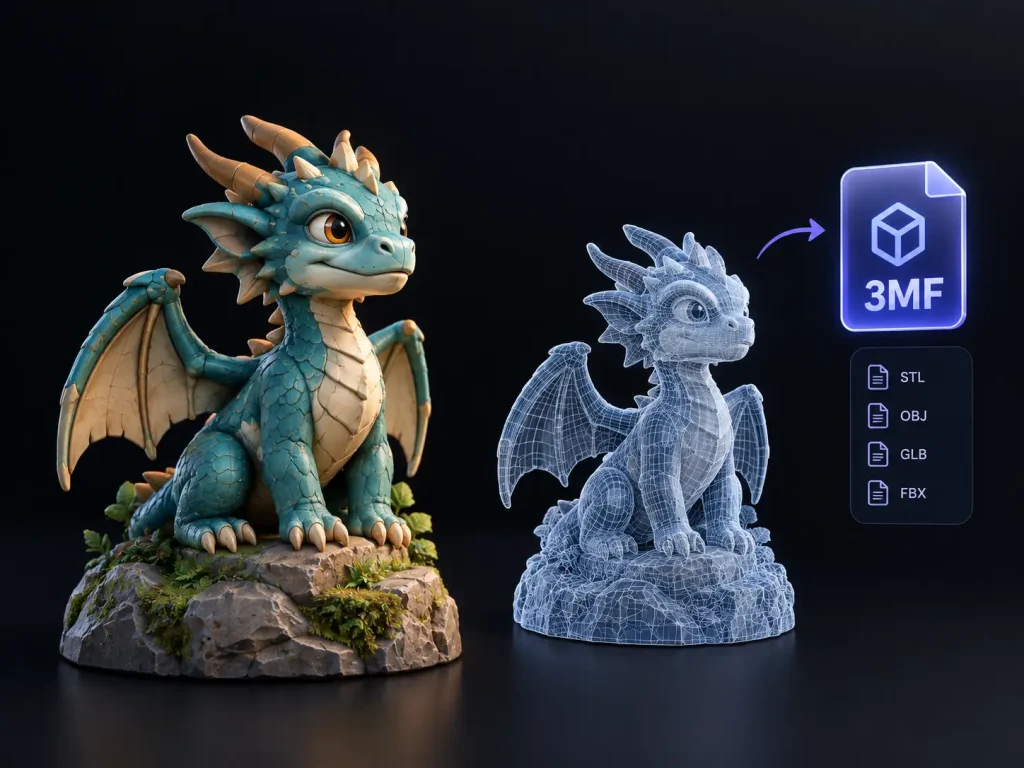
3MF is a 3D manufacturing format designed to preserve model geometry and additional information such as materials and printing-related data.

💡Try: 3D Model File Converter

A

albedo map
Materials & Textures

Albedo Map

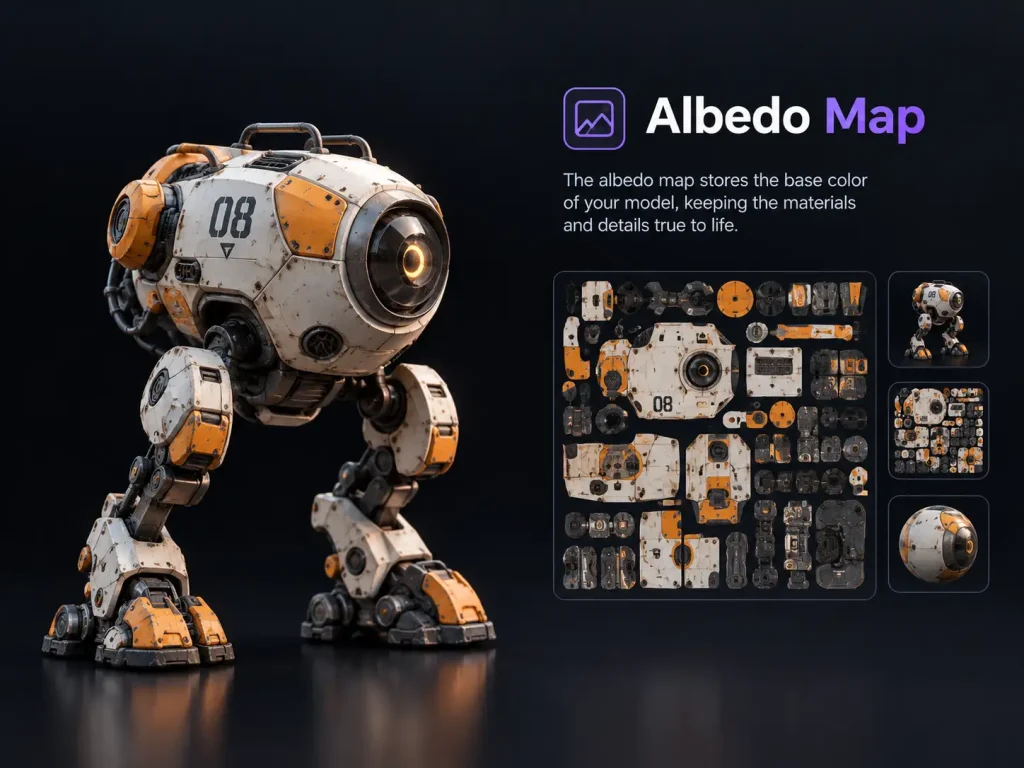
An albedo map stores a material’s base color information without including lighting or shadow effects.
💡Try: AI Texture Generator
Ambient Occlusion
Rendering

Ambient Occlusion

Ambient occlusion is a shading effect that adds soft contact shadows where surfaces meet or crease, making renders look grounded and detailed.
💡Try: 3D File Viewer

B

Boolean
Modeling

Boolean

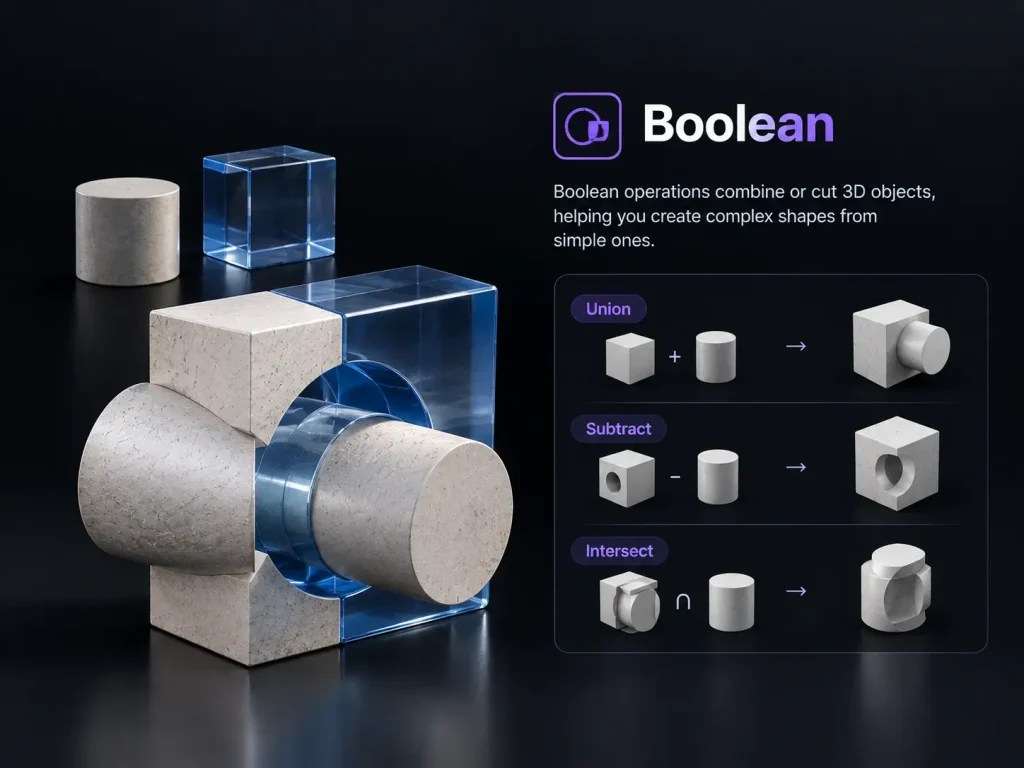
A Boolean operation combines or cuts two overlapping shapes through union, difference, or intersection to create new geometry during modeling.
💡Try: Text to 3D

C

color space
Materials & Textures

Color Space

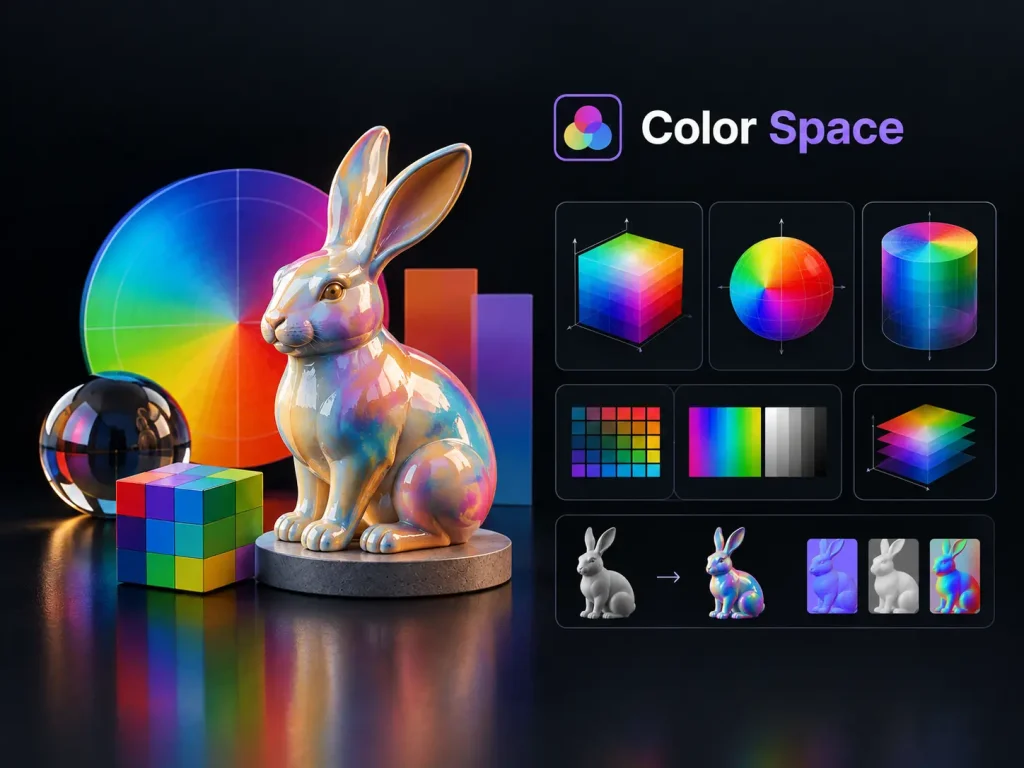
sRGB and linear are color spaces used in texturing: albedo maps use sRGB, while normal and roughness maps use linear to ensure materials look correct.
💡Try: AI Texture Generator
Cycles
Rendering

Cycles

Cycles is Blender’s path-tracing render engine, which simulates real light behavior to produce photorealistic images.
💡Try: 3D Model File Converter

E

EXR
Rendering

EXR

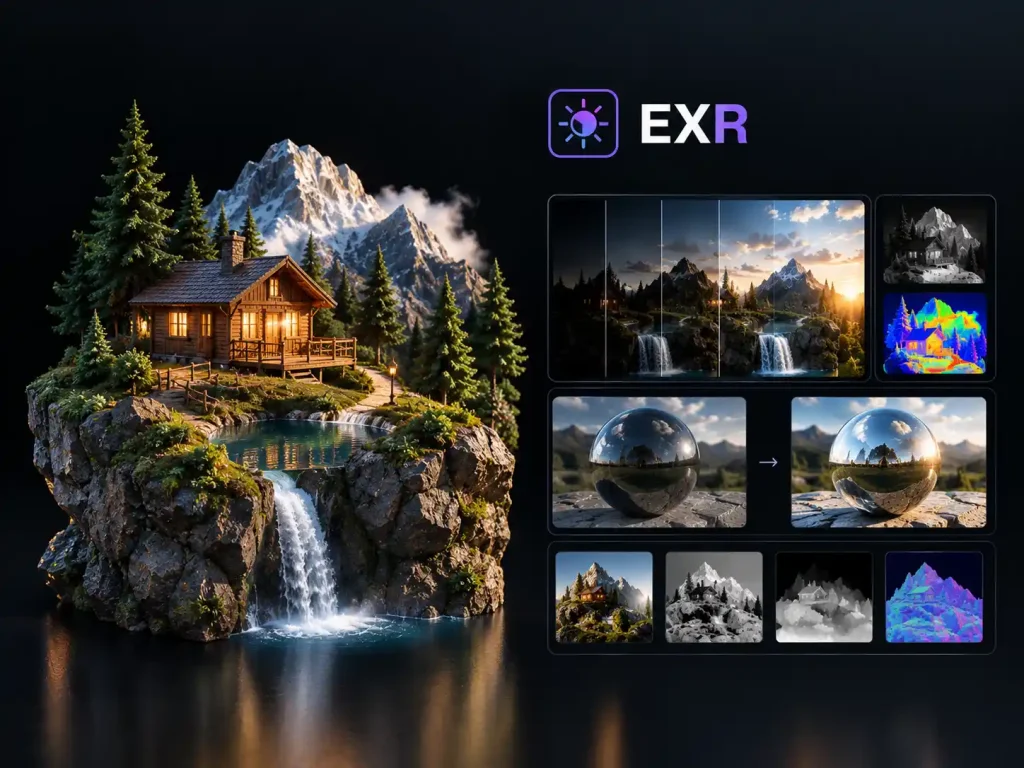
An EXR file is an open image format designed to store high dynamic range data without loss, commonly used for HDRI environment maps and professional rendering output.
💡Try: 3D File Viewer

F

Faces

Modeling

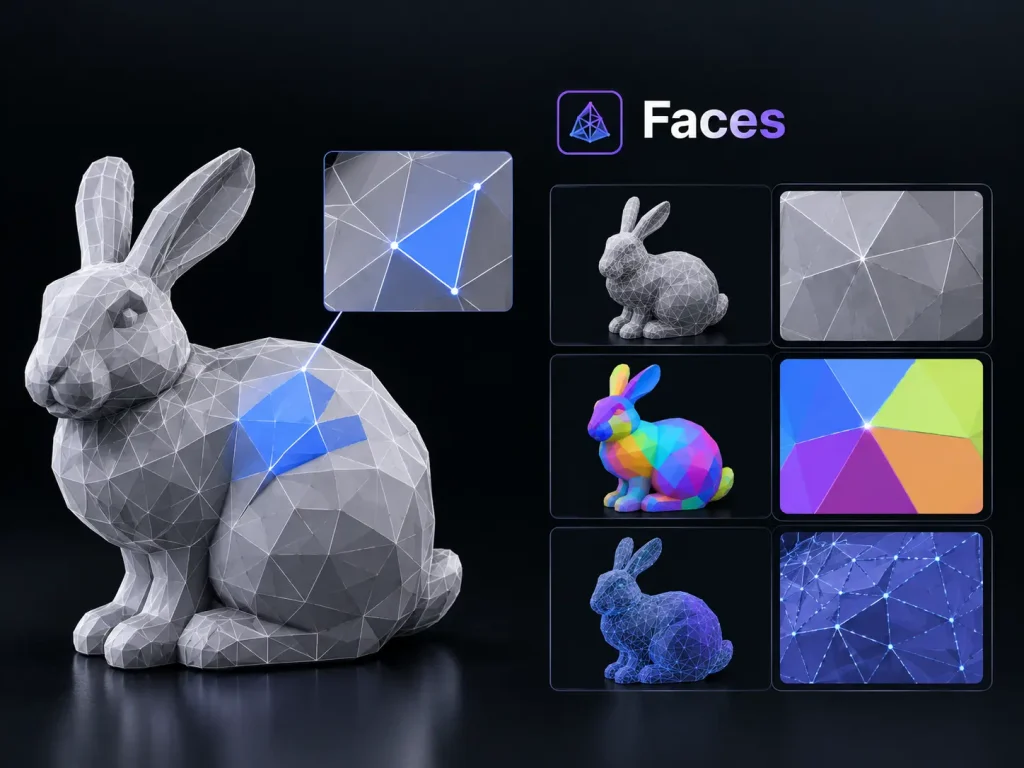
Faces

A face is the flat surface formed when three or more vertices are connected by edges; faces are the visible building blocks of every mesh.

💡Try: 3D File Viewer
FBX File

Formats

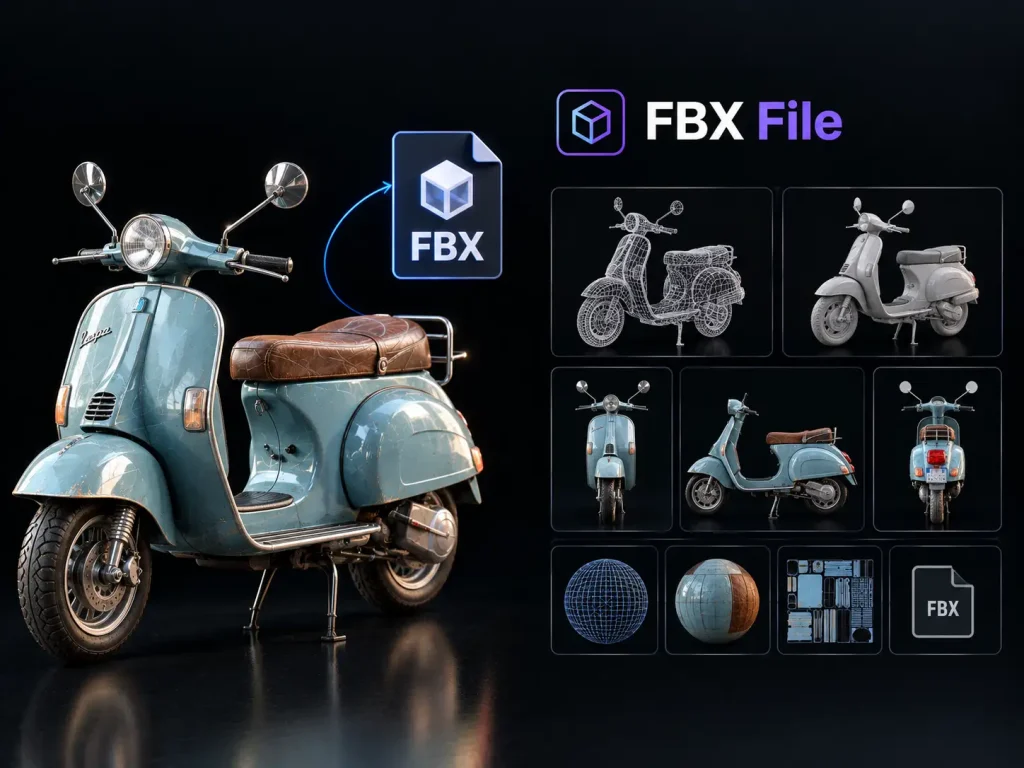
FBX File

FBX is a 3D asset format that can store models, materials, scene hierarchy, and animation data for use in compatible software.
💡Try: Image to 3D

G

Geometry

Modeling

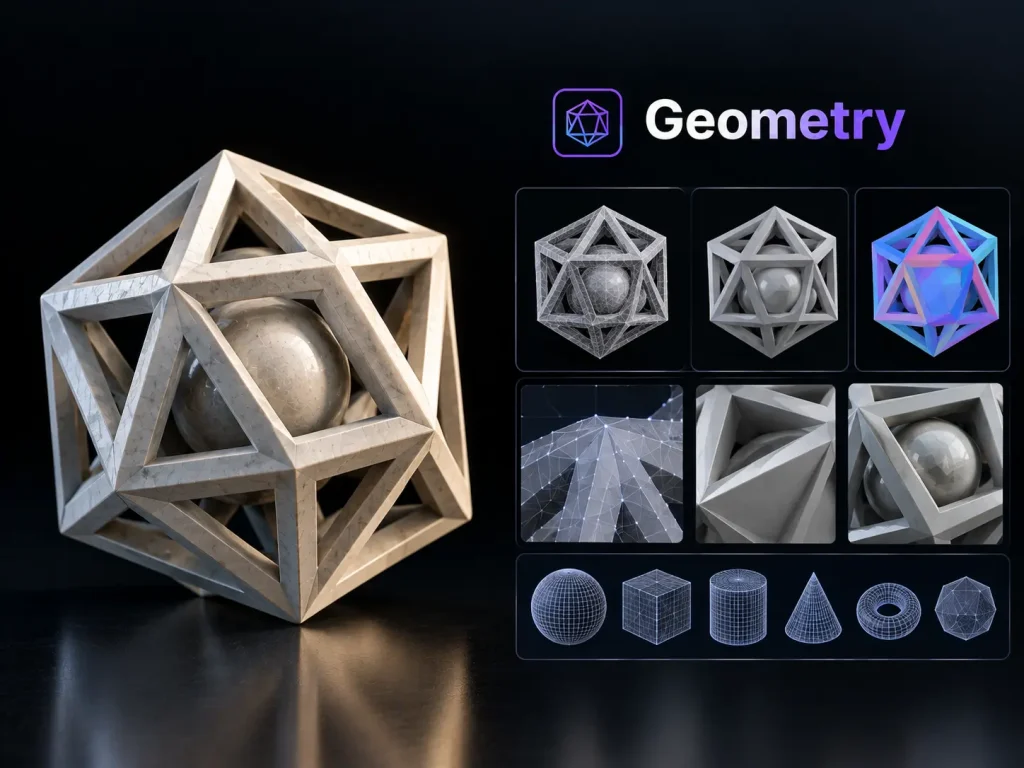
Geometry

Geometry describes the shape, dimensions, and spatial structure of a 3D model, unlike the textures and materials applied to its surface.
💡Try: Text to 3D
glTF File

Formats

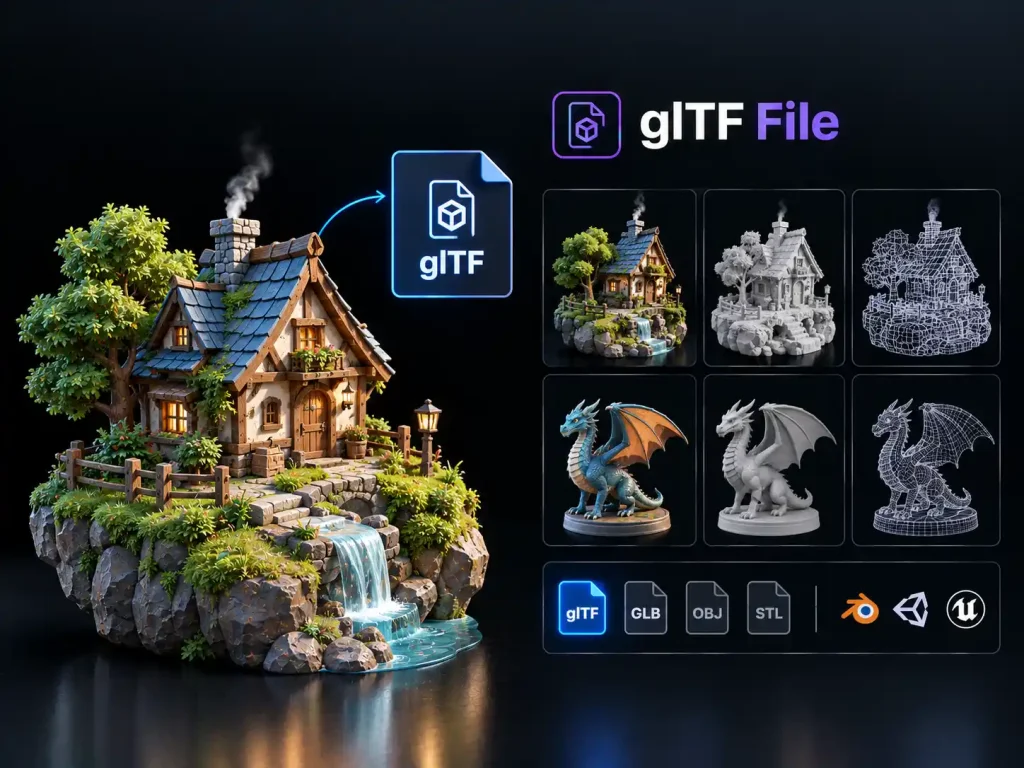
glTF File

glTF is a format for transmitting and loading 3D scenes and models, often using separate JSON, binary, and texture resources.
💡Try: 3D File Viewer
GLB File

Formats

GLB File

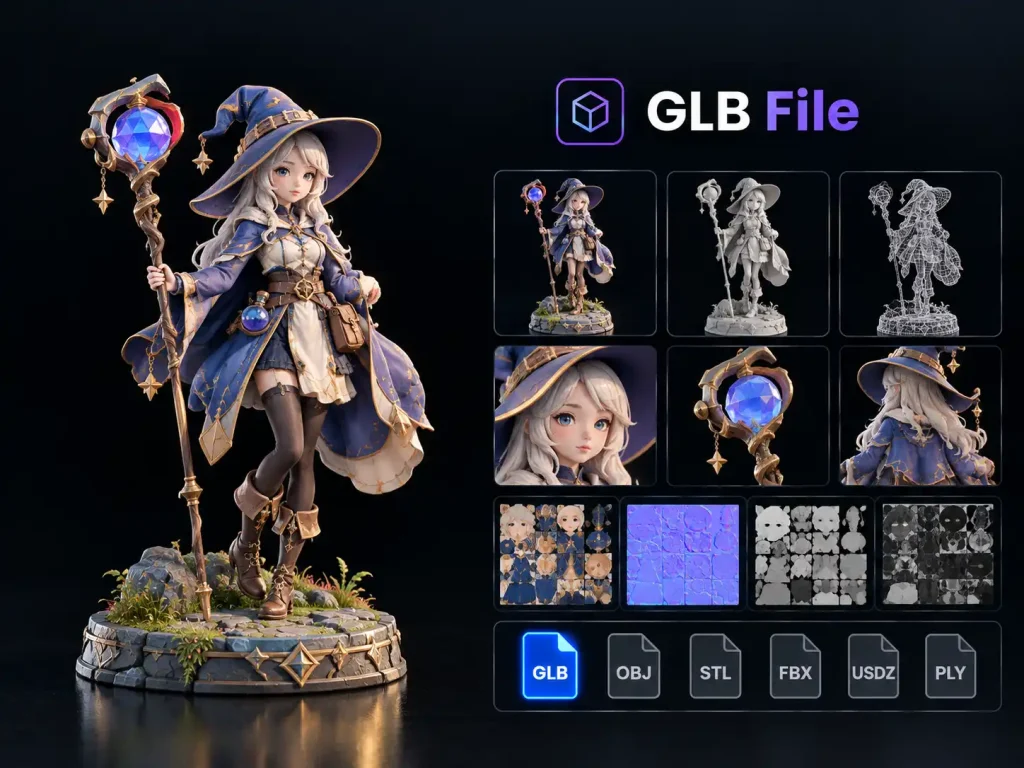
A GLB file is a binary version of glTF that can package 3D geometry, materials, textures, and other supported scene data into a single file.

💡Try: 3D File Viewer

H

High Poly

Optimization

High Poly

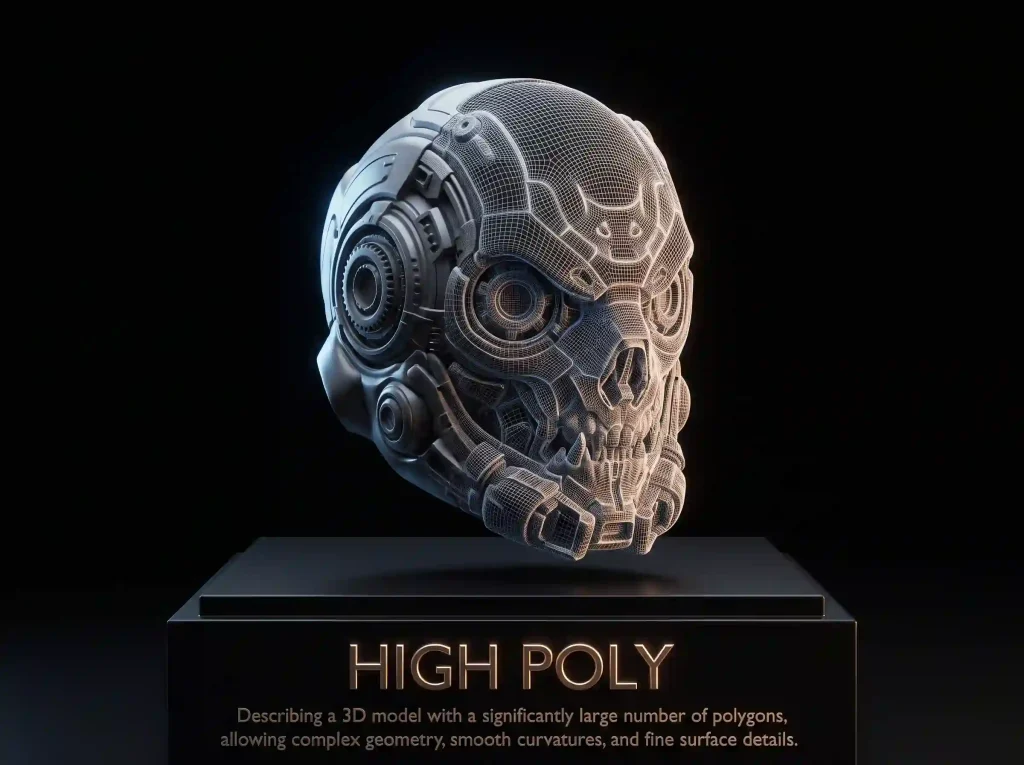
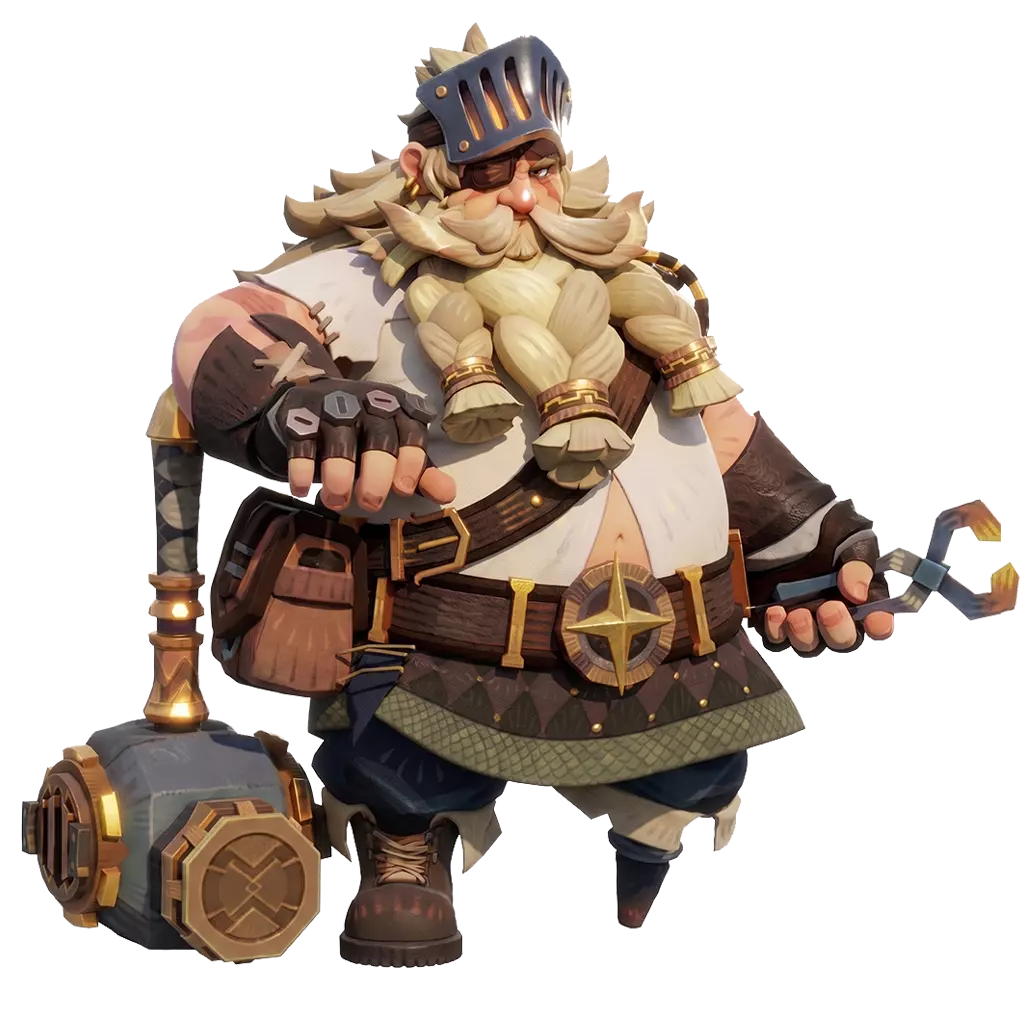
High poly describes a 3D model featuring a massive number of polygons, allowing for highly complex geometry and the exceptionally fine surface details required for photorealistic rendering.
💡Try: Image to 3D
HDRI

Rendering

HDRI

An HDRI (High Dynamic Range Image) is a 360° panoramic image with a wider brightness range than standard photos, used to light 3D scenes with realistic environmental lighting.
💡Try: 3D File Viewer

L

Low Poly

Optimization

Low Poly

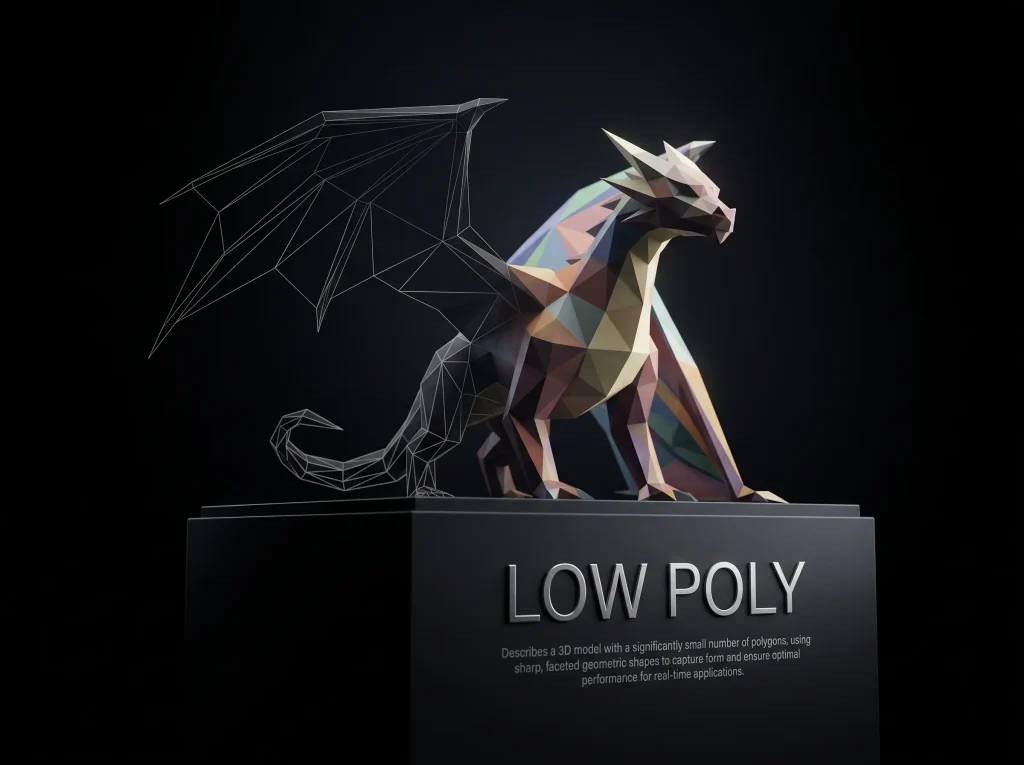
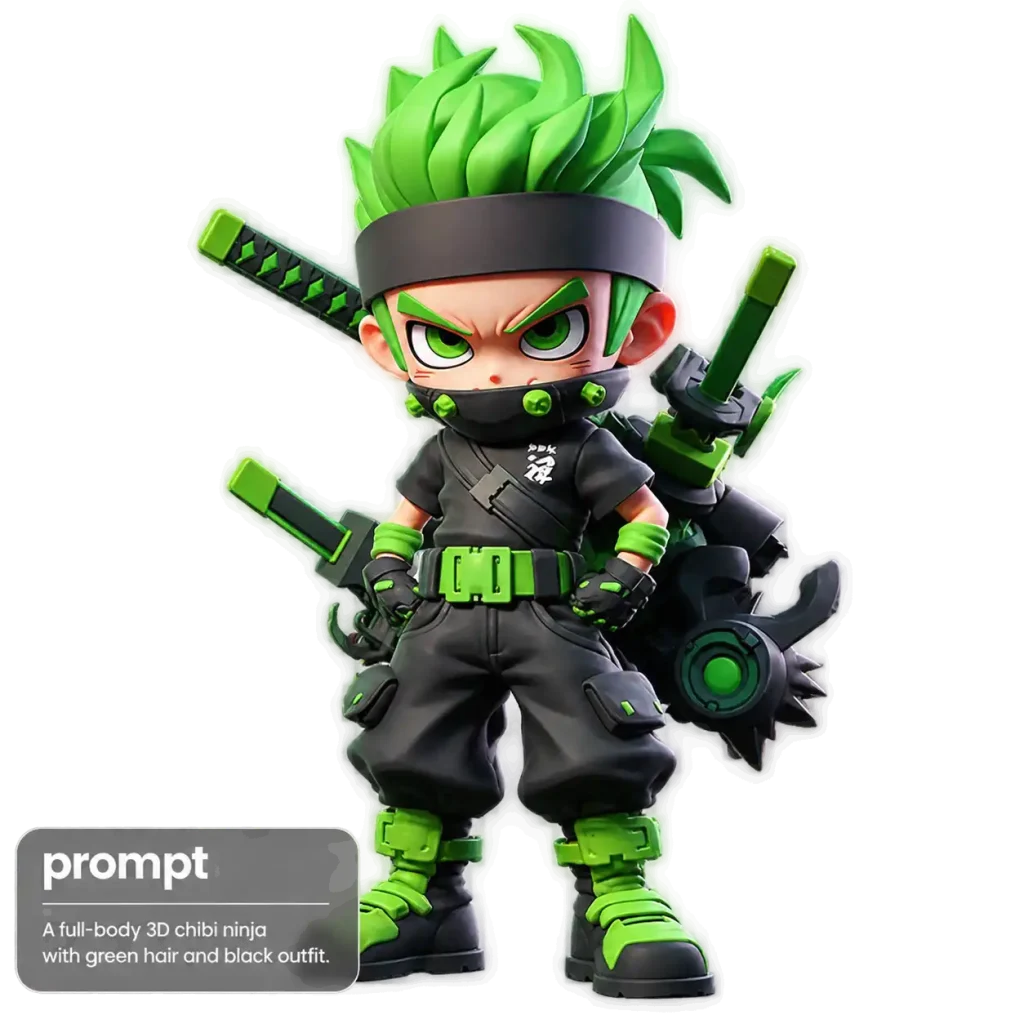
Low poly describes a 3D model with relatively few polygons, often used for efficient rendering and stylized visuals.
💡Try: Text to 3D
LOD

Optimization

LOD

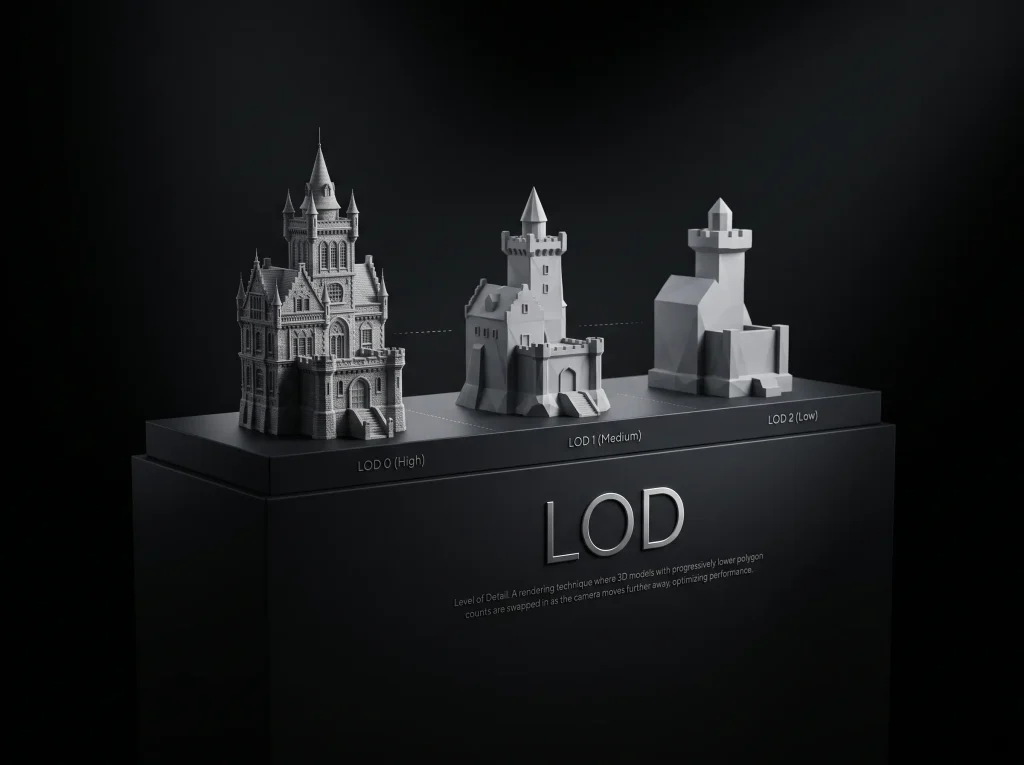
Level of Detail (LOD) uses different versions of a 3D model with varying complexity based on viewing distance or performance needs.
💡Try: 3D Model File Converter

M

mesh
Modeling

Mesh

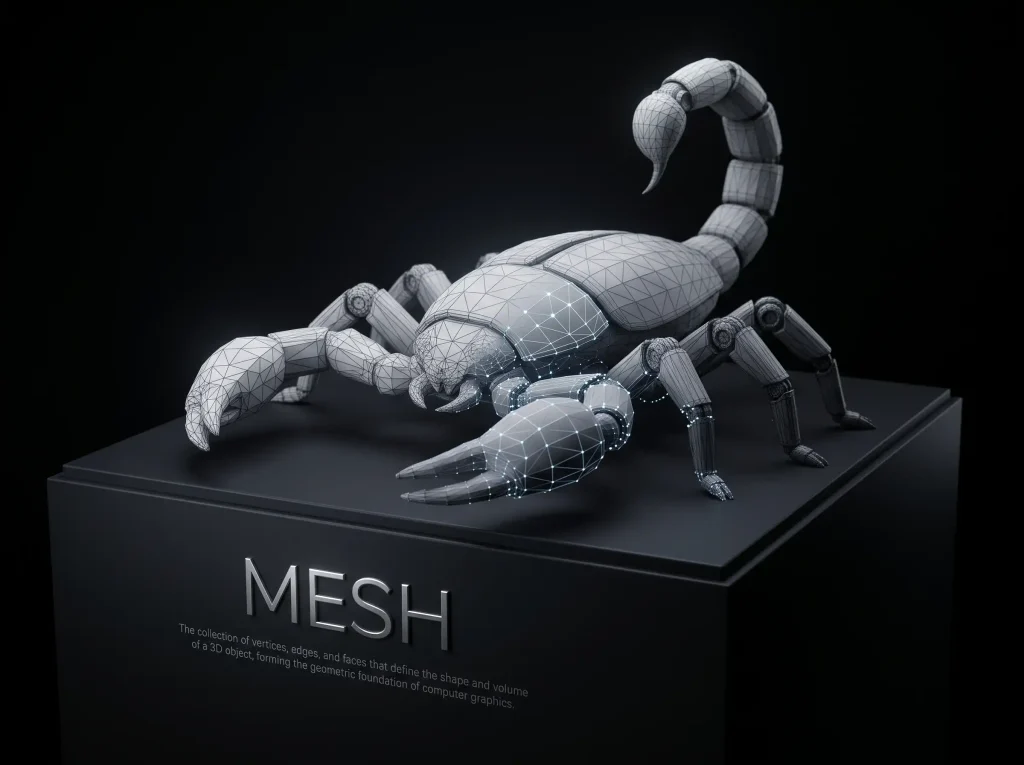
A mesh is a 3D object’s surface structure, made up of vertices, edges, and faces that define its shape and form the foundation for modeling, texturing, and rendering.
💡Try: Image to 3D
Metallic Map

Materials & Textures

Metallic Map

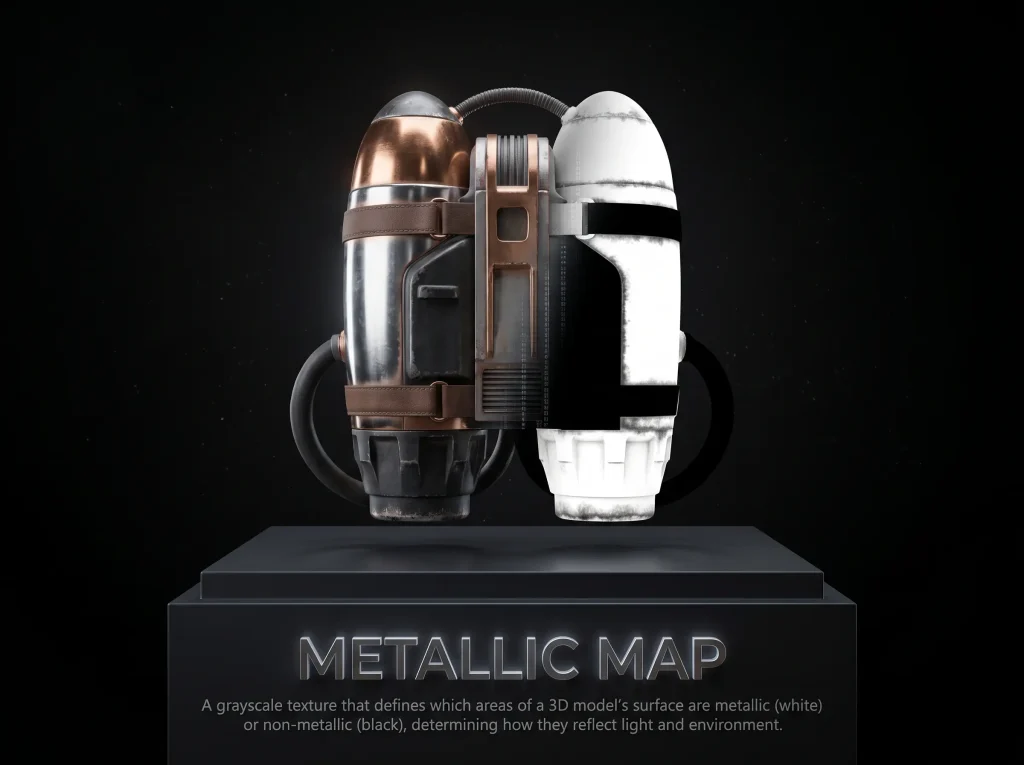
A metallic map is a grayscale PBR texture that marks which parts of a surface behave as metal, so reflections and color response stay physically accurate.

💡Try: AI Texture Generator

N

Normal Map

Materials & Textures

Normal Map

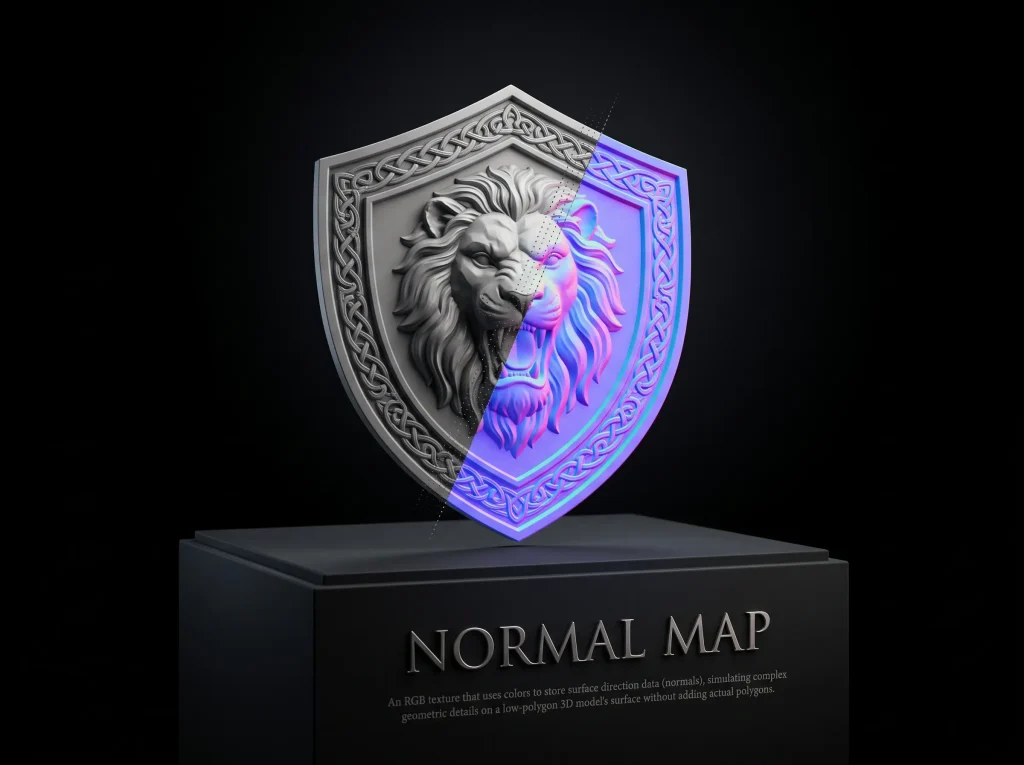
A normal map encodes surface direction information to simulate fine details in lighting without requiring additional geometric complexity.

💡Try: AI Texture Generator

O

OBJ File

Conversion

OBJ File

OBJ is a geometry-focused 3D file format that can describe vertices, faces, texture coordinates, and normals, with materials commonly referenced separately.

💡Try: 3D Model File Converter

P

PBR

Materials & Textures

PBR

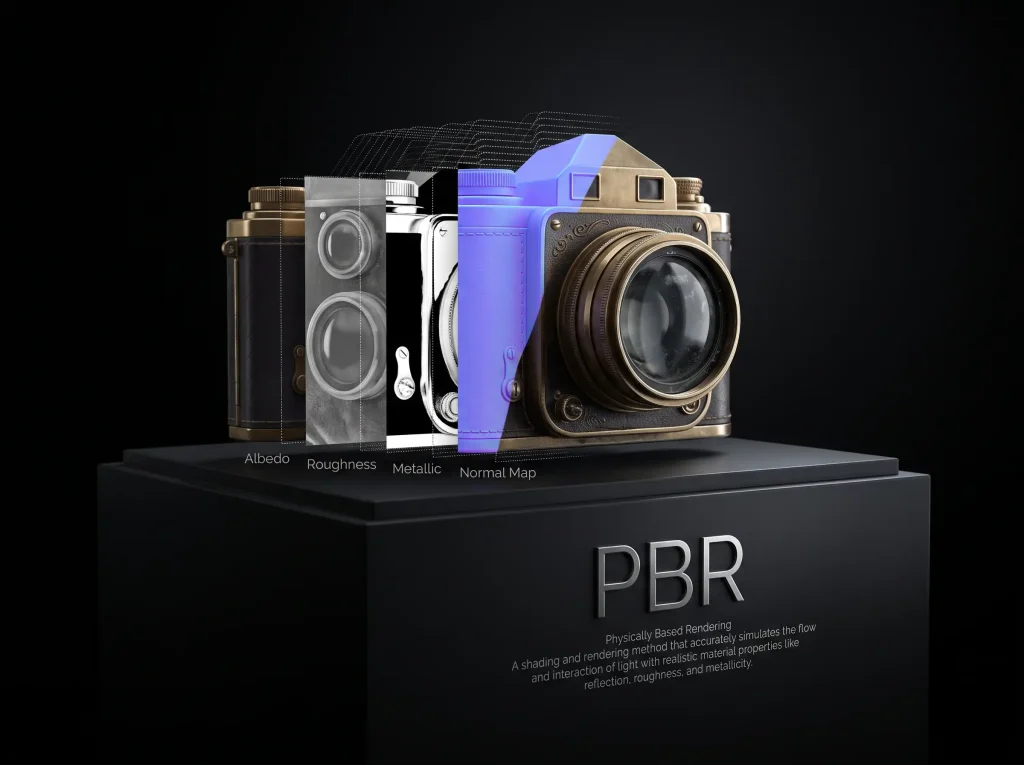
Physically Based Rendering (PBR) is a rendering approach that uses material properties to simulate how surfaces interact with light.
💡Try: AI Texture Generator
PLY file

Formats

PLY File

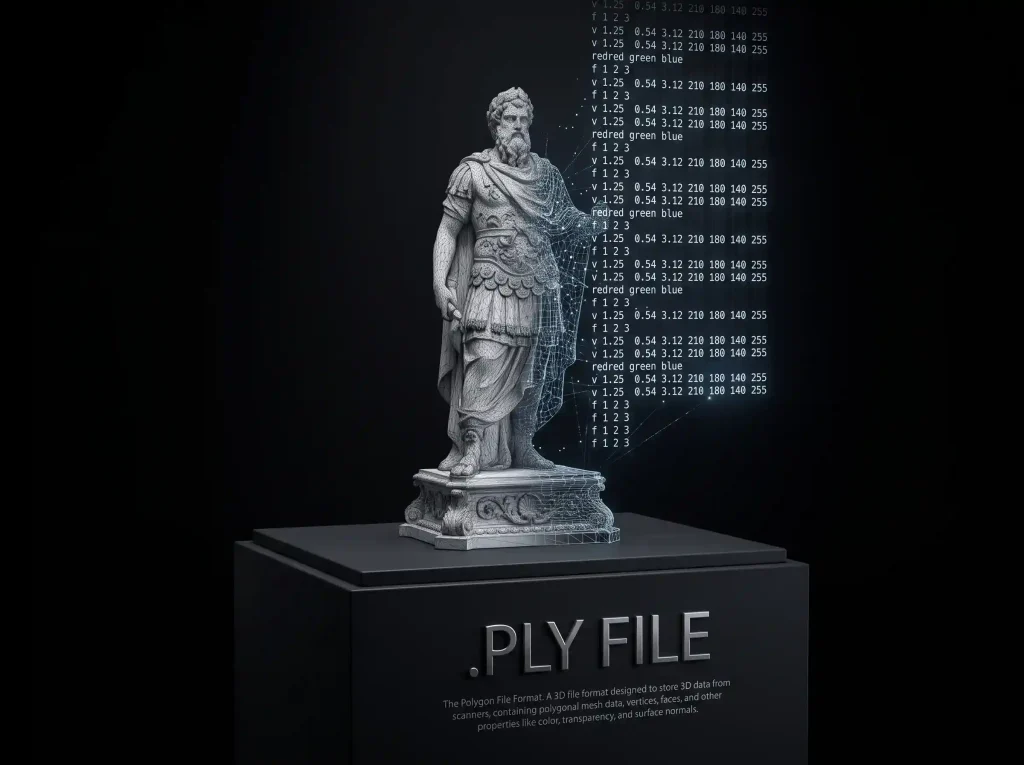
PLY is a format for storing 3D data such as polygon meshes or point clouds, including properties like vertex colors when present.
💡Try: 3D Model File Converter
Polygon Count

Optimization

Polygon Count

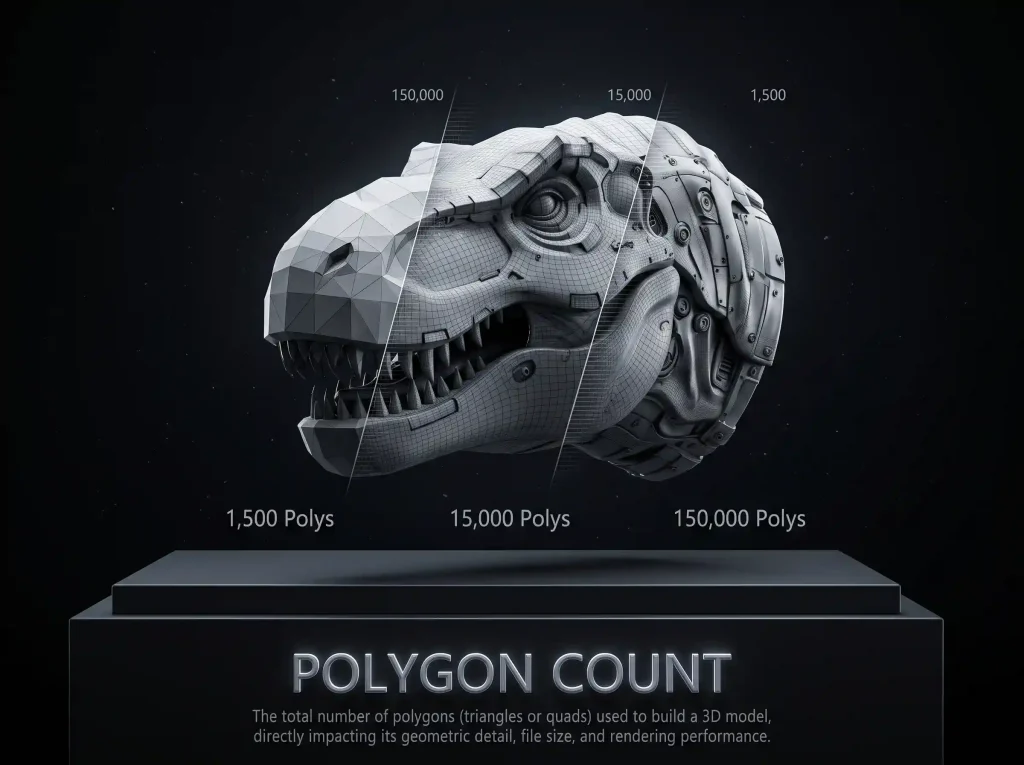
Polygon count is the number of polygons used to represent a 3D model’s surface and is one measure of its geometric complexity.

💡Try: Image to 3D

R

Retopology

Conversion

Retopology

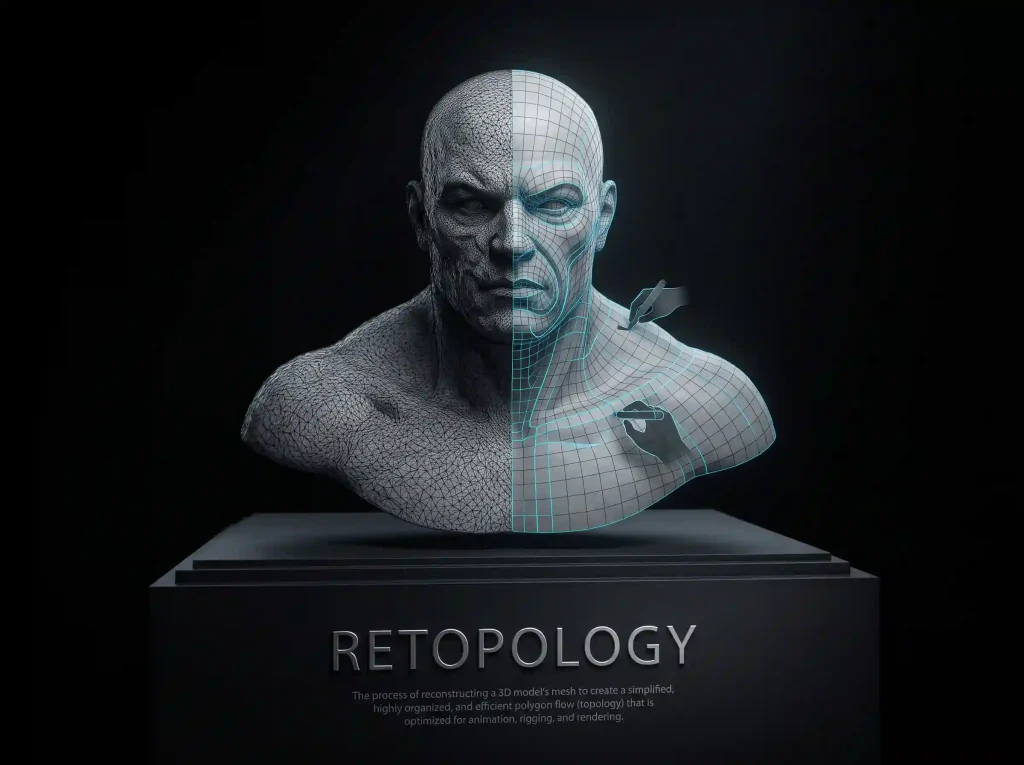
Retopology reorganizes a 3D model’s mesh into a new topology that may be easier to edit, animate, or use in production.
💡Try: Image to 3D
Roughness

Materials & Textures

Roughness

Roughness is a PBR property that controls how sharp or blurred reflections appear on a surface, from mirror-smooth to fully matte.
💡Try: AI Texture Generator

S

STL File

Formats

STL File

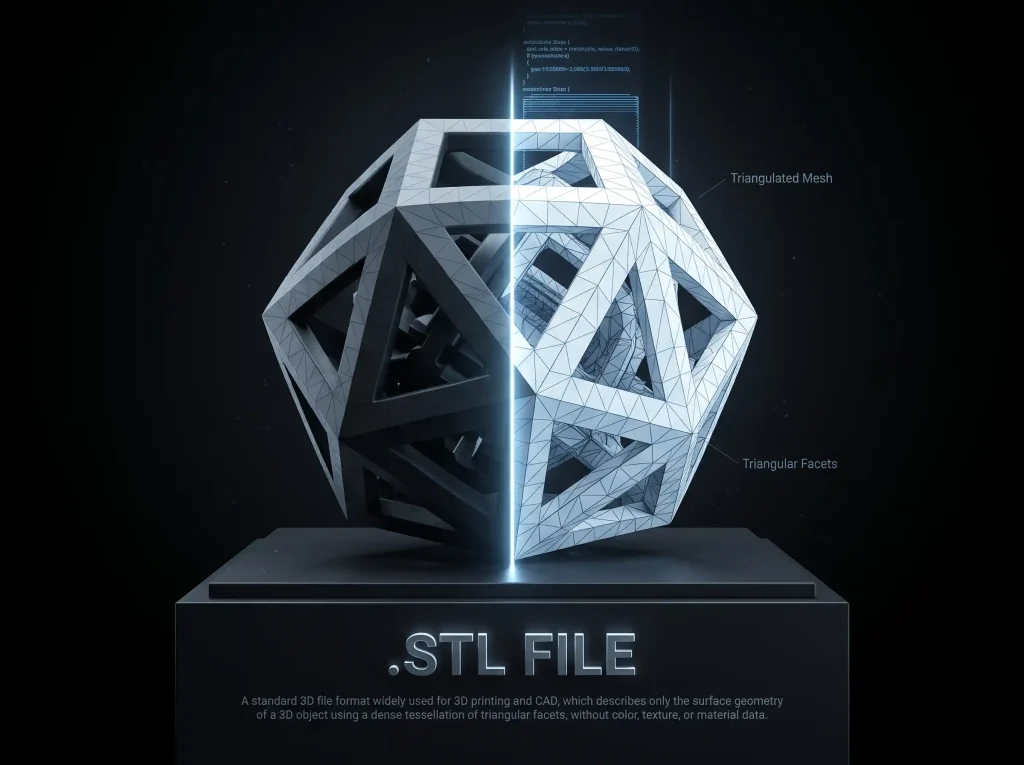
STL is a widely used 3D printing format that represents a model’s surface using triangular facets, typically without color or material information.
💡Try: Image to 3D

T

Topology

Optimization

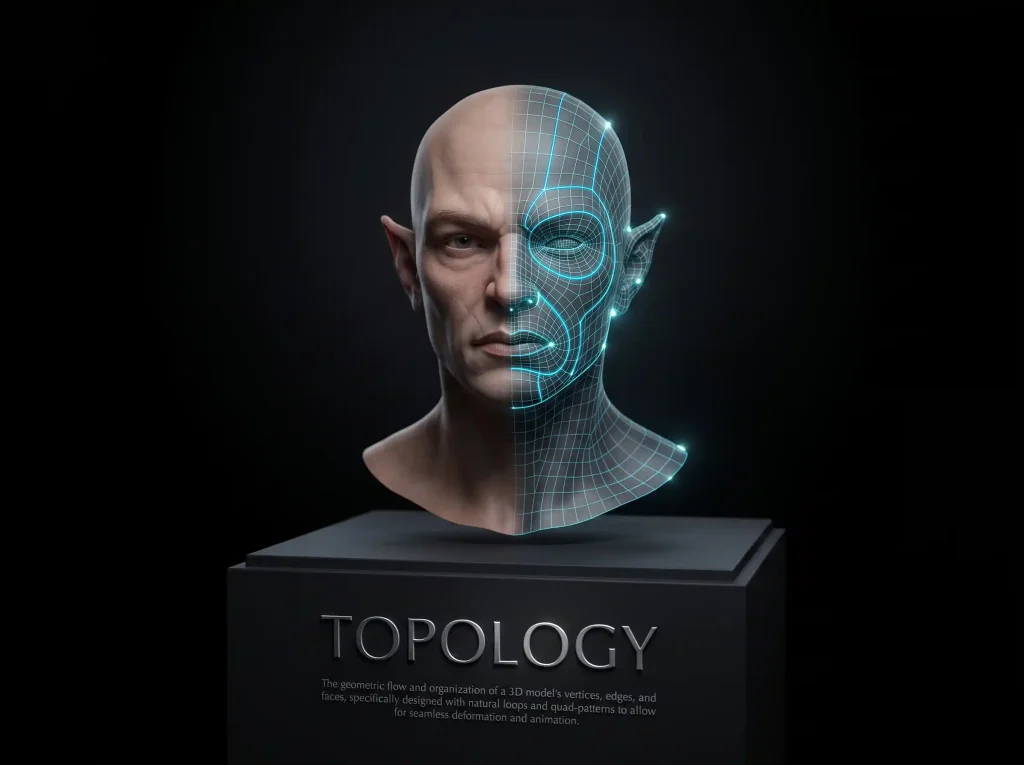
Topology

Topology describes how the vertices, edges, and faces of a 3D mesh connect to form its surface, affecting its structure and deformation.
💡Try: Image to 3D
Triangulation
Modeling

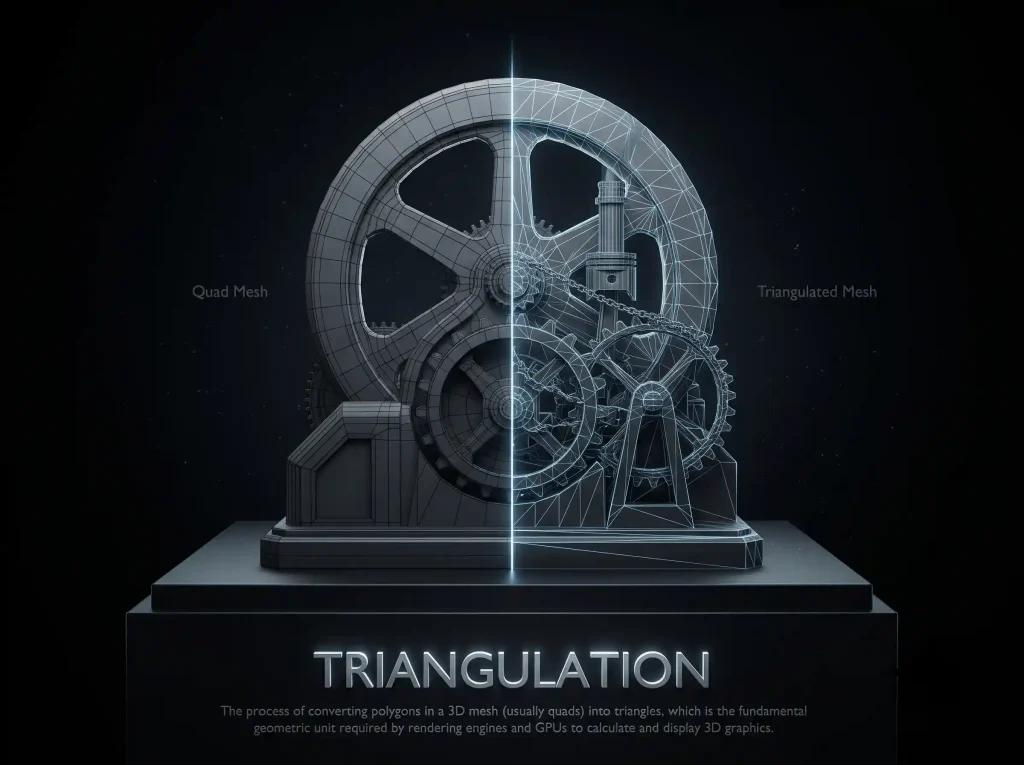
Triangulation

Triangulation divides polygonal surfaces into triangles, a common geometric representation used in 3D graphics and rendering.
💡Try: 3D Model File Converter

U

UV Mapping

Materials & Textures

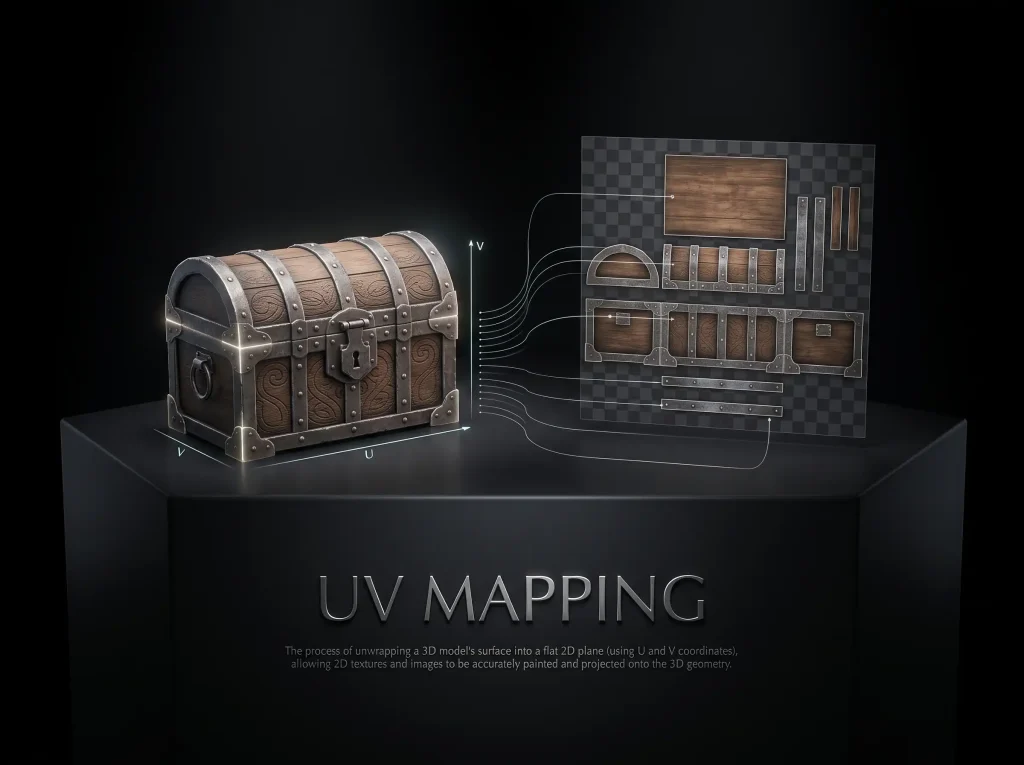
UV Mapping

UV mapping assigns coordinates to a 3D model’s surface so that a 2D texture can be positioned correctly on the model.
💡Try: AI Texture Generator
USDZ File

Formats

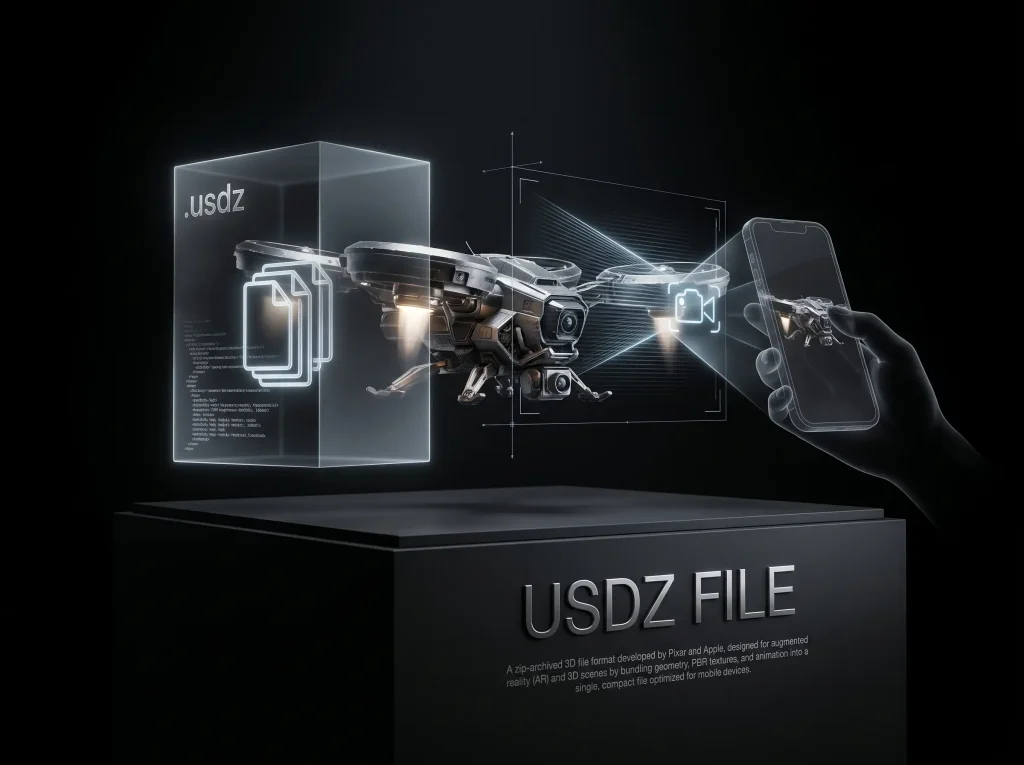
USDZ File

USDZ is a packaged 3D asset format commonly used to share 3D content and support augmented reality experiences on compatible platforms.
💡Try: Image to 3D

V

Vertex

Modeling

Vertex

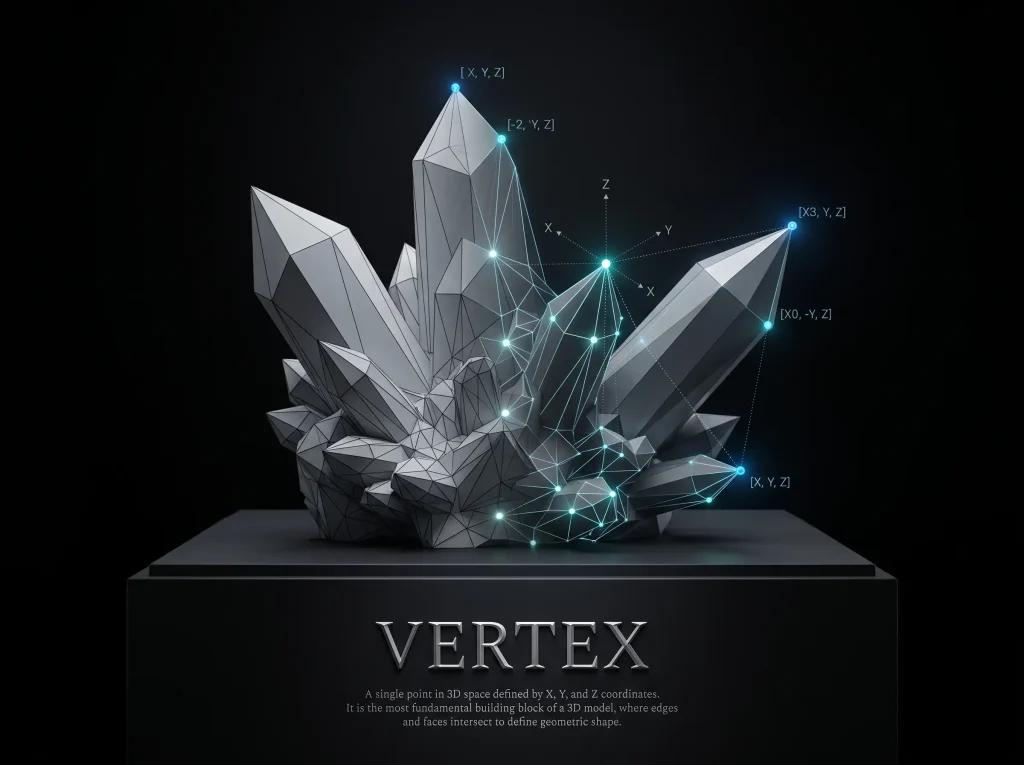
A vertex is a point in 3D space that helps define the position and shape of a model’s geometry.

– Related terms: Mesh, Faces, Triangulation
– Try it yourself: 3D File Viewer

💡Try: 3D Model File Converter

W

WebGL

Rendering

WebGL

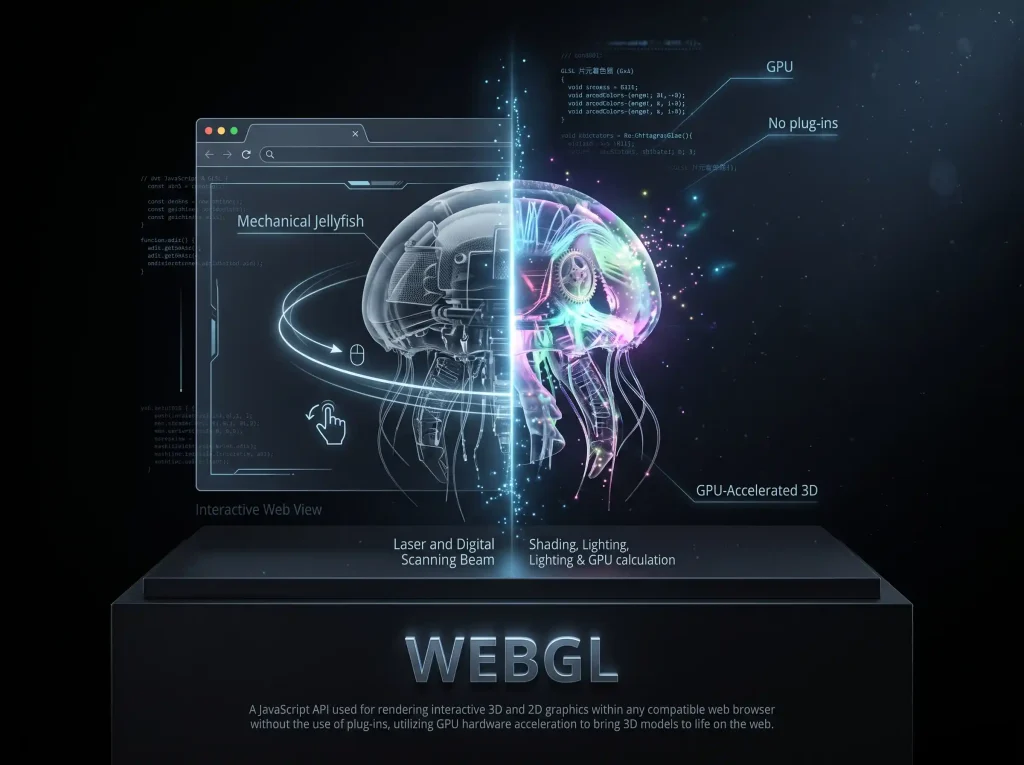
WebGL is a browser graphics standard that displays interactive 3D content on web pages in real time, without plugins — the technology behind online 3D viewers.
💡Try: 3D File Viewer

Related Tools

image to 3d

Image to 3D

text to 3d cover

Text to 3D

ai texture generator

AI Texture Generator

multi-view to 3d

Multi-View to 3D

Help Center

3D Glossary FAQs

Find answers to common questions about 3D terminology, beginner learning, and using AI 3D generators.

A 3D glossary is a collection of terms used in 3D modeling, rendering, texturing, animation, and 3D printing. It explains technical concepts such as meshes, topology, UV mapping, PBR materials, and file formats in simple language, helping beginners understand how 3D models are created, optimized, and used.

3D terminology covers several broad areas, including 3D modeling, materials and textures, rendering, optimization, and file formats. Together, these concepts help you understand how 3D models are created, improved, and used in different projects.

No. Most AI 3D generators let you create models from images or text without requiring prior 3D modeling knowledge. However, understanding a few basic terms can help you choose the right output format, evaluate model quality, adjust geometry, and prepare files for applications such as Blender, game engines, or 3D printers.

If you are just getting started, focus on mesh, polygon count, texture maps, and file formats first.
We review the glossary periodically to improve existing definitions and add useful terminology as 3D modeling tools, file formats, and workflows evolve. The “Last updated” date at the top of this page indicates the most recent page update.

If you're new to 3D, check out the Start Here guide near the top of this page. It highlights five essential terms to help you get started.