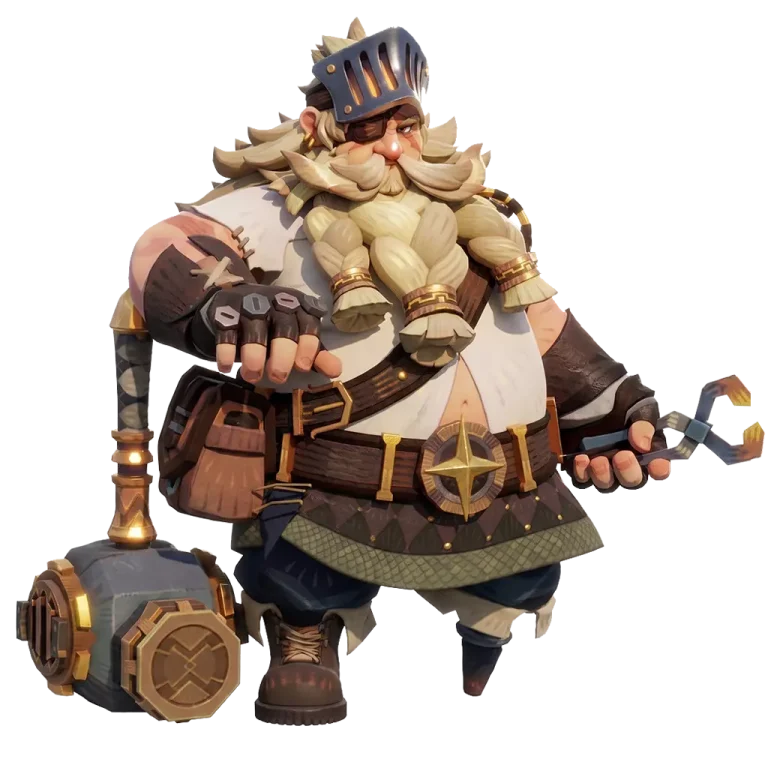
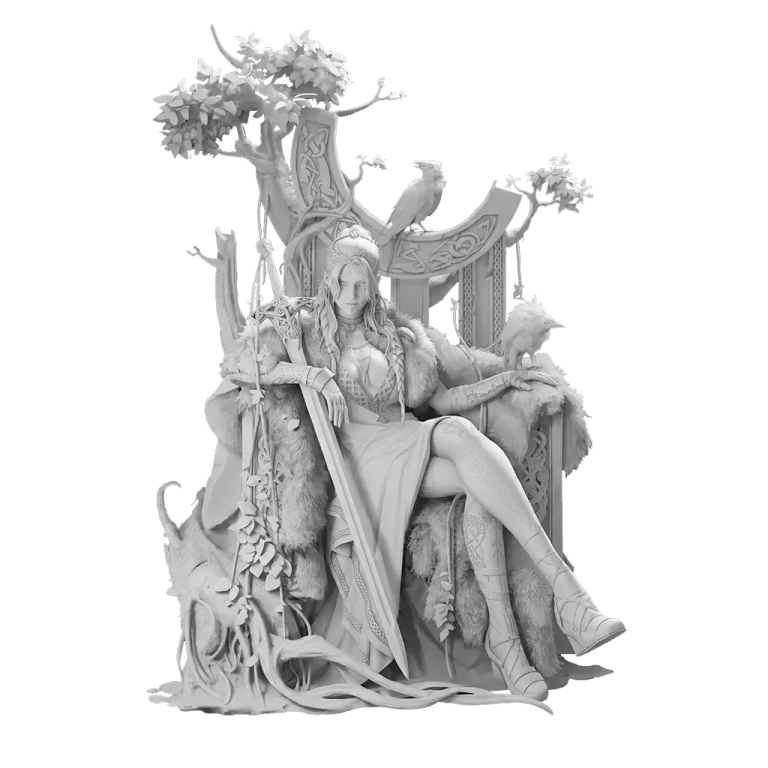
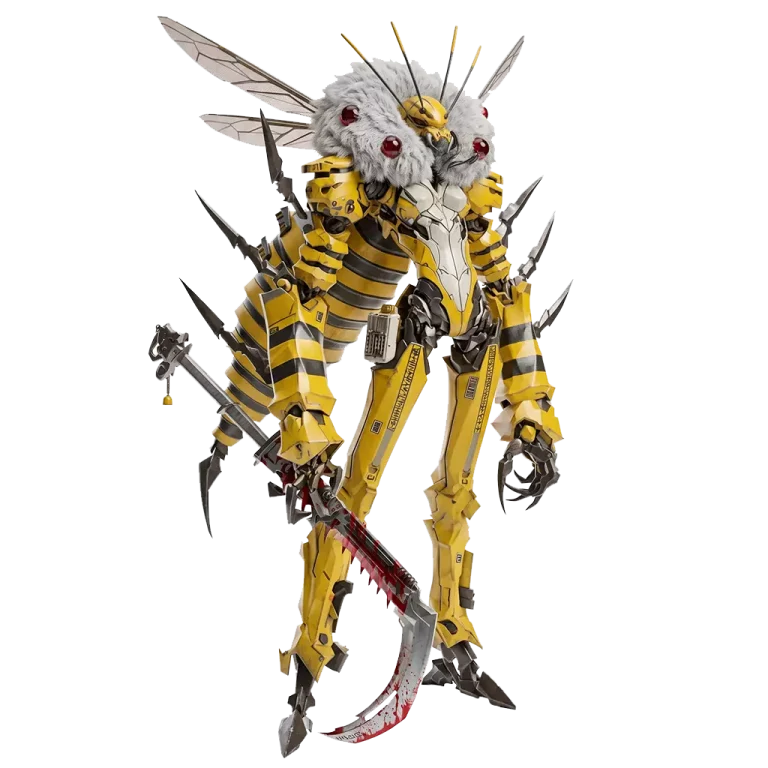






Turn Image to 3D Model with AI
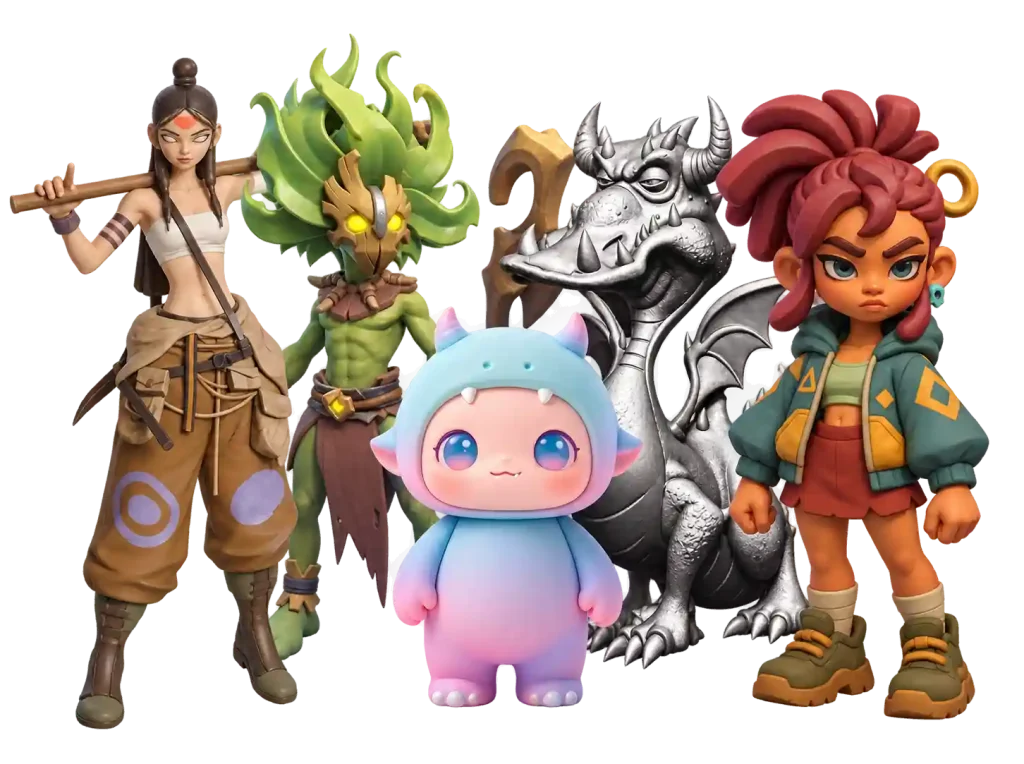



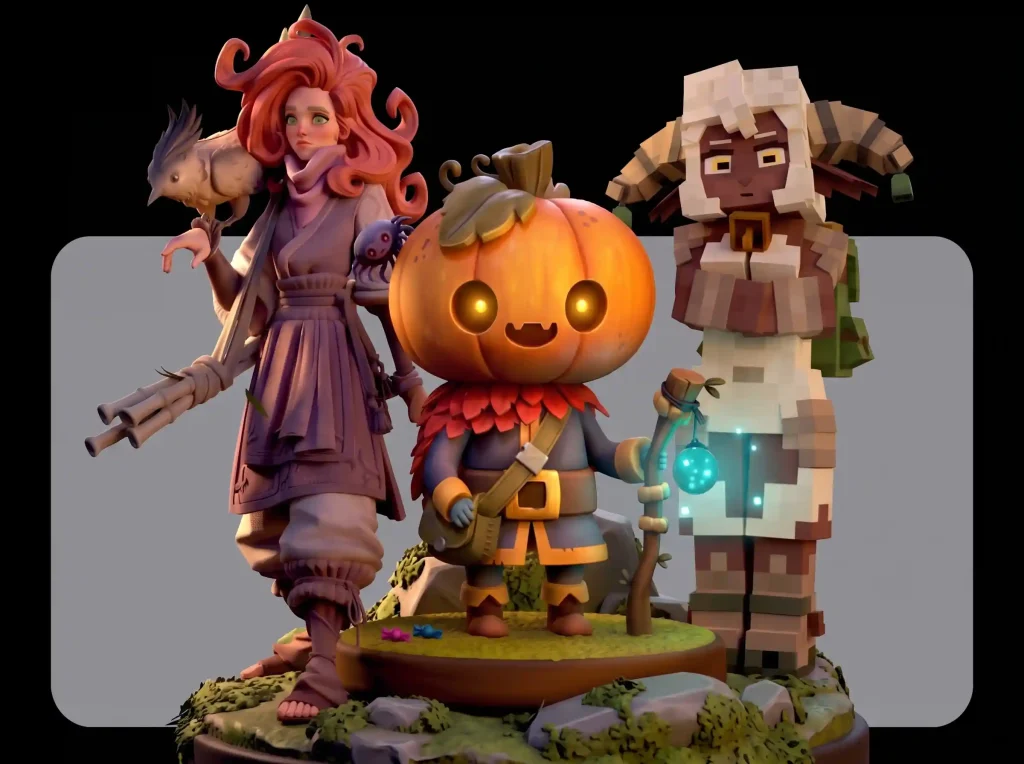
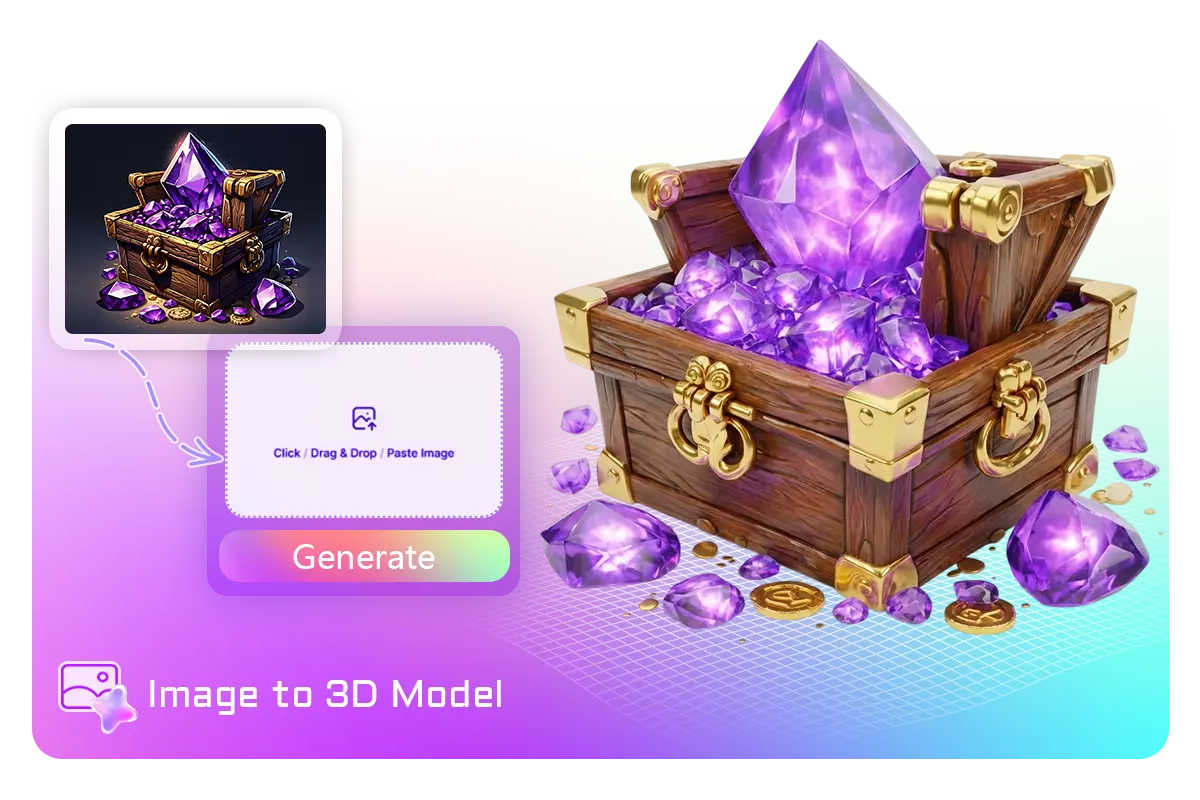
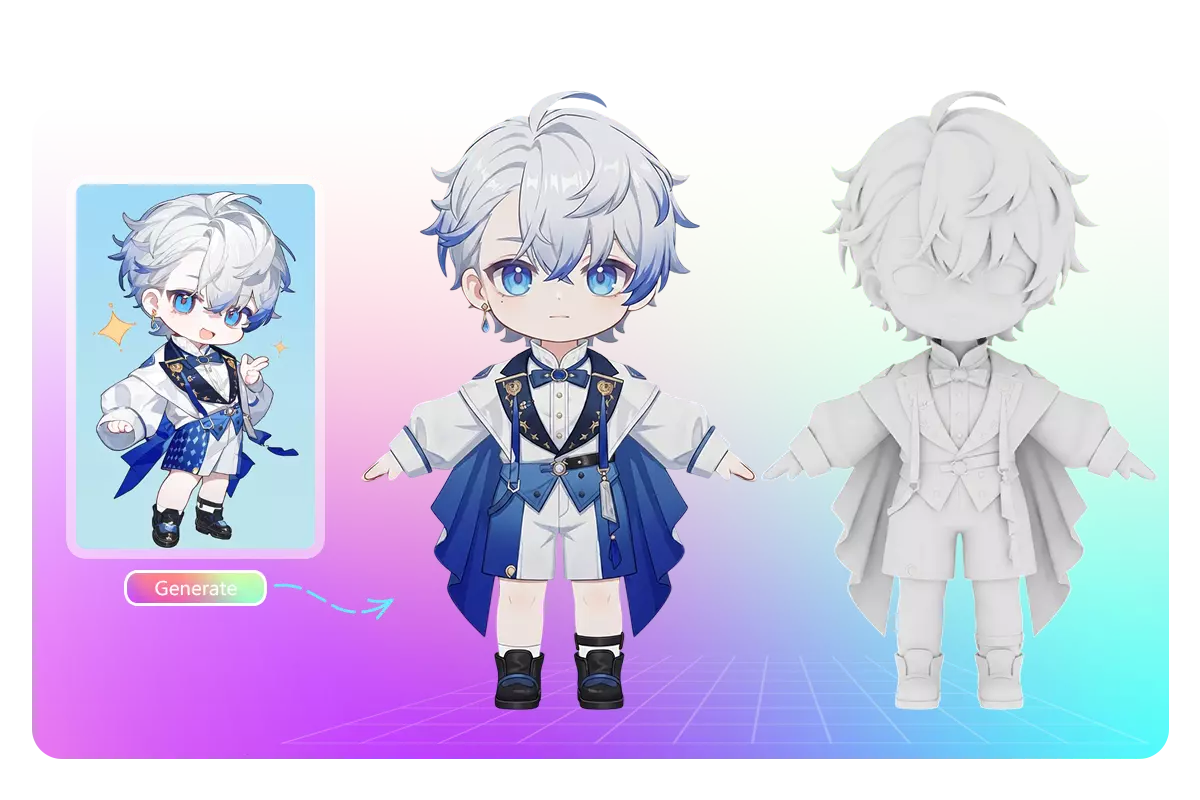
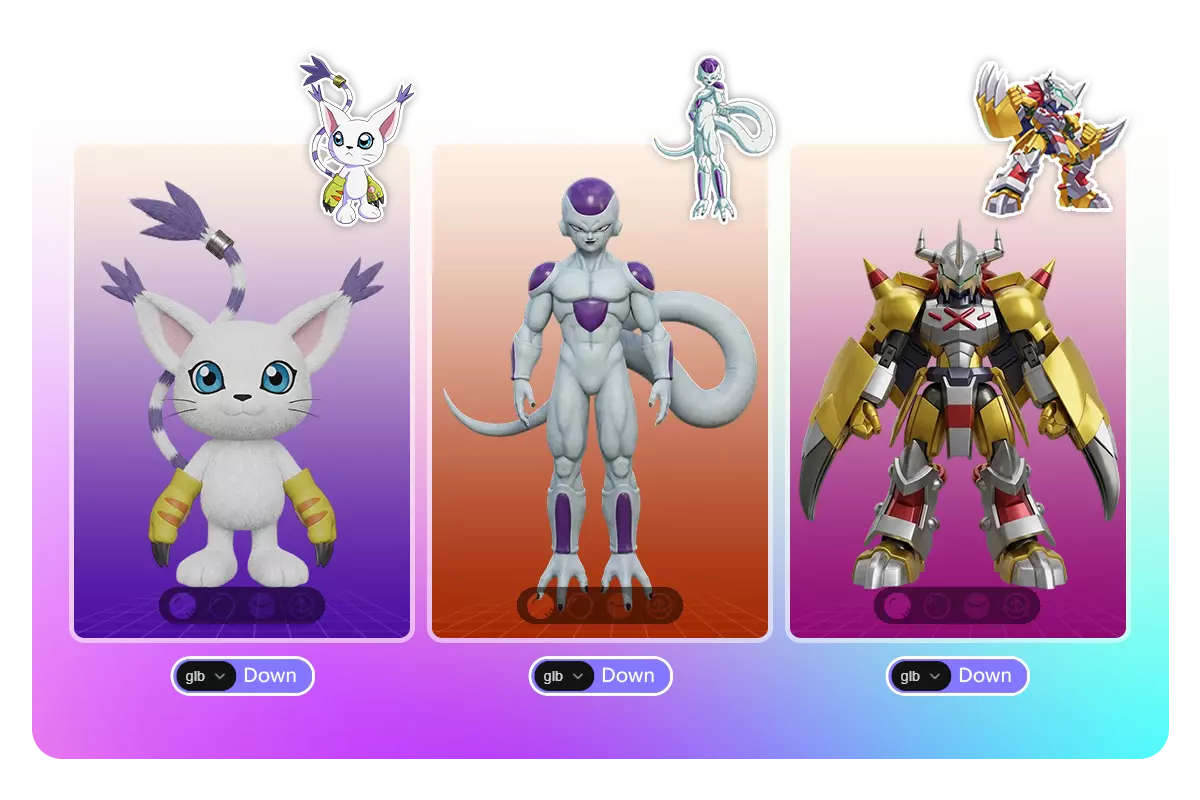
Easily convert any image to 3D model with Image to 3d AI converter. Create production-ready 3D models from character illustrations, three-view drawings or any images in just minutes.


Image to 3D AI Playground
Use Cases
Image to 3D AI for a Wide Range of Projects
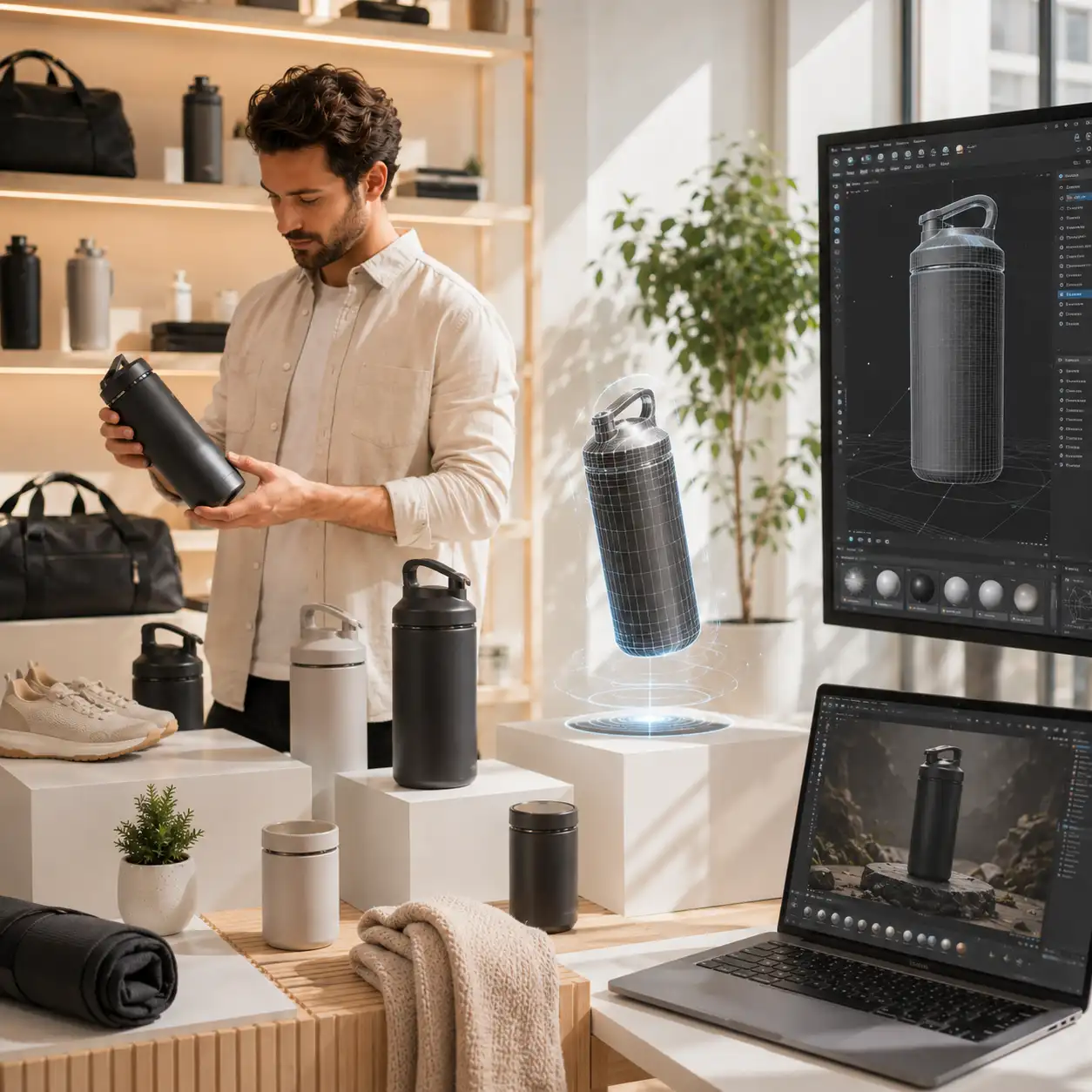
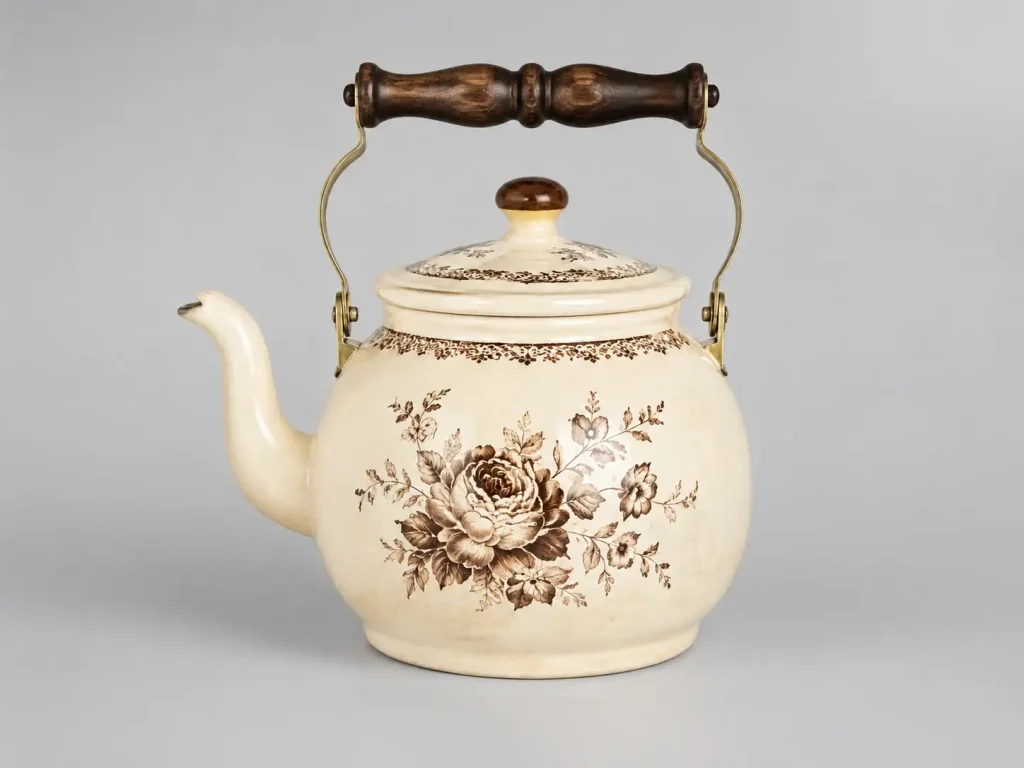
Turn any image into a ready-to-use 3D model in seconds. Whether you're making game assets, printing ideas, designing spaces, or creating learning materials, Image to 3D AI helps you move faster, create more, and bring your ideas to life effortlessly.
-
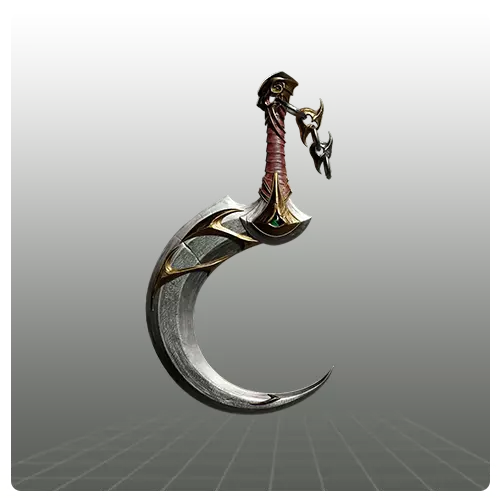
Instant 3D model assets
Game Development -
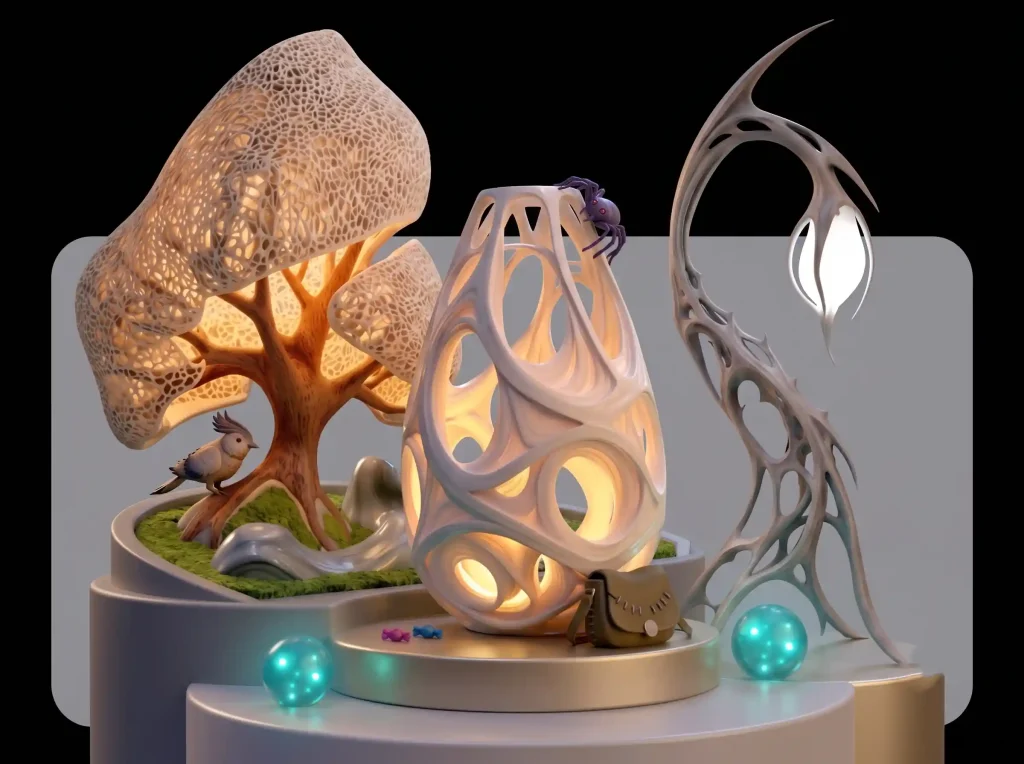
Ready-to-print models
3D Printing -
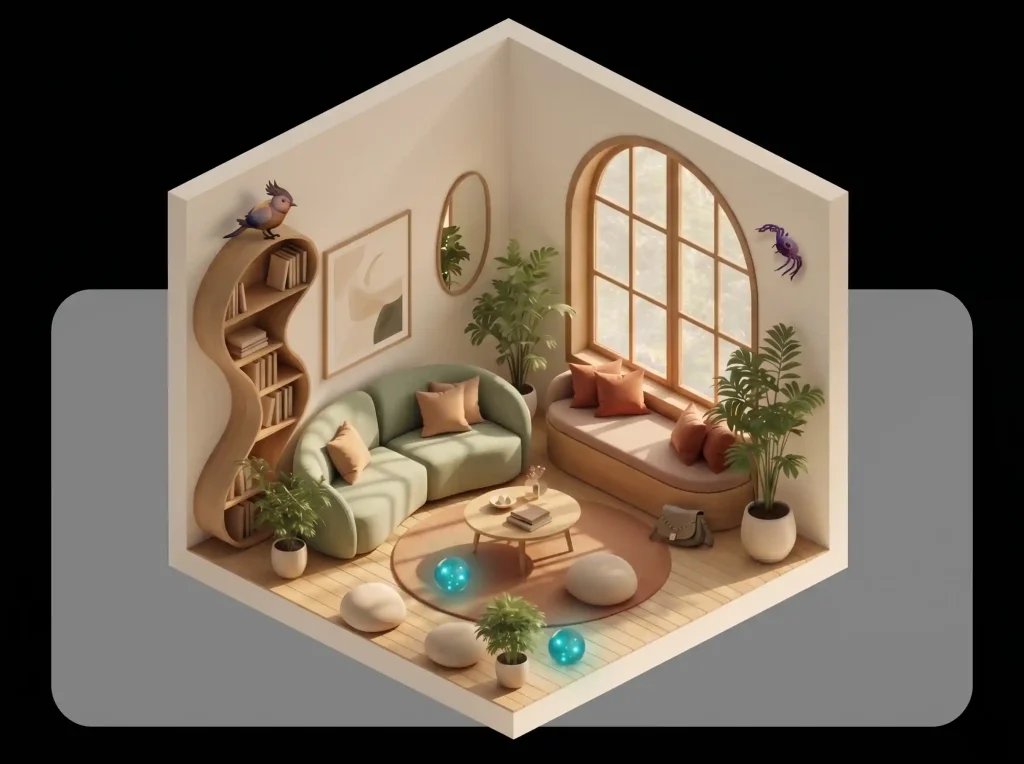
Home design 3D previews
Interior Design -
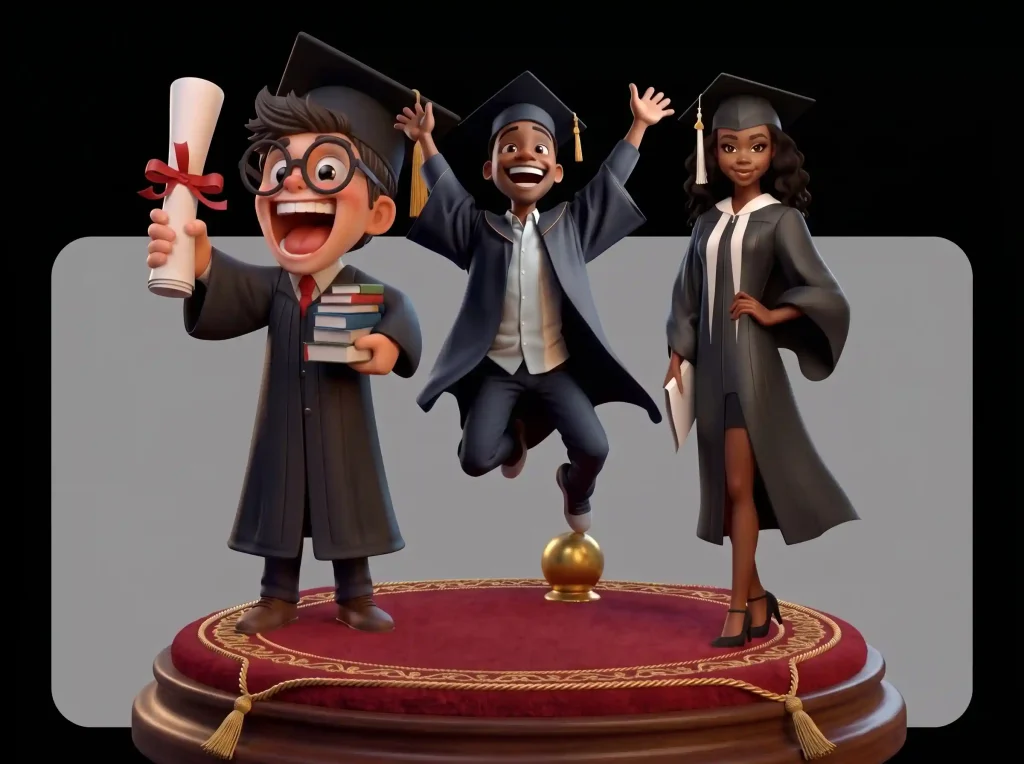
Interactive 3D learning
Education
Game Development
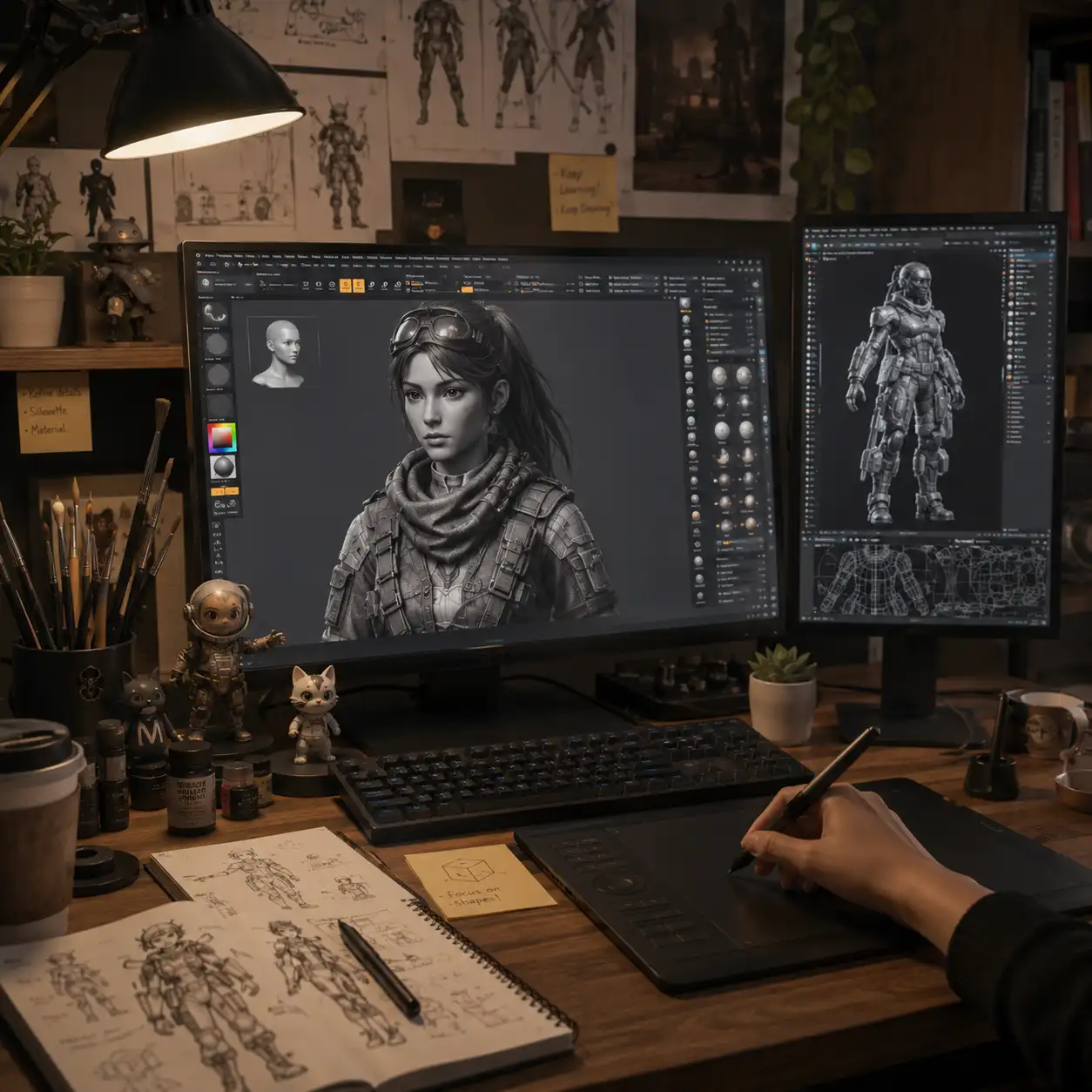
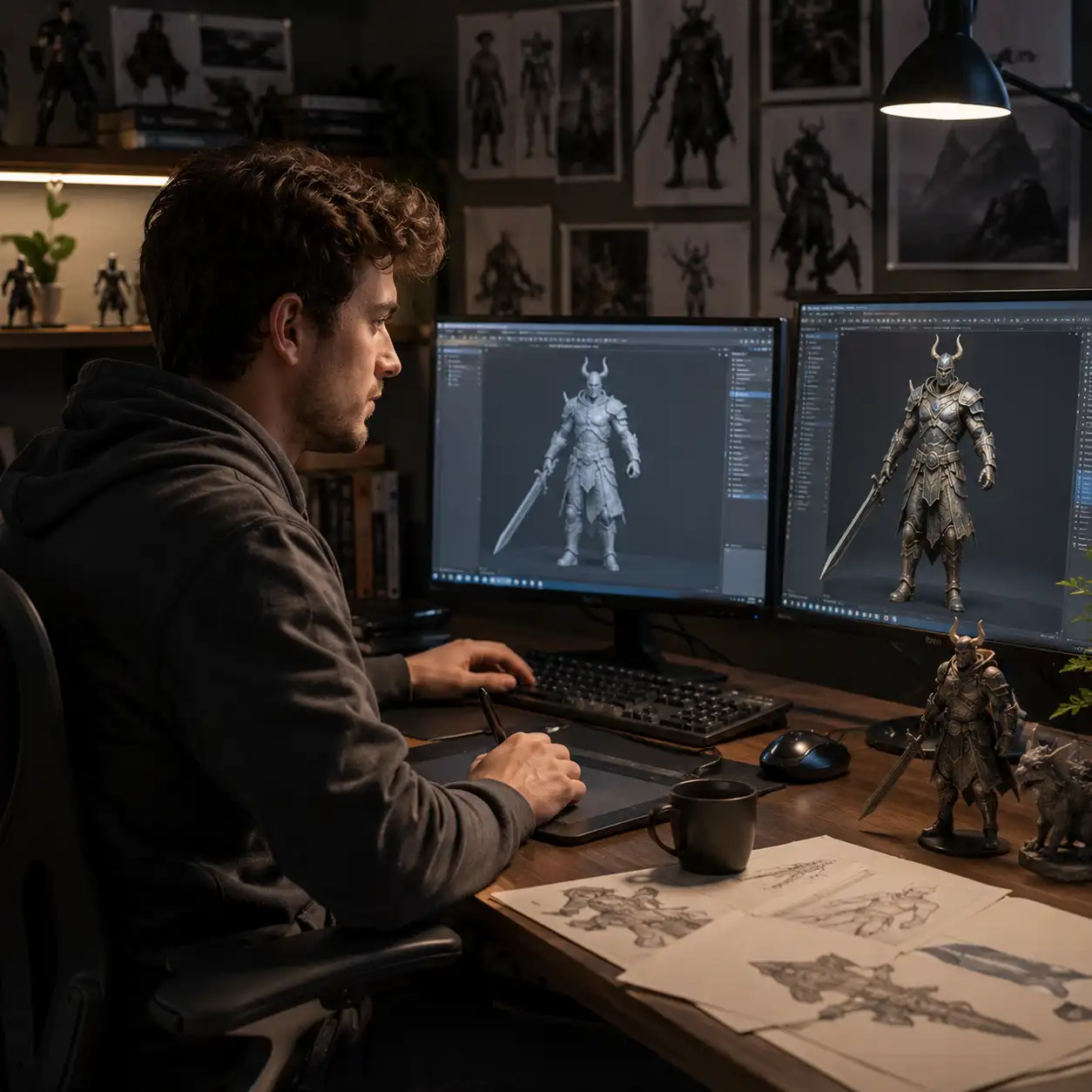
Speed up your asset pipeline by instantly turning reference images into game-ready 3D models. Whether you're prototyping characters, props, or environments, Image to 3D AI helps developers and designers iterate faster, reduce manual workload, and bring ideas into the engine in a fraction of the usual time.
-
Rapid prototyping for characters, props, and environments
-
Consistent multi-view outputs for better integration
-
Optimized models ready for Unity, Unreal, and other engines
3D Printing
Quickly convert images into printable 3D models without complex modeling steps. From concept ideas to physical objects, Image to 3D AI simplifies the creation process, making it easier to test designs, customize models, and accelerate production for hobbyists and professionals alike.
-
Clean mesh generation suitable for 3D printing workflows
-
Easy scaling and adjustments before printing
-
Faster transition from idea to physical prototype
Interior Design
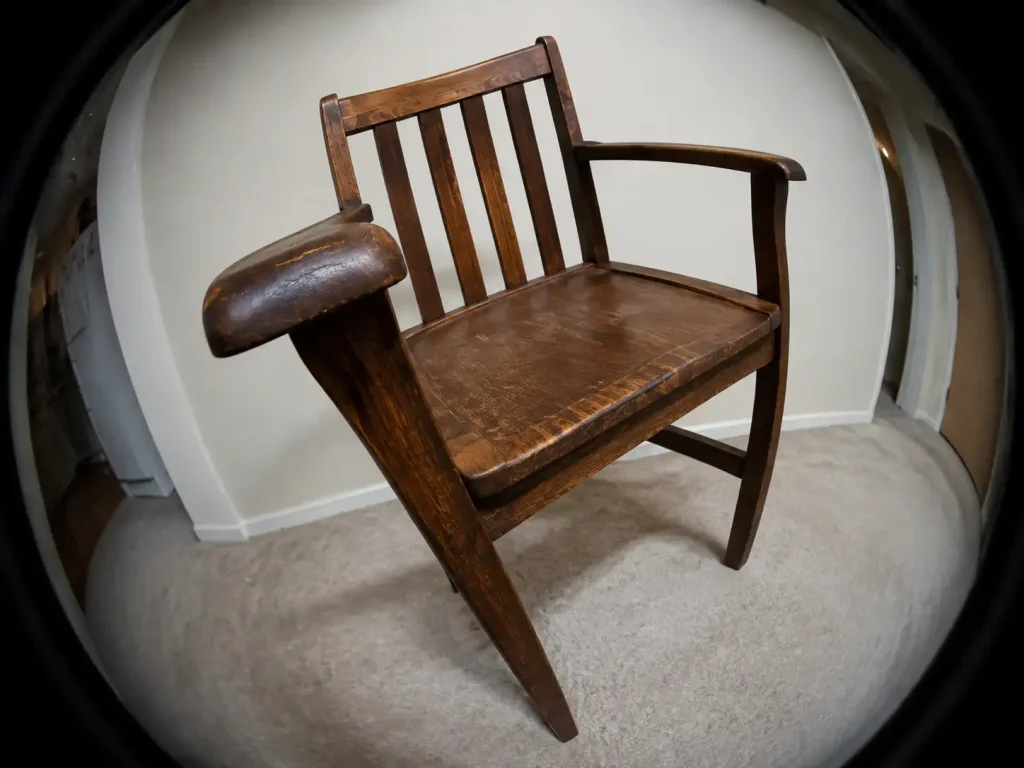
Bring your design concepts to life by transforming inspiration images into realistic 3D models. Whether you're planning layouts, testing furniture styles, or presenting ideas to clients, Image to 3D AI helps you visualize spaces more efficiently and make decisions with confidence.
-
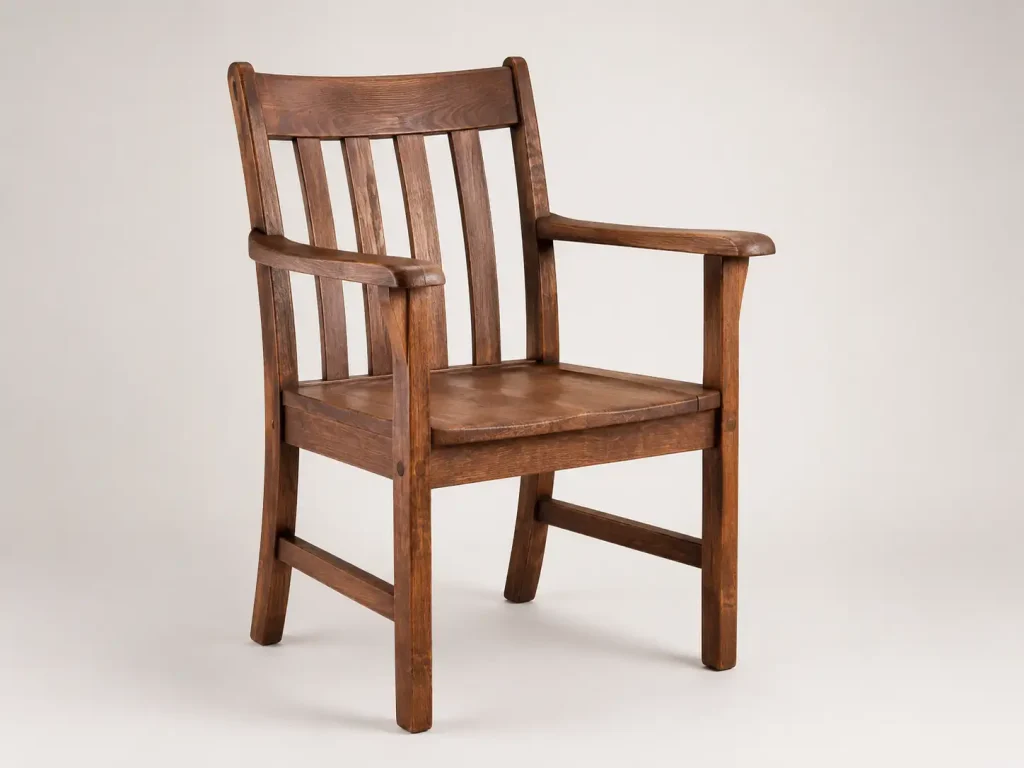
Generate furniture and decor models from reference images
-
Quickly test different layouts and design styles
-
Improve client presentations with realistic 3D visuals
Education
Enhance teaching and learning by turning visual references into interactive 3D models. Image to 3D AI helps educators create engaging materials and allows students to better understand complex concepts through hands-on visualization and exploration.
-
Create 3D models for subjects like science, history, and design
-
Improve comprehension with interactive visual learning
-
Enable students to explore and build their own 3D content
Try Image to 3D AI for Free
Say goodbye to complex 3D modeling workflows and try AI to accelerate your creation. Create 3D models from image and prompt for free now.
Image to 3D
Make High Detail 3D Model Outputs from Images
Upload a single picture and convert image to 3D model with accurate shape reconstruction and fine surface details. The model preserves key structures, edges, and proportions, making it suitable for real use in design, visualization, and production workflows.
Text to 3D
Free AI 3D Model Generator Based on Text Prompt
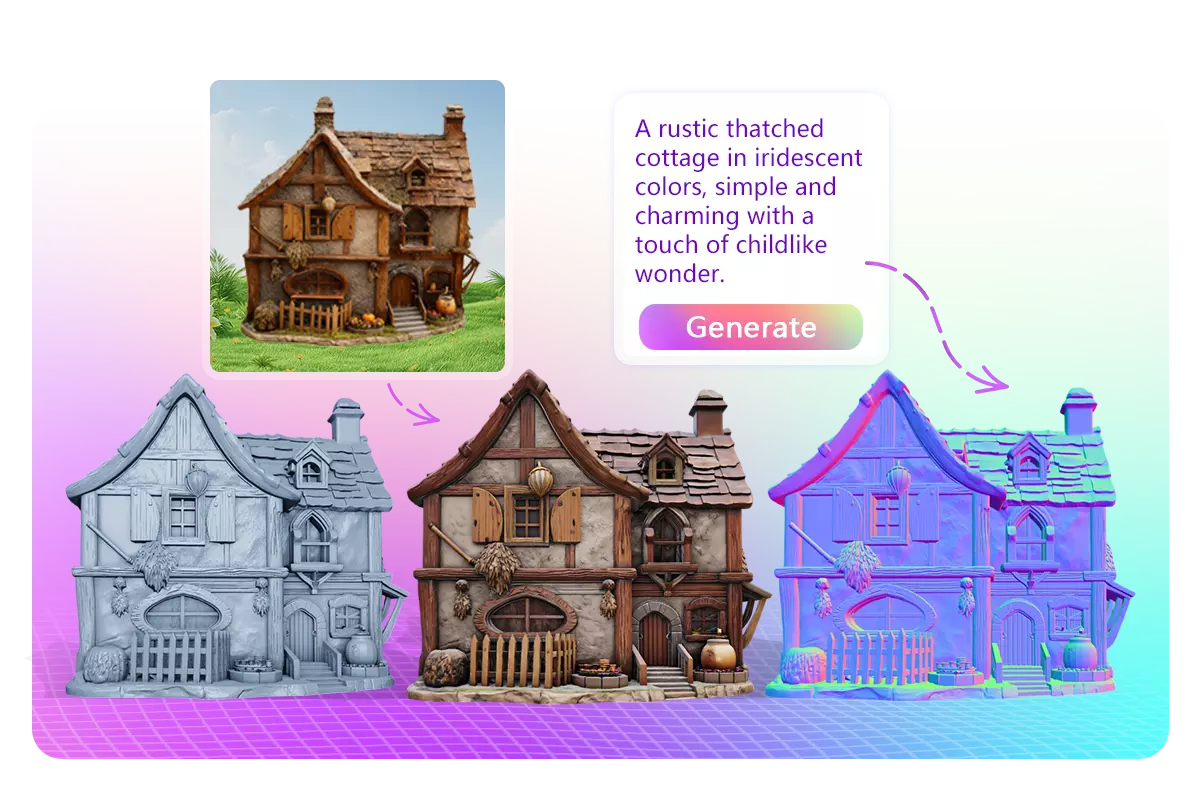
Describe your idea in plain text and generate a structured 3D model in seconds. Our AI 3D model generator builds consistent geometry and recognizable forms, making it easy to prototype concepts, characters, or assets without manual modeling.
Two 3D Model Types
Flexible Image to 3D Output: Textured or Geometry-Only Models
Every Image-to-3D model can be generated in two type depending on your needs. Choose a textured mesh with UV mapping for realistic rendering, or a geometry-only model with clean topology that’s easier to edit, retopologize, or use in animation and game pipelines.
Editable Model Format
Exporting Generated 3D Models to Editable GLB Format
All models generated by Image to 3D AI can be exported as standard GLB files, making them easy to open and edit in tools like Blender, Unity, or Unreal Engine. The files are lightweight, compatible, and ready for real-time rendering or further customization.
Advantages
How Image to 3D AI Improves Modeling?
Traditional 3D modeling can take hours or even days to complete, requiring complex workflows and manual adjustments. With Image to 3D AI, you can generate realy-to-use models in seconds, dramatically reducing production time.
-
High-Precision Geometry Reconstruction
-
Photorealistic Texture Mapping
-
Consistent Multi-View & Structural Integrity
-
Preview and edit the generated 3D model online
-
Smart Auto-Retopology & Clean Mesh Output
How it works
How to Convert Image to 3D Model with AI?
How to Use Image to 3D Model AI?
Turn your images into high-quality 3D models in seconds—start creating now.
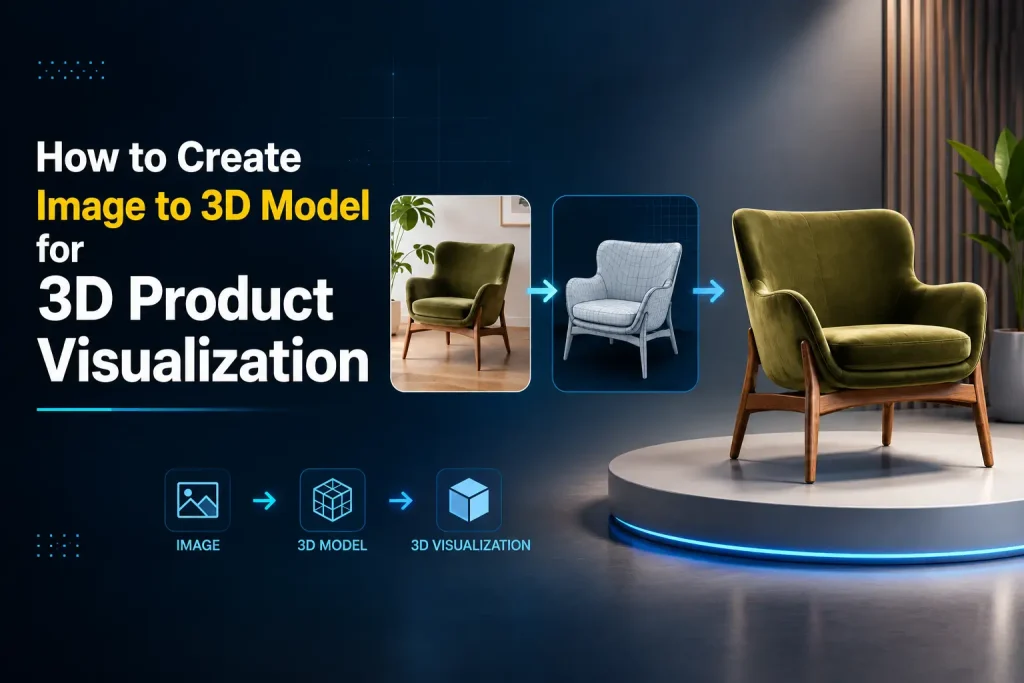
Start by uploading a single image of your subject—whether it's a character, product, or concept art. Our AI supports a wide range of image types and automatically prepares them for 3D reconstruction.
With one click, the AI analyzes the image and generates a high-quality 3D model. You can choose between textured mesh for realistic rendering or geometry-only output for further editing and animation workflows.
Preview your 3D model online from multiple angles, make adjustments if needed, and export it in editable GLB format—ready for use in game engines, design tools, or 3D software.
Help Center
Questions? Answers.
Image to 3D AI is a technology that converts 2D images into fully structured 3D models. By analyzing shape, depth, and texture, it automatically reconstructs geometry and applies realistic materials, allowing users to generate usable 3D assets without manual modeling.
Yes, you can try Image to 3D AI for free. New users typically receive free credits or trial access to explore the features and generate sample models before deciding to upgrade for higher usage or advanced capabilities.
Images with clear subjects, simple backgrounds, and good lighting generally produce the best results. High-resolution images with distinct edges, consistent angles, and minimal occlusion help the AI accurately reconstruct geometry and textures.
Absolutely. You can upload your own images as references for generating 3D models. This allows you to create personalized assets based on your own designs, photos, or creative ideas.
Yes, your data privacy is a priority. Uploaded images and generated models are processed securely and are not shared publicly. Most systems also ensure that your content is not used for training without your consent.
In most cases, you retain the rights to the 3D models you generate, especially if they are created from your own inputs.