Turn Your Sketch to 3D Model for Free
Upload a 2D sketch, line drawing, or concept illustration and get a clean, editable 3D model in minutes.
- Free to Try
- No Skills Needed
- Multi-Format Export
Try Sketch to 3D Model AI
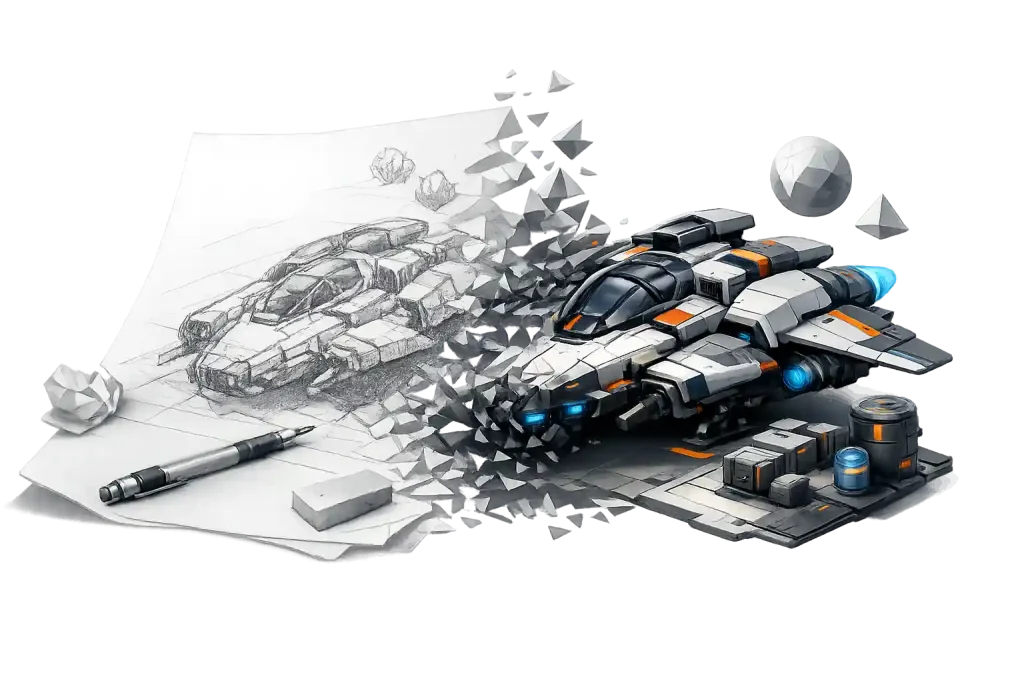
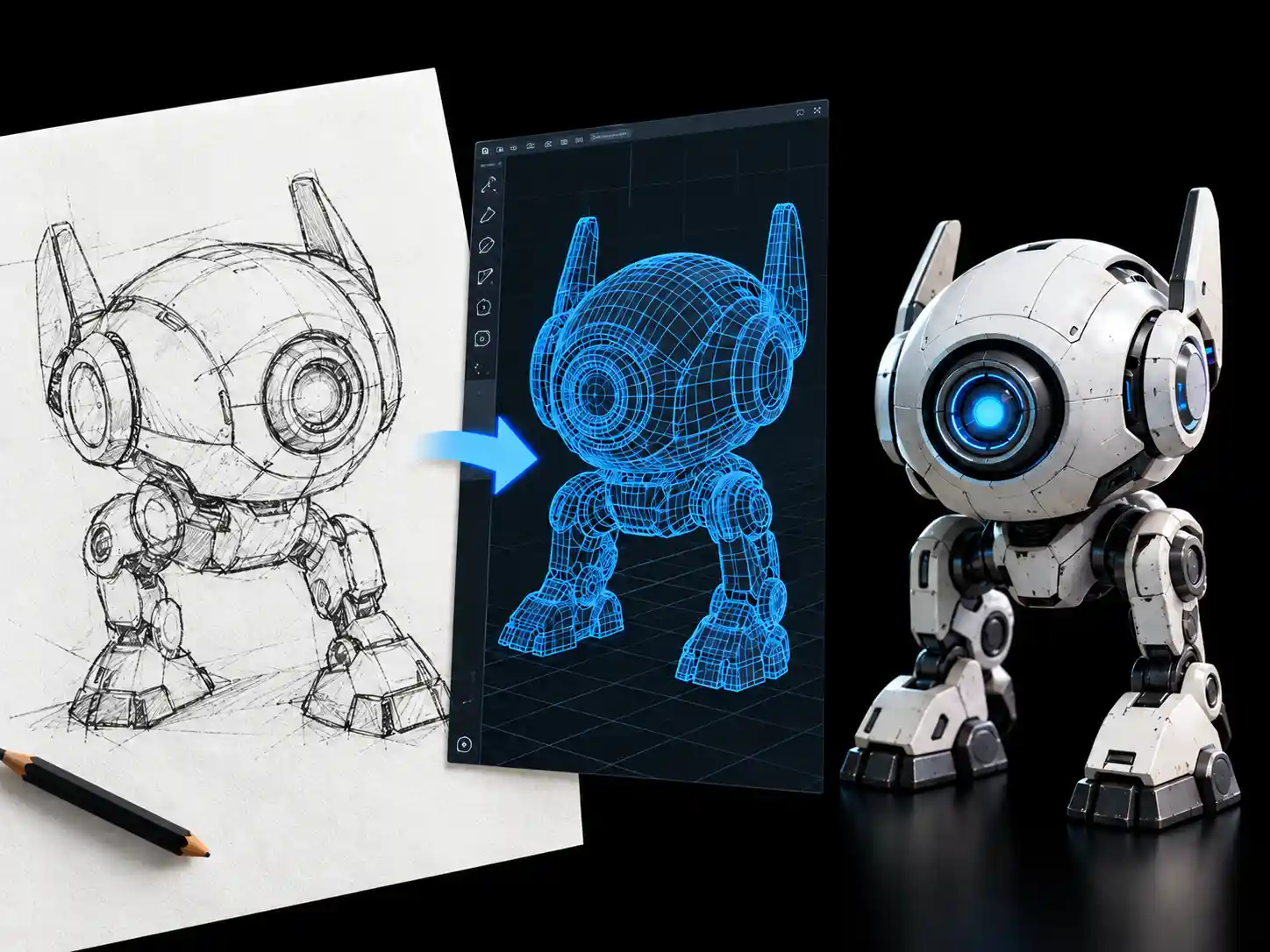
Drop a sketch into the workspace and watch it become a 3D model. Rotate the result to check the silhouette against your drawing, then download the mesh when it looks right.
Easy 2D Sketch to 3D Model Conversion
Turn line art, concept sketches, and 2D drawings into clean 3D meshes — free, in your browser, and ready for the tools you already work in.
Built for line art, not photos
Upload a scanned pencil sketch, a clean digital line drawing, or a rough concept illustration straight from your files. The AI works from the outline and structure you already drew — making sketch to 3d model conversion simple, with no extra prep, no cleanup pass, and no 3D software in between.
-
Scanned pencil sketches
-
Clean digital line art
-
Rough concept illustrations
One Sketch Creates Endless 3D Styles
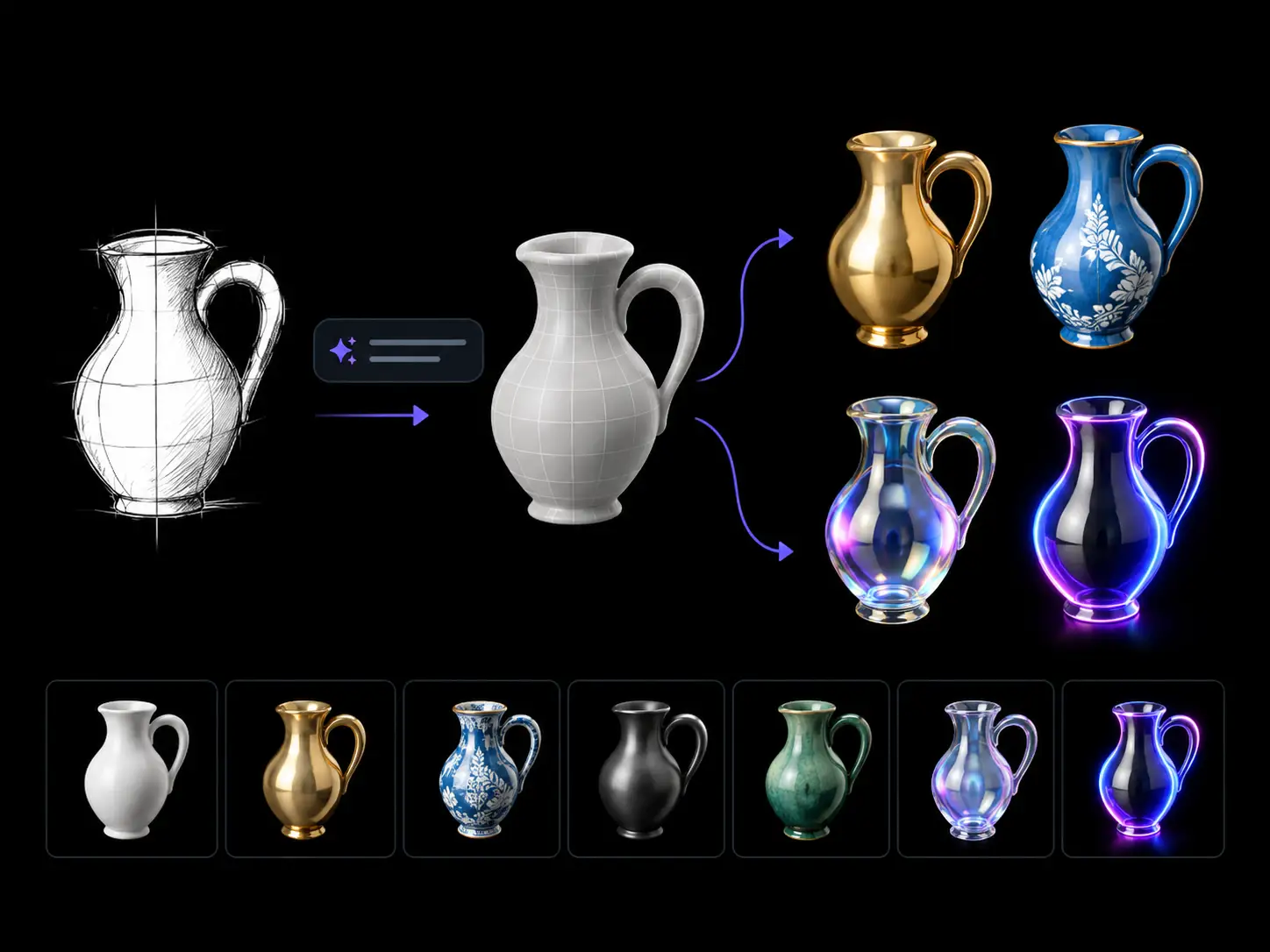
Start with a simple sketch and use text prompts to explore different 3D looks without drawing a separate concept for each one. From realistic materials to bold colors and eye-catching visual effects, customize the result to match your vision.
-
No Concept Art Needed
-
Customize Materials and Colors with Prompts
-
Builds solid geometry with depth and unseen sides
Smart Prompt Generation from Sketches
Upload your sketch and let AI generate a detailed prompt based on your drawing. It captures the key shapes, structures, and visual details to help you describe your idea more clearly and create a 3D model that stays true to your original concept.
-
Prompts generated from your sketch
-
Capture key shapes and details
-
Customize prompts before generating 3D models
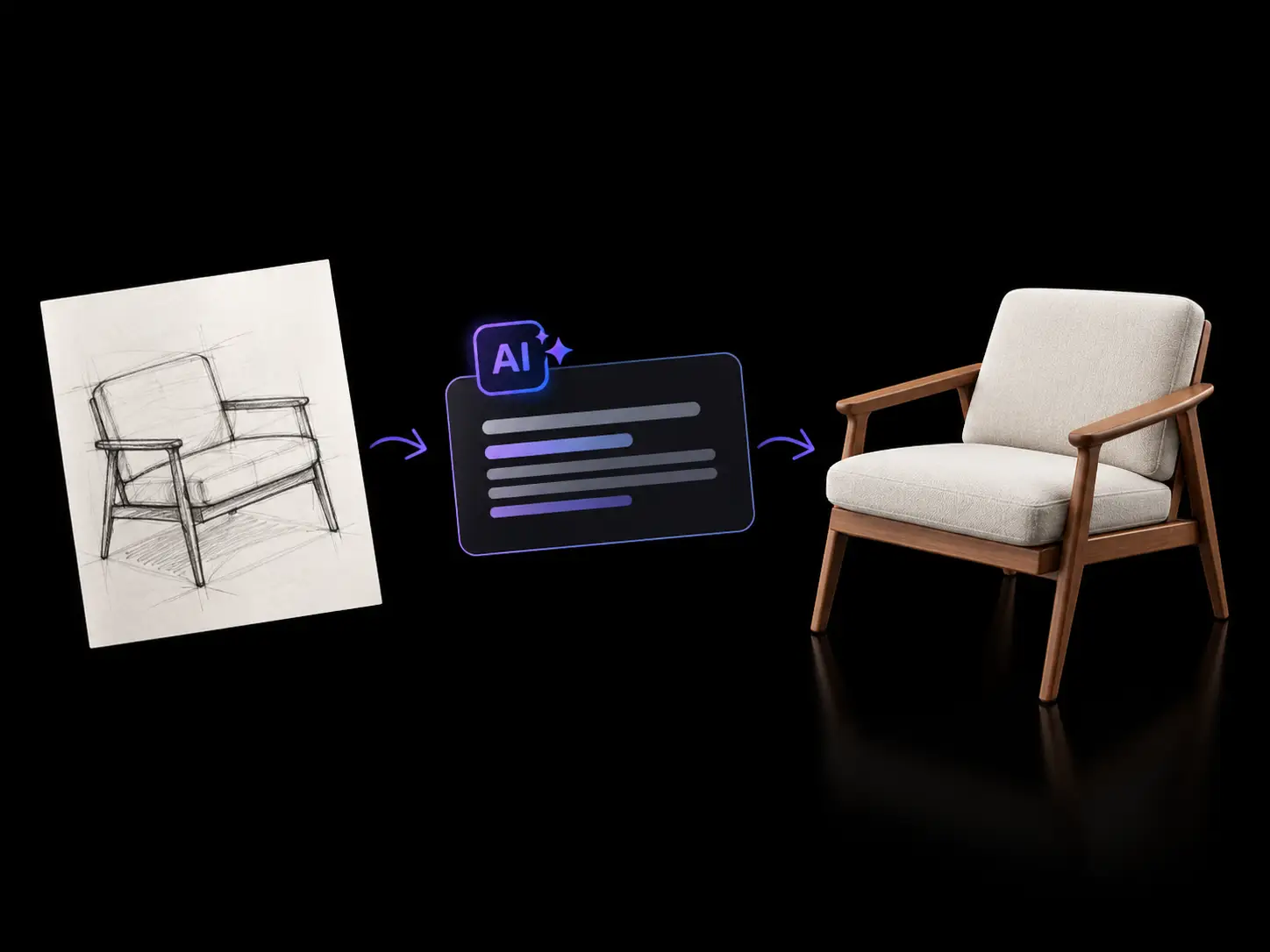
What Will You Build from a Sketch?
A sketch is usually the fastest way to capture an idea. Here are six situations. where turning that drawing into a 3D model removes a modeling pass — from early blockouts to print-ready meshes.
Game Asset Prototyping
Block out props and environment pieces from concept sketches, then test scale in engine first.
Character Modeling
Start from sketches to lock proportions and silhouette, making sketch to 3d model workflows easier before retopology.
Teaching and Learning 3D
Show students how a 2d drawing to 3d model workflow turns a flat drawing into a real object, so depth and volume click faster.
Product and Industrial Design
Judge shape and proportion in 3D from a sketched enclosure before moving into CAD.
Architecture and Interior Blockouts
Convert a hand-drawn plan or elevation into massing you can place straight into a scene.
3D Printing from Hand Drawings
Turn a hand-drawn design into a 3D model and printable mesh, then export the format.
How it works
How to Turn Your Sketch to 3D Model
Go from a flat 2d drawing to a 3D model in three steps — no manual modeling, no plugins, no exporting between tools.
Start with Sketch to 3D Model AI
Upload a drawing and generate your 3D model online.
Creators say the same thing again and again: the sketch was never the problem — the modeling pass was. Sketch to 3D model AI tools can turn a drawing into a usable blockout in minutes, which is often enough to keep the idea moving.

From 20k+ reviews
Help Center
FAQs About 2D Sketch to 3D Model
Everything you need to know about sketch to 3D model generation
Sketch to 3D model is the process of turning a 2D drawing into a 3D object with AI. You upload a sketch, line drawing, or concept illustration, and it comes back as a 3D mesh with real depth, volume, and surface detail — no manual modeling, no 3D software, and no experience required.
Yes! You can try our sketch to 3D model tool with free credits. Upload your drawing and use your available credits to generate a 3D model online.
A clean line drawing with clear outlines and a complete subject works best. Light shading, color fills, and construction lines are fine — the AI mainly needs the silhouette and structure to be readable. Very faint pencil lines, heavy cross-hatching, or a cropped subject tend to produce weaker results.
Upload your drawing as a PNG, JPG, or WebP file. Finished models export as GLB, FBX, USDZ, or STL — so you can open the file in Blender, Unity, or Unreal, or send an STL straight to your slicer. Need another format? Convert between formats online without extra software.
Yes. Both output modes give you a standard 3D file, so you can import it into the modeling software you already use — Blender, Maya, 3ds Max, Unity, or Unreal — and retopologize, rig, or reshape it freely.