AI Retopology for Cleaner, Smarter 3D Meshes

Transform dense 3D geometry into optimized meshes with AI-powered retopology. Choose high-poly detail, quad or triangle low-poly topology, and texture options to prepare your models for animation, games, rendering, and more.

ai retopology cover
DEMO

Explore How AI Retopology Transforms 3D Meshes

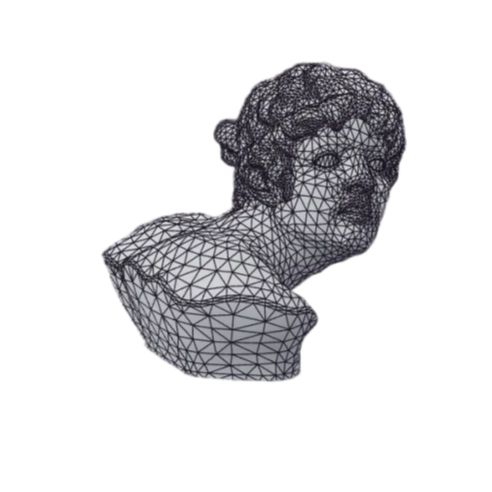
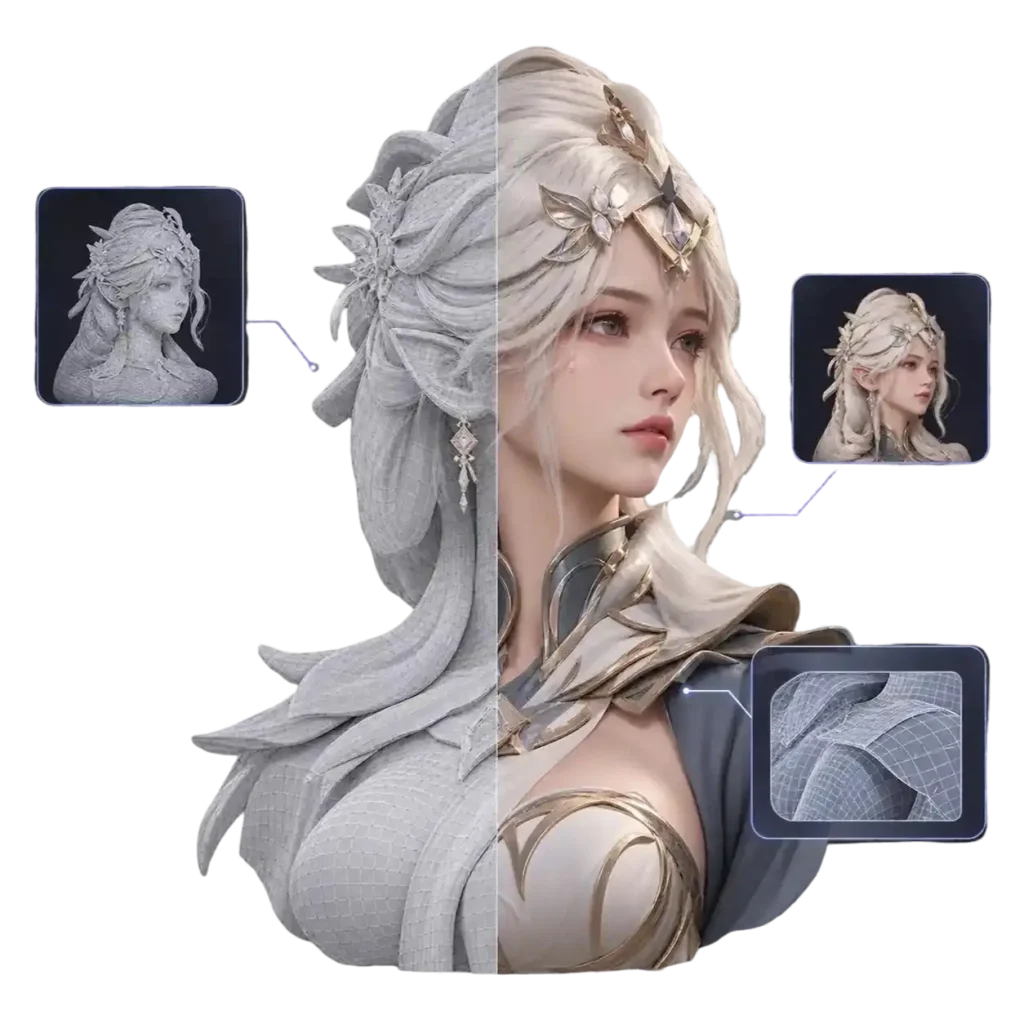
Compare mesh structures before and after retopology. See how dense geometry can be reorganized into optimized quad or triangle meshes for different 3D workflows.

Choose the Right Mesh for Your 3D Workflow

From detailed geometry to lightweight game assets, explore different mesh outputs with AI retopology. Select the topology and texture options that best fit your model and production needs.

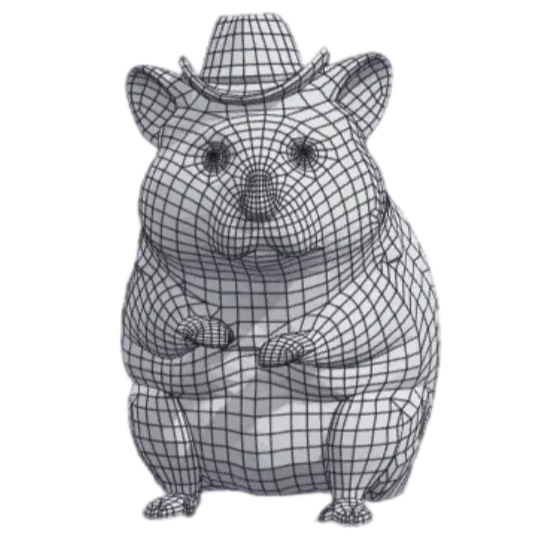
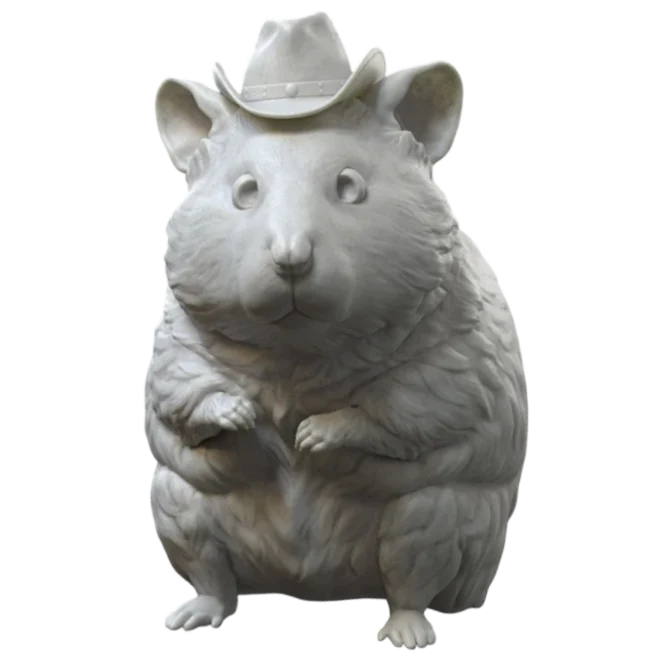
highly-poly AI mesh

High-Poly AI Mesh

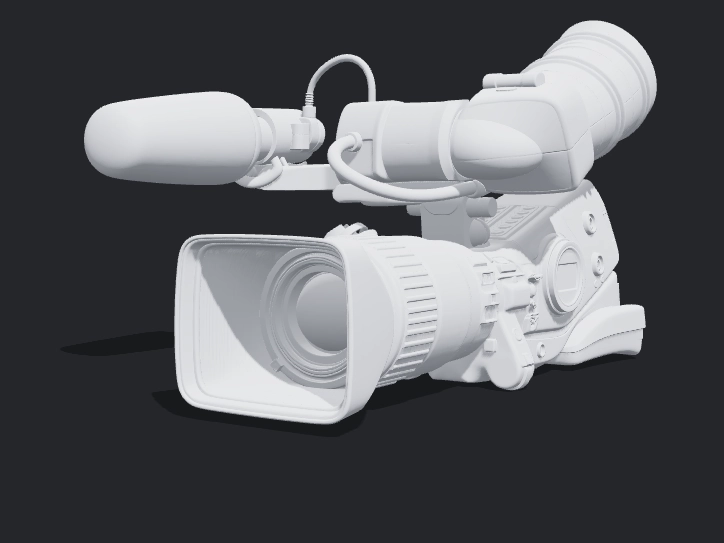
Keep dense geometry for intricate shapes, sculpted surfaces, and detailed 3D assets.
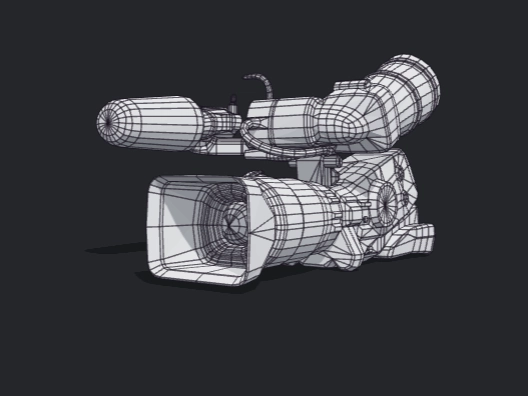
quad low-poly mesh

Quad Low-Poly Mesh

Generate quad-based meshes for easier editing, subdivision, and deformation workflows.
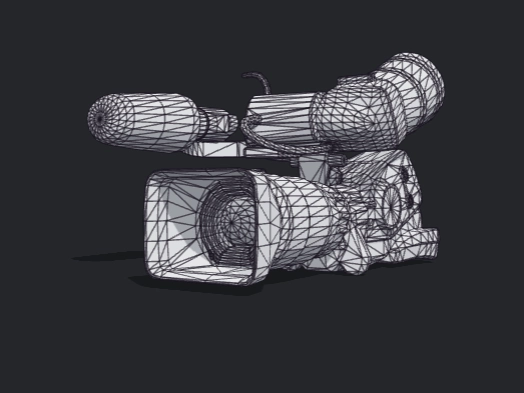
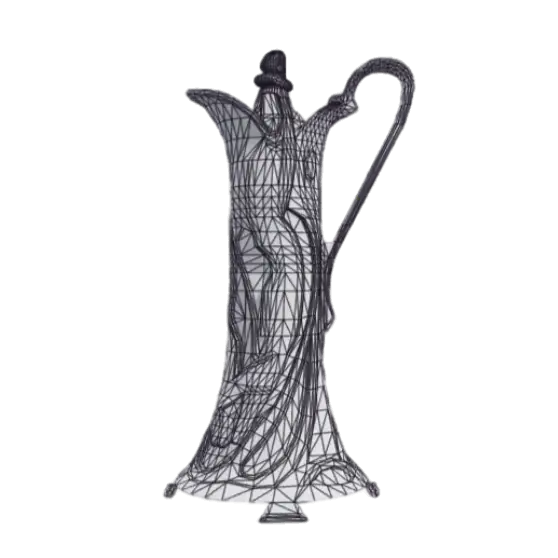
triangle low-poly mesh

Triangle Low-Poly Mesh

Create lightweight triangle meshes for game assets and real-time rendering.
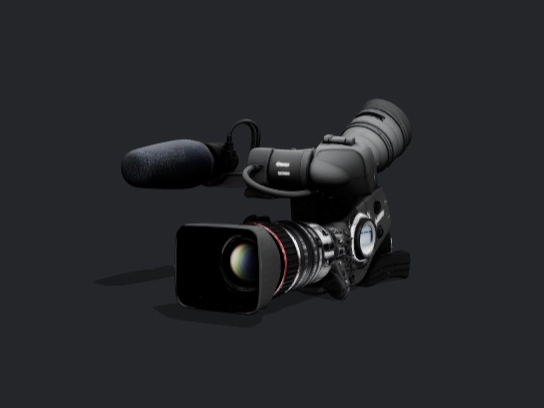
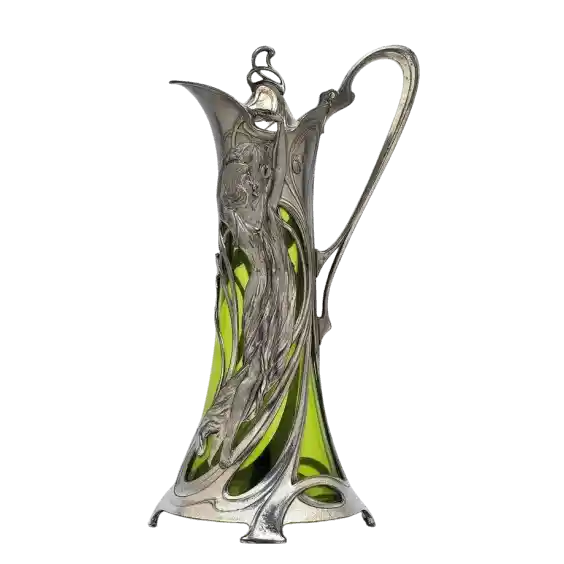
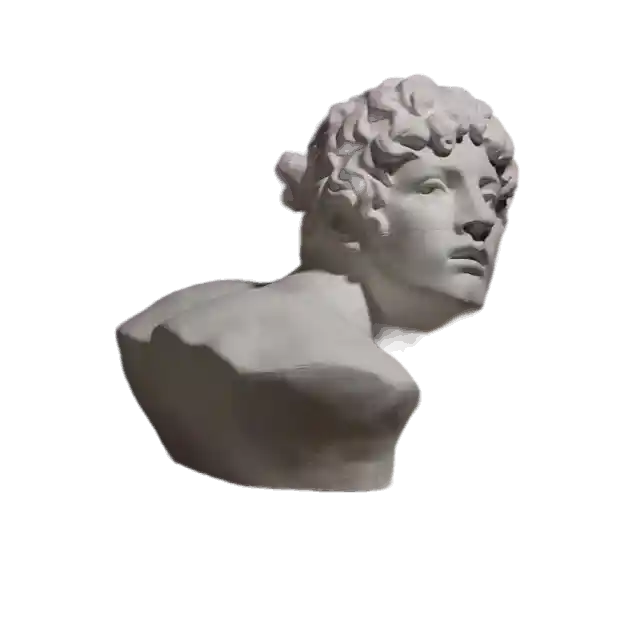
texture-preserved mesh

Texture-Preserved Mesh

Preserve or transfer texture information where supported to maintain your model's visual details.
How it works

Retopologize a 3D Model in Three Simple Steps

Create an optimized mesh without manually rebuilding every polygon. Use the smart mesh workflow to select your output and prepare your model for its next stage.

01

Step 1: Upload Your 3D Model

Import a supported 3D model to get started. Choose an asset with the level of detail and geometry you want to optimize.

02

Step 2: Choose Your Mesh Settings

Select a quad, or triangle output with adjustable polycount. Adjust supported settings to match your target polygon count and workflow.

03

Step 3: Generate and Export

Run AI retopology and inspect the resulting mesh. Once you're satisfied, export it in a supported format for your 3D software or production pipeline.

USE CASE

Smarter Mesh Optimization for Every 3D Project

A practical AI retopology workflow can help prepare models for different production requirements, from detailed assets to lightweight real-time scenes.

original game development imagelow-poly game development image
Game Development

Create lower-polygon versions of detailed props, environments, and characters. Triangle-based meshes can help meet performance budgets, while quad-based topology offers another option for further editing.

original Animation & Character Modeling imagelow-poly Animation & Character Modeling image
Animation & Character Modeling

Quad topology can provide a useful starting point for subdivision and character workflows. Always inspect edge flow and deformation areas before rigging or animation, as automatic retopology may still require manual cleanup.

original 3D Design & Rendering imagelow-poly
3D Design & Rendering

Optimize product models, architectural assets, and visualization scenes for easier handling. Choose an appropriate mesh output while considering surface detail, texture requirements, and rendering performance.

User Reviews

What Creators Look for in AI Retopology

From simplifying dense geometry to preparing assets for production, an efficient retopology workflow can reduce repetitive modeling work.

avatar
Alex Morgan 3D Character Artist

Automated retopology gives me a useful starting point for dense character sculpts. I can focus my cleanup work on the areas that need more attention.

avatar
Sophie Chen Game Asset Artist

Having different low-poly output options makes it easier to prepare assets for real-time projects. I can choose a starting point based on the needs of each model.

avatar1
Daniel Brooks 3D Generalist

I often work with detailed meshes that need simplifying. AI retopology helps speed up the first pass before I check the geometry and make final adjustments.

Help Center

Frequently Asked Questions About AI Retopology

Learn how AI retopology works, how smart mesh optimization differs from manual retopology, and which mesh output may suit your project.

AI retopology uses artificial intelligence to rebuild or reorganize a 3D mesh into a more suitable topology. It can help create cleaner quad or triangle meshes, reduce geometric complexity, and prepare 3D models for editing, animation, and real-time rendering.

AI retopology is the process of reorganizing mesh geometry to achieve a more suitable topology. Smart Mesh is a broader term that may refer to automated mesh generation, optimization, or other geometry-processing features. The exact capabilities depend on the tool, so check whether it supports quad remeshing, polygon reduction, or both.

AI retopology aims to rebuild mesh topology into a more suitable structure, potentially improving edge flow and polygon distribution. Decimation primarily reduces polygon count while attempting to preserve the original shape. Decimation is useful for simplifying geometry, while retopology is often preferable when you need a mesh for further modeling or deformation.

You can upload 3D models in GLB and OBJ formats for AI retopology. Simply choose a supported file, upload your model, and select your preferred mesh output to get started.

Our AI retopology tool does not currently preserve UVs or textures. If you need a 3D model with UVs preserved, visit our Image to 3D feature, select Meshy 3D, and use Smart Mesh to generate your model with UV preservation support.

Quad meshes use four-sided polygons and are often preferred for further modeling, subdivision, and character deformation workflows. Triangle meshes use three-sided polygons and are widely used in game engines and real-time rendering. Choose the topology based on your target application and how you plan to use the model.