Create Stunning 3D Models with Tripo

Turn your ideas into detailed 3D models with Tripo on Image to 3D AI. Explore AI-powered 3D generation from images and text, and find new ways to create assets for games, design, and more.

tripo 3d cover
what is tripo3d
Definition

What Is Tripo 3D?

Tripo is an AI-powered 3D model generator that transforms images and text prompts into 3D assets. Learn how Tripo 3D works, explore its core capabilities, and see how it fits into different creative workflows.

0 M

Maximum Polygon Count

0

3D Generation Input Types

0

Topology Options

Gallery

Explore What Tripo 3D Can Create


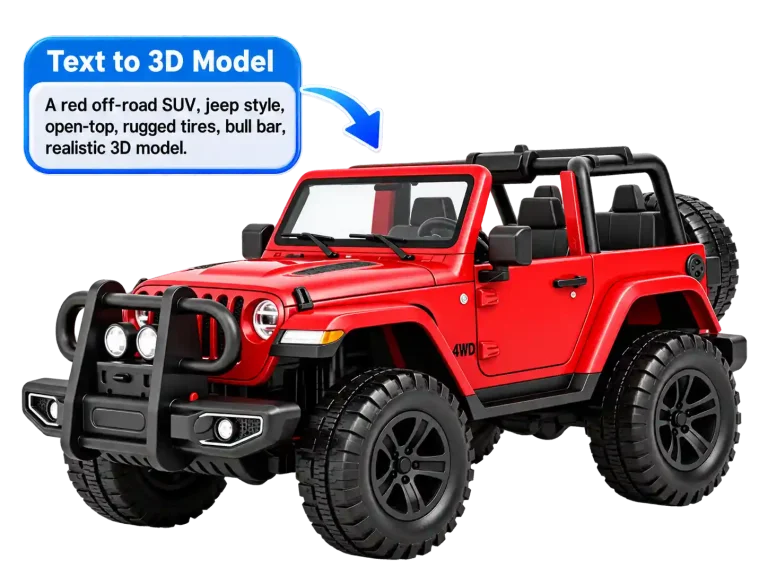


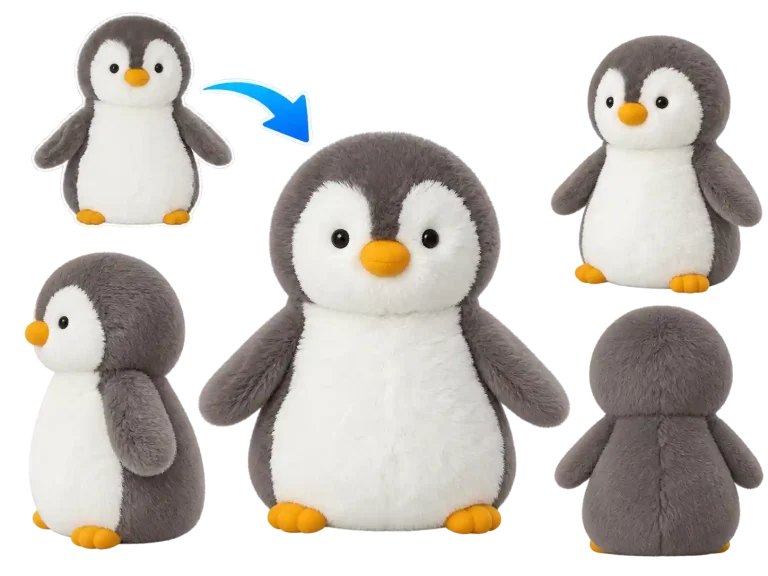
Browse AI-generated 3D models created with Tripo, from stylized characters to detailed props and imaginative objects. Get inspired by different designs and discover what you can create with a Tripo 3D model generator.

Image to 3D

Text to 3D

Multi-View to 3D

Compare

Tripo vs. Hunyuan 3D: Which Model Fits Your Workflow?

Compare Tripo and Hunyuan 3D on Image to 3D AI to understand their generation features, output characteristics, and creative applications. Find the right 3D model for your project based on your input, design goals, and workflow.

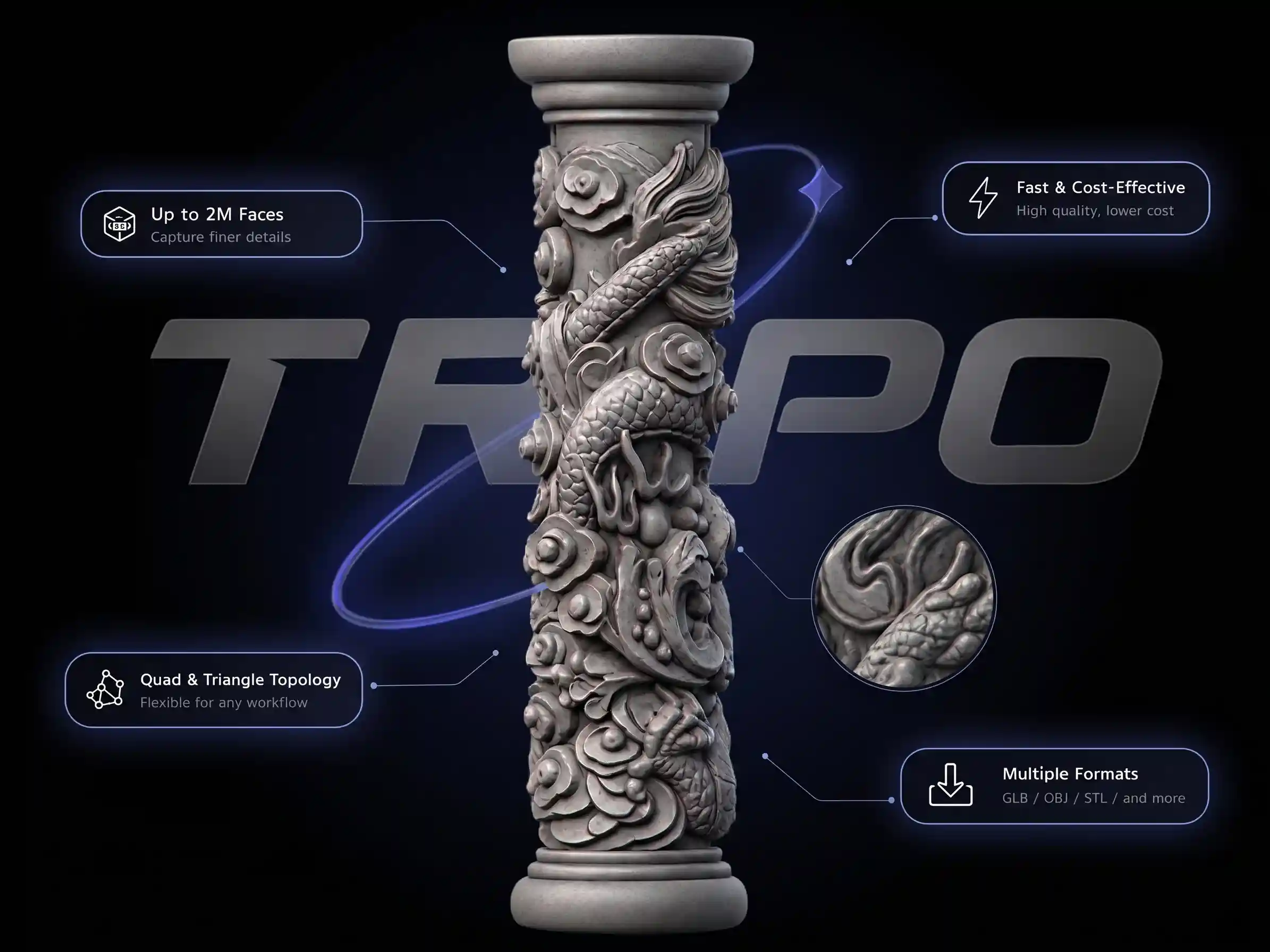
Tripo3D

Flexible 3D generation with advanced mesh options.

  • Text, image, multi-view
  • Up to 2M (Ultra)
  • Triangle and quad mesh options
  • Best for Detailed assets
tripo 3d

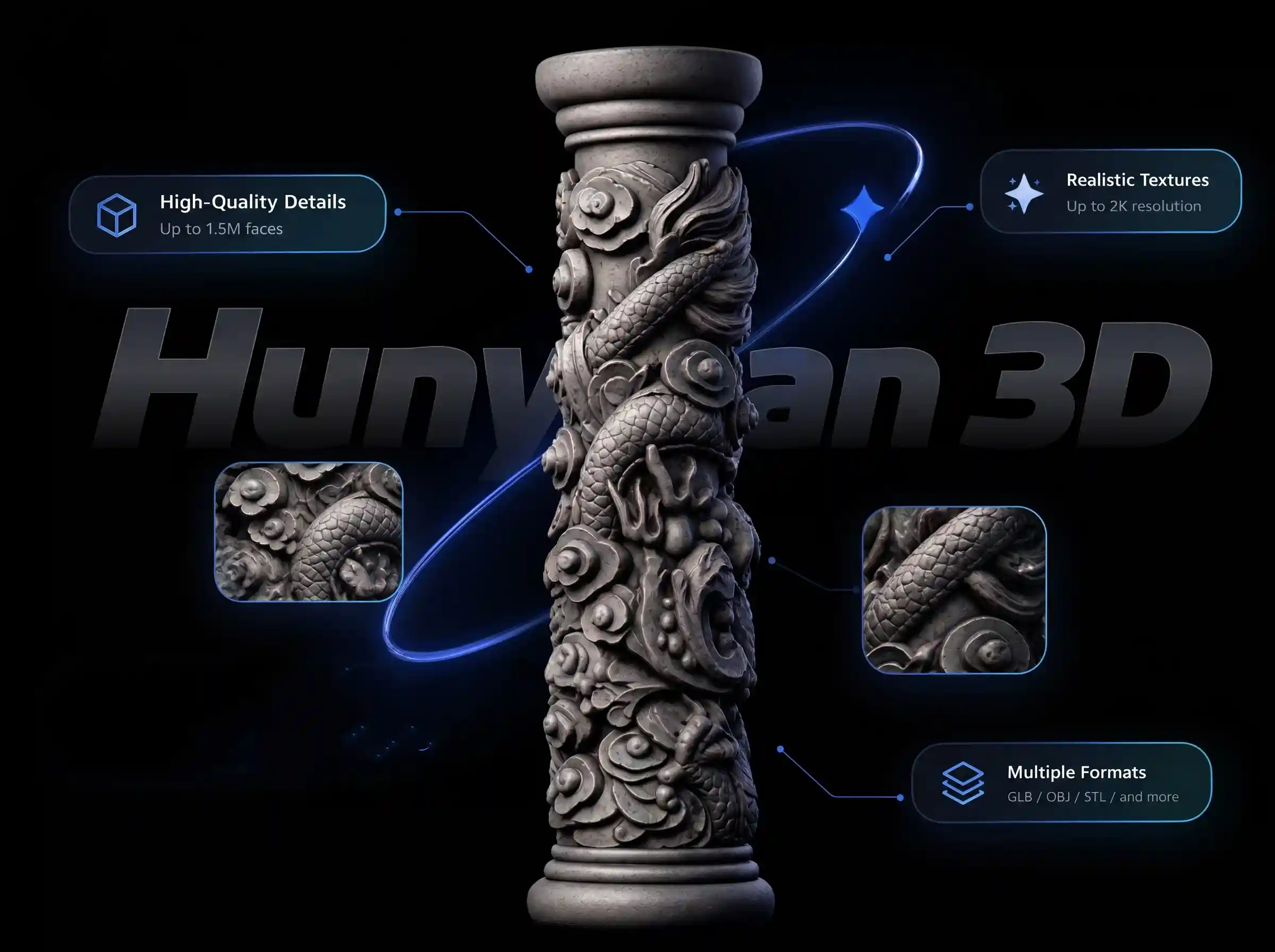
Hunyuan3D

Detailed 3D generation with multi-view reconstruction.

  • Text, image, 8-view
  • Up to 1.5M
  • 4+ Universal 3D Format
  • Best for Watertight production meshes
hunyuan3d
12,000+ Happy Clients

What Creators Say About Tripo 3D

See how creators use Tripo 3D model generation in their creative workflows. Discover their experiences with AI-generated assets, from early concept exploration to developing ideas into 3D projects.

avatar
Alex Morgan Indie Game Developer

“Tripo makes it much easier to turn an early concept into a 3D asset. I can test different character and prop ideas quickly instead of spending hours modeling every version from scratch. I still make adjustments afterward, but it saves me a lot of time during prototyping.”

avatar
Sophie Bennett 3D Artist & Designer

“I like being able to start with a simple reference image and get a model I can evaluate from different angles. The results give me a useful starting point for exploring shapes and styles. For more complex designs, I still need to refine the geometry and materials in my usual tools.”

avatar
Daniel Lee Product Design Freelancer

“For quick visual experiments, Tripo is a useful addition to my workflow. I can turn an idea or reference into a 3D draft without building everything manually. It’s especially helpful early in a project, although I check the model carefully before using it in a final deliverable.”

avatar
Mia Carter 3D Printing Hobbyist

“I use Tripo to turn reference images into 3D models for my personal projects. It’s a quick way to test an idea before spending time on the details. Some models need a little cleanup before printing, but it makes the initial design process much easier.”

Help Center

Frequently Asked Questions About Tripo 3D

Have questions about Tripo 3D? Find answers about AI 3D model generation, supported inputs, model downloads, file formats, and how to use Tripo on Image to 3D AI.

Yes. Image to 3D AI provides free credits so you can try Tripo and other supported AI models. If you need more credits for ongoing projects, you can purchase a subscription to continue generating 3D models.

Tripo supports models with up to 2 million faces and both quad and triangle topology, giving you more flexibility for detailed assets and different 3D workflows. It also offers a cost-effective way to generate 3D models. You can compare the available models on Image to 3D AI to find the right balance of detail, topology, and generation cost.

You can use Tripo to create 3D characters, props, product concepts, game assets, collectibles, and other objects from text prompts or reference images. The generated models can serve as starting points for prototyping, visualization, and further 3D editing.

Tripo models can be downloaded in GLB format. If you need another format, you can use our free 3D model file converter to convert compatible files to formats such as STL, OBJ, PLY, or 3MF.

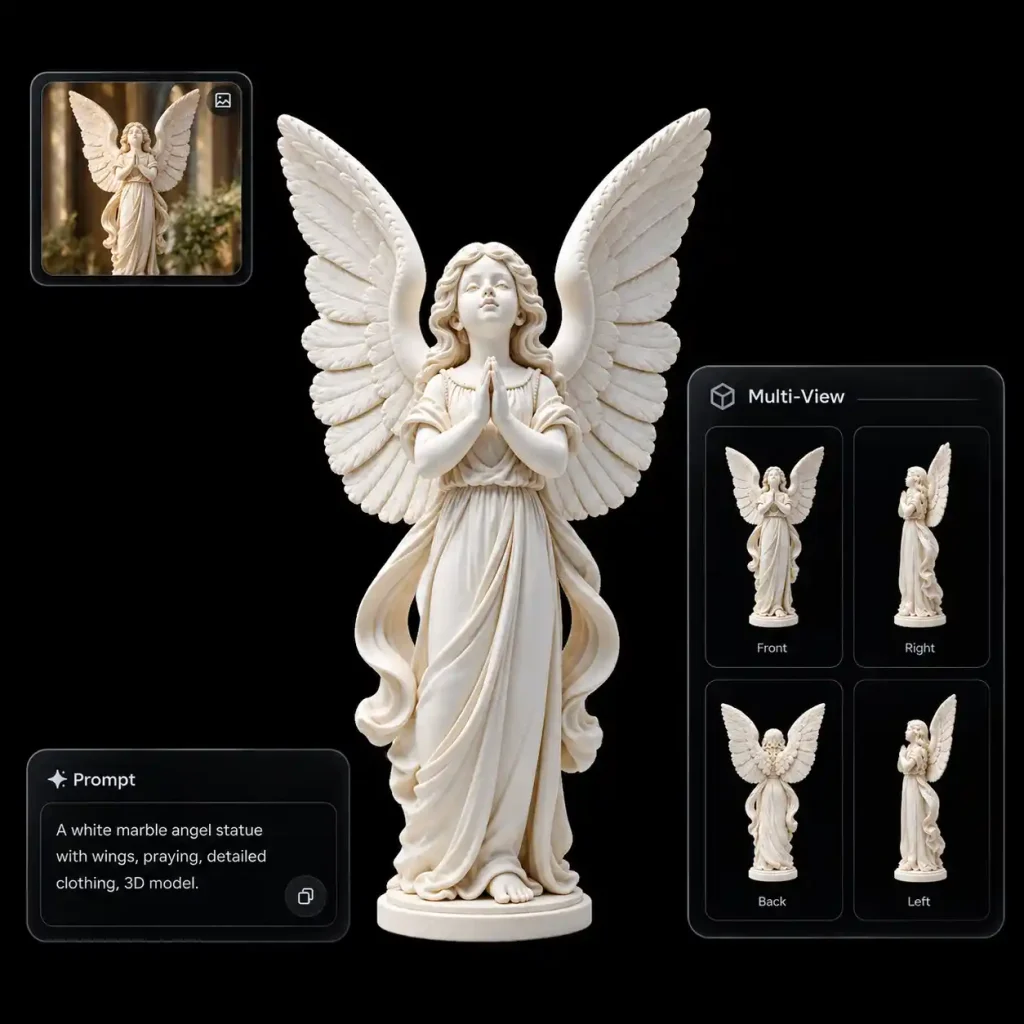
Yes. You can use multiple views of an object as input to generate a more complete 3D model. Image to 3D AI also supports multi-view generation with its other available models, although the supported inputs and results may vary by model.

No. Image to 3D AI offers multiple AI models, including Tencent Hunyuan 3D, Tripo, and Meshy. Each model has different strengths, so you can choose the one that best fits your needs, whether you're creating detailed 3D assets, game-ready models, or exploring different design ideas.

Ready to Create Your First Tripo 3D Model?

Turn an image or text prompt into a 3D creation with Tripo on Image to 3D AI. Start exploring AI-powered 3D generation and find new possibilities for your next project.