
Free 3D File Viewer Online
View, inspect, and explore 3D models directly in your browser. Open GLB, GLTF, OBJ, FBX, STL, and other popular 3D formats without installing any software.
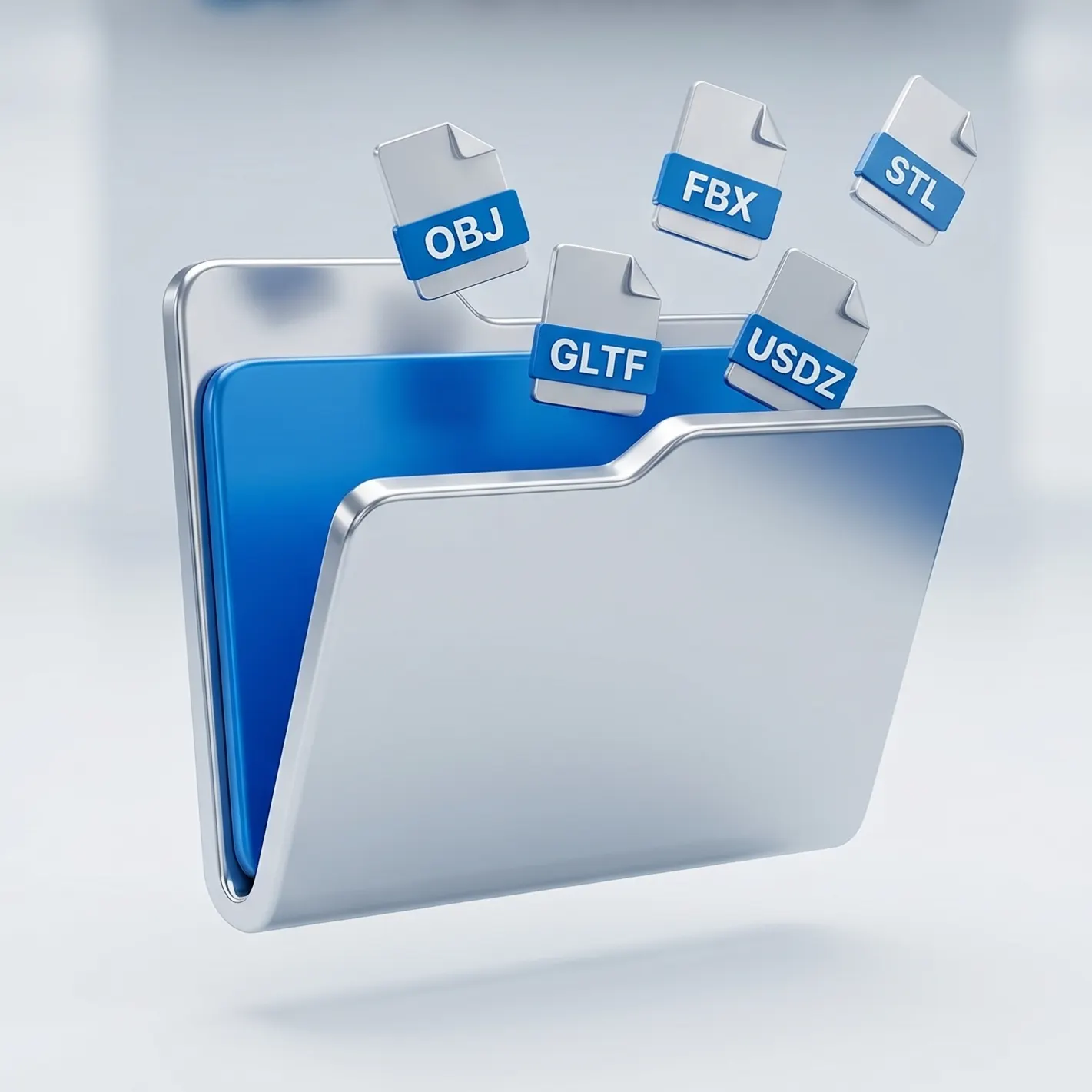
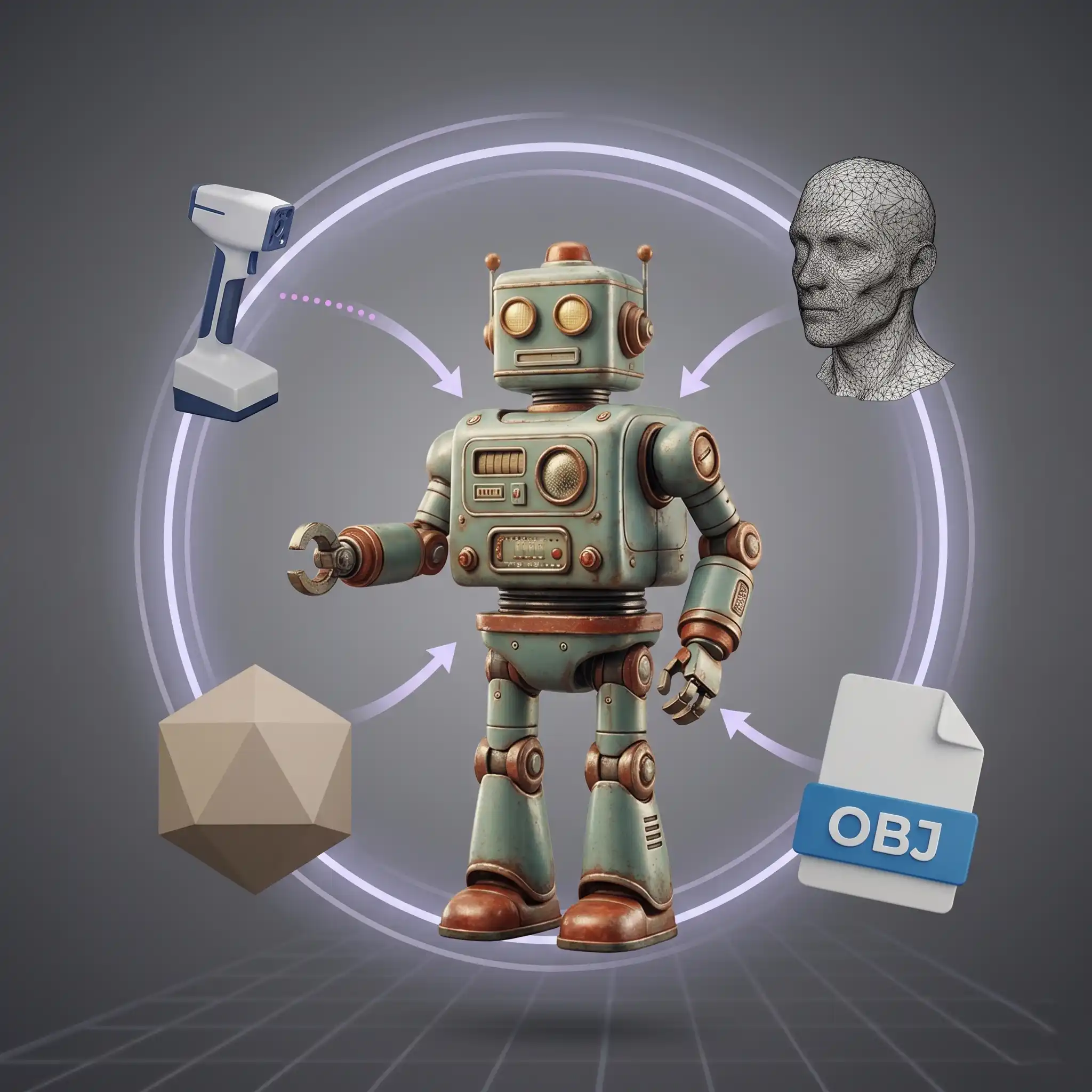
Supports Multiple 3D File Formats
The Image to 3D AI 3D File Viewer supports a wide range of popular formats, including GLB, GLTF, OBJ, FBX, STL, PLY, and 3MF. Open and inspect different types of 3D models without switching between tools.
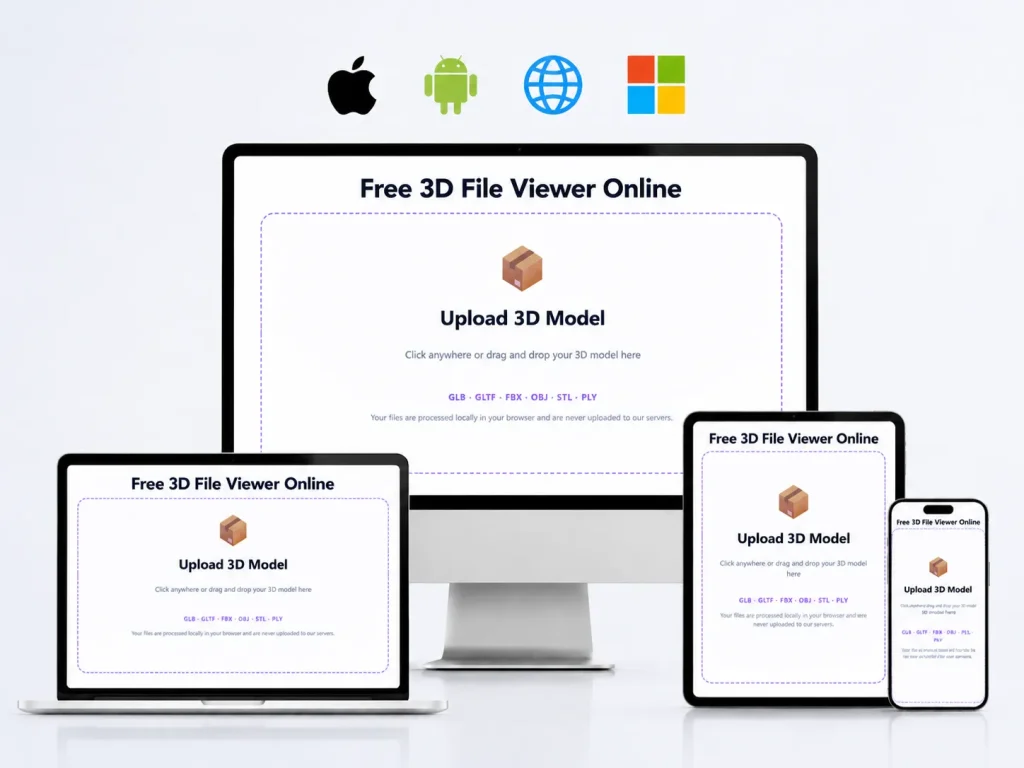
Works Across Devices and Platforms
Use our 3d model viewer on desktop, tablet, or mobile browsers. Access your models from virtually anywhere and review them seamlessly across platforms.


Explore Every Detail with Full 3D Controls
The 3D File Viewer lets you rotate, zoom, and pan along the X, Y, and Z axes, making it easy to inspect geometry, proportions, and fine details from every angle.
Advantages
Why Choose Image to 3D AI 3D File Viewer
View, inspect, and explore your 3D models with a fast, intuitive viewer built for every angle.
Fast and Lightweight
Open 3D models directly in your browser without downloading heavy software.
Easy Model Inspection
Rotate, zoom, and examine details from every angle.
Free to Use
Preview your models online at no cost.
Supports Multiple Formats
View the most commonly used 3D file types in one place.
Works Across Devices
Access your models from desktop, tablet, or mobile browsers.
High-Resolution Preview
Inspect your 3D models with sharp, high-quality visuals.
Packed with powerful 3D features to explore your models instantly
Preview, rotate, and inspect your 3D files online with Image to 3D AI's 3D File Viewer—no downloads or setup required.
Help Center
Frequently Asked Questions about 3D File Viewer
Everything you need to know about using 3D File Viewer—formats, usage, and compatibility.
A 3D File Viewer is a browser-based tool that lets you open, view, and inspect 3D models without installing any software.
It supports popular formats such as GLB, GLTF, OBJ, FBX, STL, PLY, and 3MF, allowing you to view most 3D models in 3D Viewer.
No installation is required. The Image to 3D AI 3D File Viewer works directly in your browser.
Yes, the 3D File Viewer is free to use for uploading and previewing supported 3D files.
Yes, you can rotate, zoom, and explore models along the X, Y, and Z axes for detailed inspection.