AI3DGen vs Image to 3D AI: Image to 3D Model Tool Comparison
The demand for transforming 2D concepts into 3D assets is growing across gaming, e-commerce, and digital content creation. Finding a reliable image to 3D model generator can significantly streamline your workflow and reduce manual modeling hours.
Currently, AI3DGen and Image to 3D AI are two notable platforms on the market. Both utilize AI for automated generation, but they are built with different technical focuses. In this comparison, we will examine their generation logic, output quality, ease of use, and pricing structure to help you determine which tool aligns better with your technical requirements.
Quick Comparison Overview
| Feature | AI3DGen | Image to 3D AI ⭐ |
|---|---|---|
| Free Plan | ✅ Limited Lite Model | ✅ Free |
| Sign Up Required | Optional | No |
| Image to 3D | ✅ | ✅ |
| Text to 3D | ✅ | ✅ |
| Textured Models | Pro Only | ✅ Free |
| Export Formats |
OBJ (Free) GLB / STL Pro |
GLB + Free Format Conversion OBJ • STL • 3MF • USDZ • FBX... |
| Commercial Use | Pro Only | Free |
| Generation Speed | Lite AI Model Queue Required |
Fast Generation No Queue |
| Best For | Professional Assets | Everyday Creators |
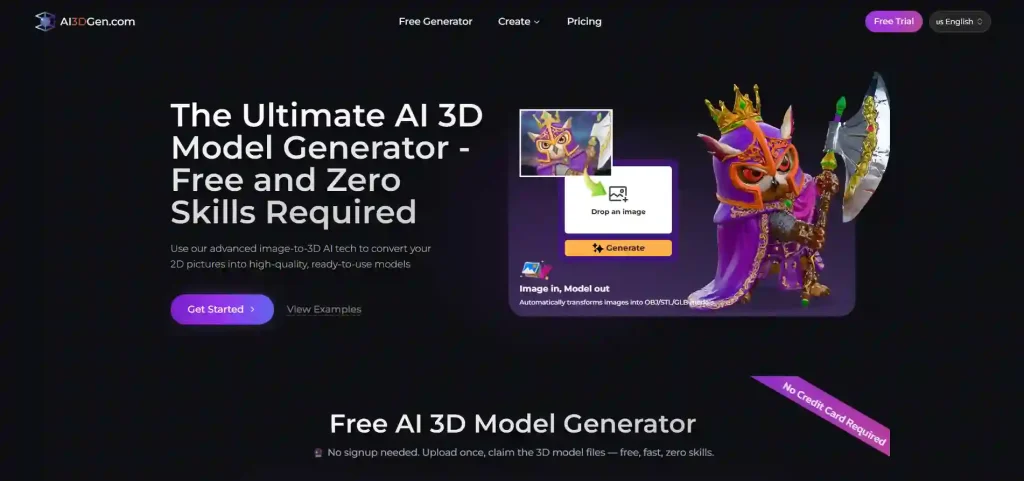
What is AI3DGen?
Key Highlights
- AI image to 3D model generation
- Text to 3D support
- Multiple AI generation models
- Suitable for professional creators
- Advanced features available through paid plans
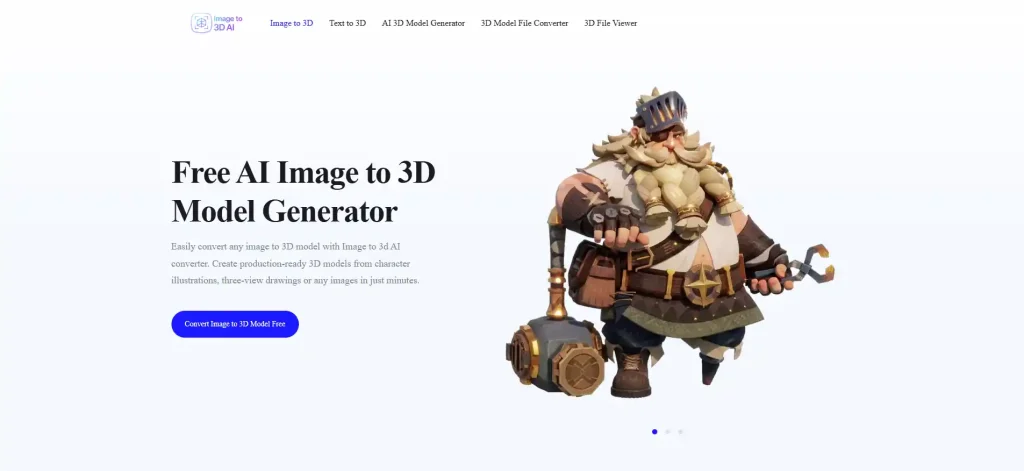
What is Image to 3D AI?
Key Highlights
- Free image to 3D model generation
- Browser-based workflow
- Beginner-friendly interface
- Multiple export formats
- Free 3D format conversion
- Commercial-friendly usage
Feature-by-Feature Comparison
Model Quality & Precision


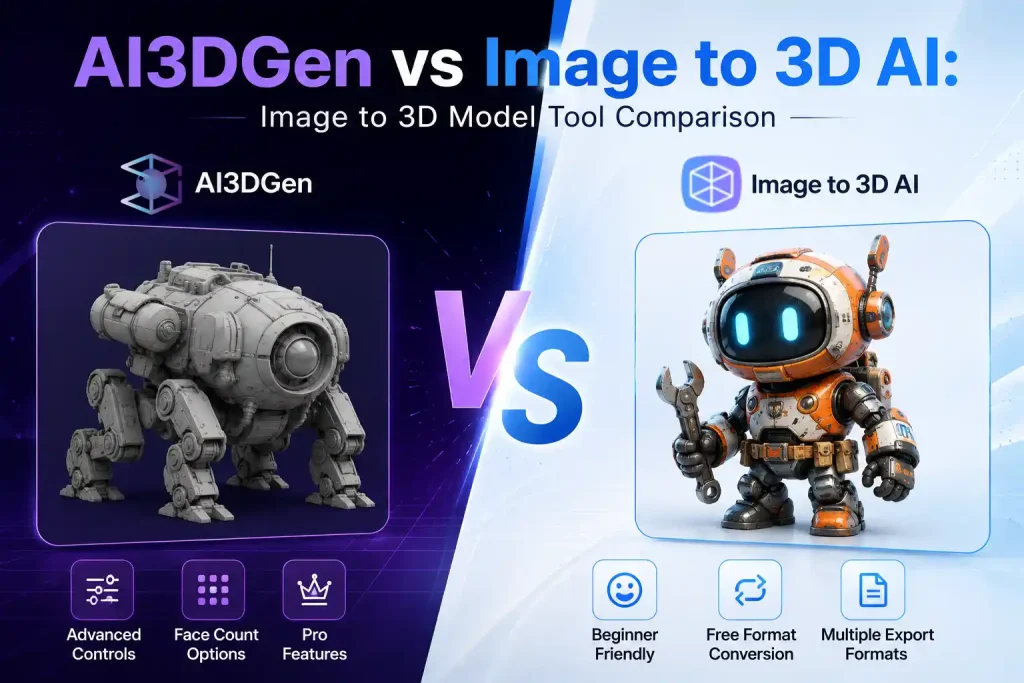
In our test using the same reference image, the two tools produced noticeably different results. The model generated by Image to 3D AI preserved the character’s overall shape, facial features, clothing details, and colors, resulting in a complete and recognizable 3D asset. This makes the model suitable for visualization, concept design, and further editing.
By comparison, the AI3DGen result generated a geometry-only mesh with limited recognizable details in this test. While the overall silhouette is partially retained, the model lacks textures and finer structural definition, making it more suitable as a starting point for additional refinement rather than a finished asset.
Overall, Image to 3D AI demonstrated stronger performance in preserving both geometry and visual details from a single image, allowing users to generate a more complete image to 3D model with minimal additional work.
Ease of Use and Workflow Control
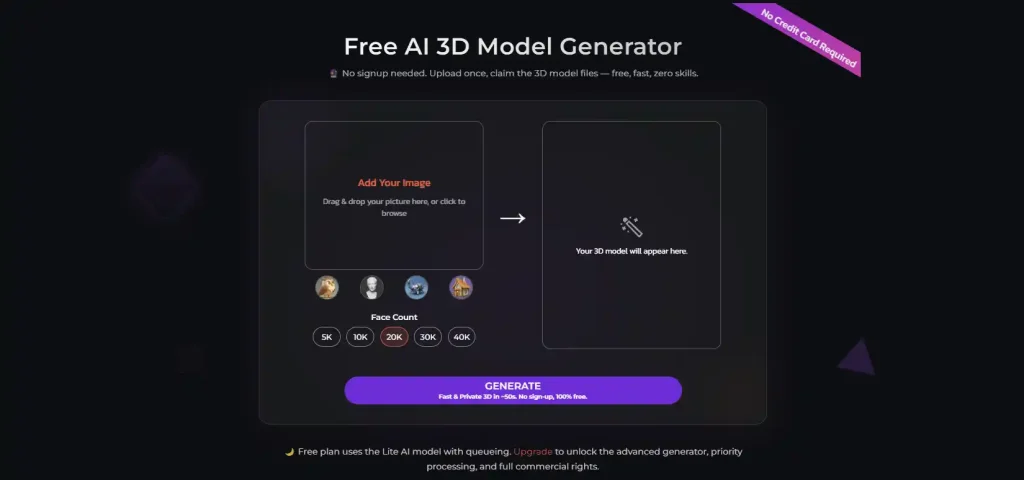
- AI3DGen offers more generation controls, such as face count selection and model presets, giving experienced users greater flexibility to fine-tune their results. However, these additional options may require a bit more exploration for first-time users.
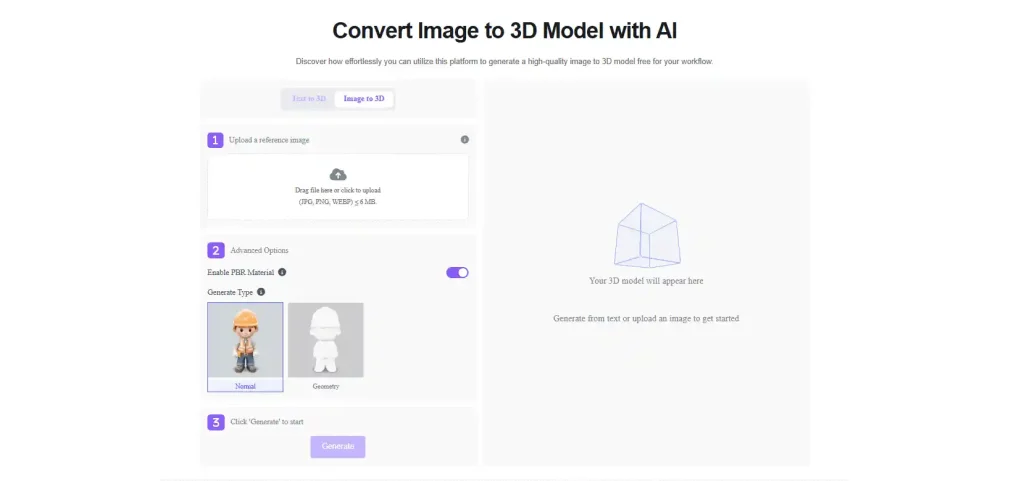
- Image to 3D AI focuses on a clean, guided workflow. Users simply upload an image, choose a generation type if needed, and click Generate. The straightforward interface makes it easy for beginners to create a 3D model without adjusting numerous settings.
Export Formats & Software Compatibility
| Format | AI3DGen | Image to 3D AI ⭐ |
|---|---|---|
| OBJ | ✅ Free Export | ✅ Free Export |
| GLB | 🔒 Pro Export | ✅ Free Export & Conversion |
| glTF | — | ✅ Free Conversion |
| STL | 🔒 Pro Export | ✅ Free Export & Conversion |
| PLY | — | ✅ Free Conversion |
| 3MF | — | ✅ Free Conversion |
| USDZ | — | ✅ Free Conversion |
Pricing and Licensing
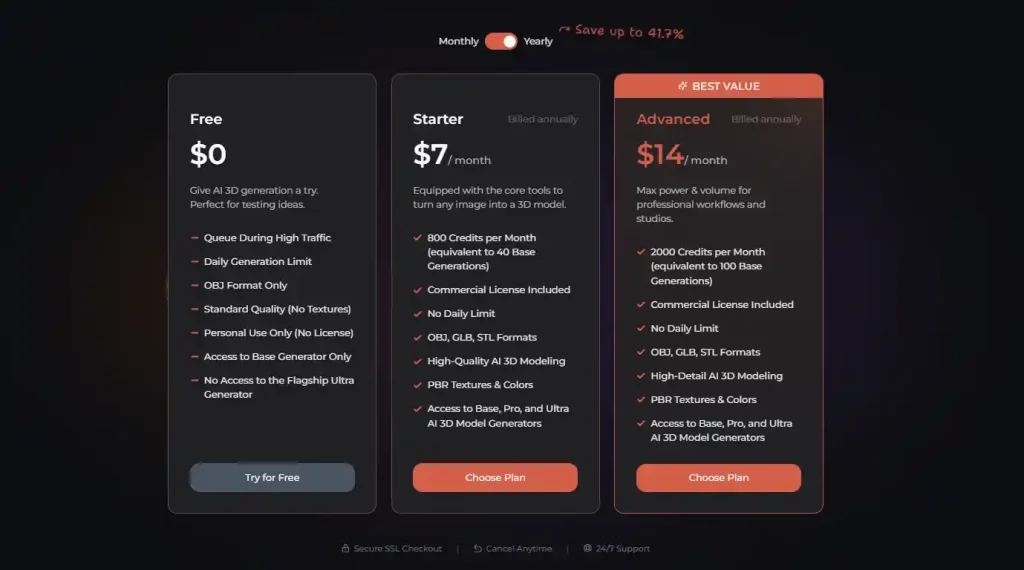
Image to 3D AI provides a free way to create an image to 3D model while keeping the workflow simple and accessible. Users can generate models directly in the browser and also take advantage of free conversion between multiple popular 3D file formats, making it easy to prepare assets for different creative workflows.
Before using AI-generated models in commercial projects, it’s always a good idea to review each platform’s latest licensing terms, as available features and commercial rights may vary by plan.
Pros and Cons
AI3DGen
✅️Pros
- Multiple AI generation models
- Strong image-to-3D quality
- Suitable for advanced workflows
- Good option for experienced creators
- Professional-oriented features
❌️Cons
- Advanced capabilities require paid plans
- Commercial licensing depends on subscription
- More complex interface for beginners
- Learning curve is higher
Image to 3D AI
✅️Pros
- Free image to 3D model generation
- Beginner-friendly workflow
- Browser-based platform
- No complicated settings
- Multiple export formats
- Free commercial-friendly workflow
- Fast generation process
❌️Cons
- Fewer advanced manual controls
- Designed more for simplicity than professional parameter customization
How to Choose the Right Image to 3D Model Tool
Both platforms are capable of generating high-quality AI 3D assets, but the better choice depends on how you plan to use them.
Choose AI3DGen if you:
- Need advanced generation controls
- Frequently create professional production assets
- Prefer configurable AI workflows
- Don’t mind paying for additional features
Choose Image to 3D AI if you:
- Want an image to 3D model free solution
- Prefer a simple browser-based workflow
- Need fast results without a steep learning curve
- Create assets for product visualization, education, marketing, or rapid prototyping
- Want a free image to 3D model tool with a simple workflow
For most users looking for an easy way to create an image to 3D model, Image to 3D AI offers the fastest path from image upload to downloadable 3D asset. More advanced creators who require additional configuration options may prefer AI3DGen’s professional workflow.
Final Verdict
AI3DGen and Image to 3D AI are both capable AI-powered image to 3D model free generators, but they target different audiences.
AI3DGen is better suited for experienced creators who value advanced workflows and are comfortable upgrading to paid plans for additional functionality and commercial licensing.
Image to 3D AI focuses on accessibility, offering a streamlined experience that makes AI-powered 3D creation available to everyone. With free generation, browser-based access, multiple export formats, and an intuitive workflow, it is an excellent choice for beginners and creators looking for a fast and efficient way to generate an image to 3D model.
If your priority is creating high-quality 3D models quickly without complicated setup or subscription barriers, Image to 3D AI provides a practical and user-friendly solution worth exploring.